

![[2 Pack] Coospo Breathable Neck Gaiter Face Scarf Mask COOSPO](http://www.coospo.com/cdn/shop/files/106de7b046babc03aa610173af6e31aa_599da3fe-9907-4b1e-8eb0-f08b3032720b.png?v=1720591174&width=1600)


![[4 Pack] Coospo Soft Breathable Chilly Towel, Microfiber Towel COOSPO](http://www.coospo.com/cdn/shop/files/1_904094cc-62ee-40e9-aa21-415effb385b4.png?v=1720527561&width=1600)


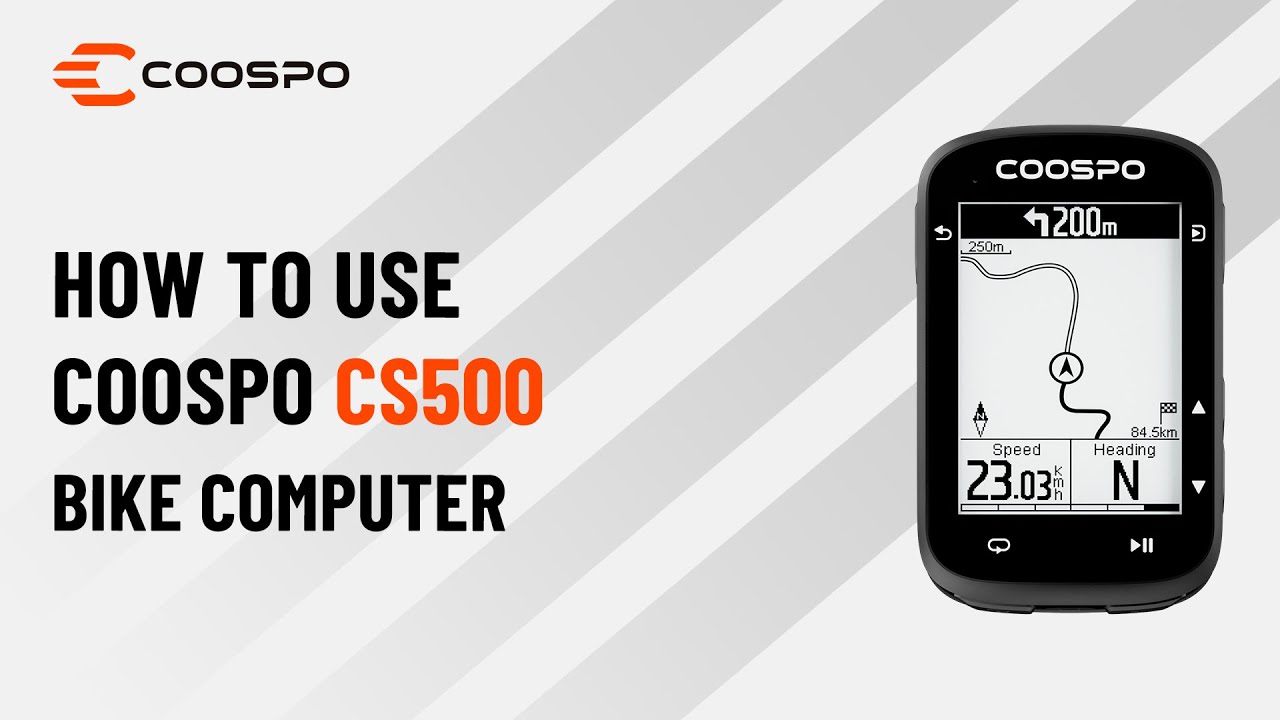
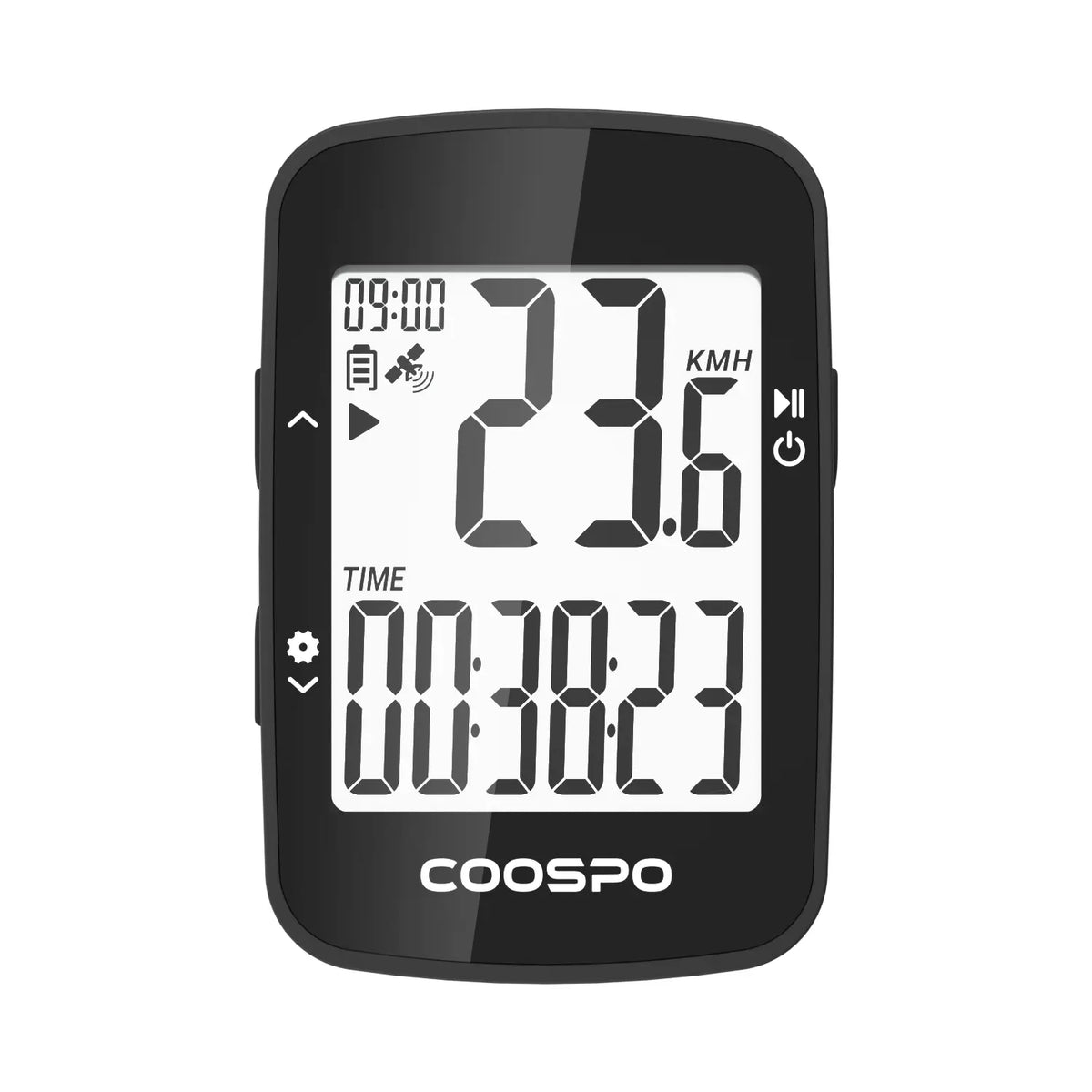
CS500 Setup & Basics
Everything you need to know to start riding with your CS500 bike computer.


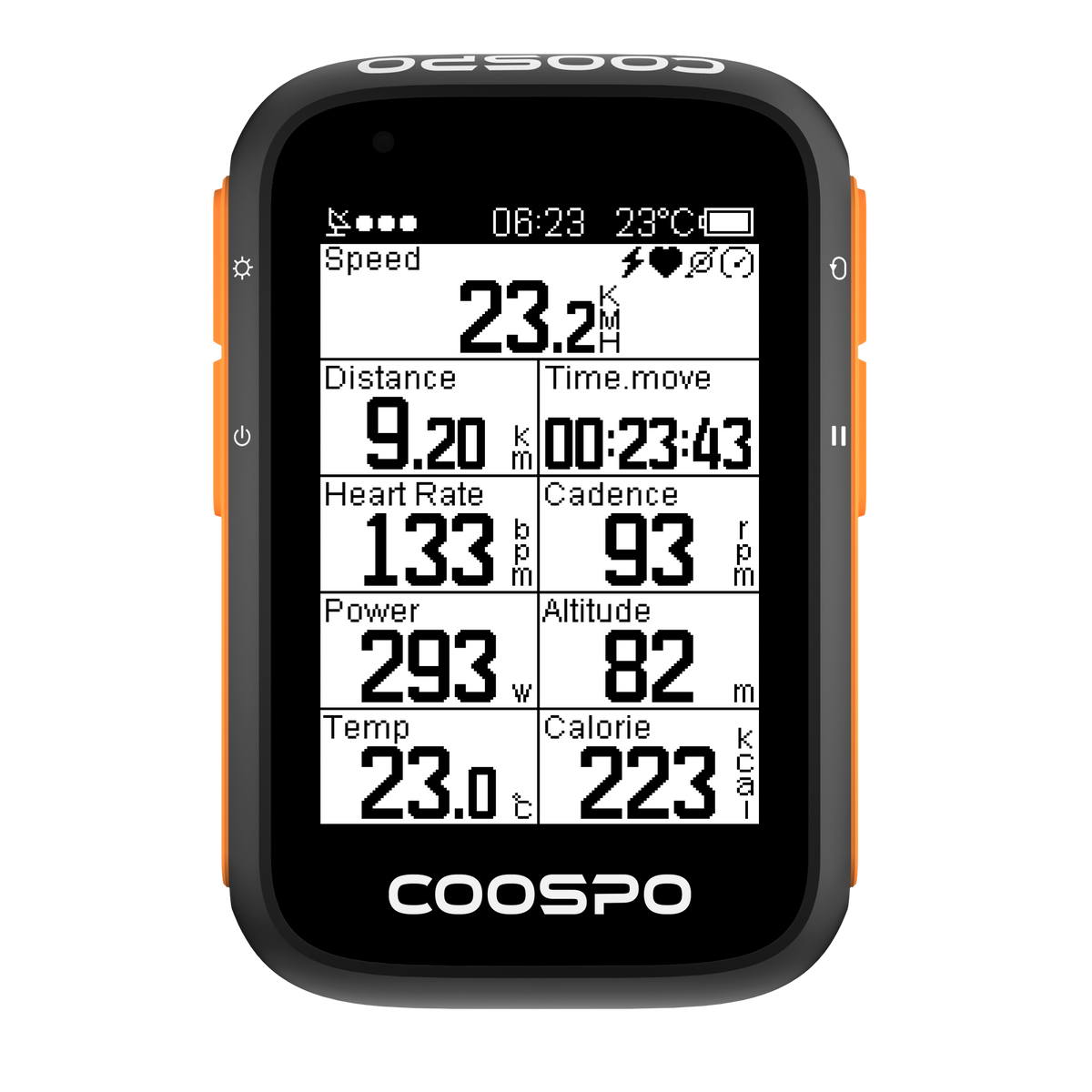
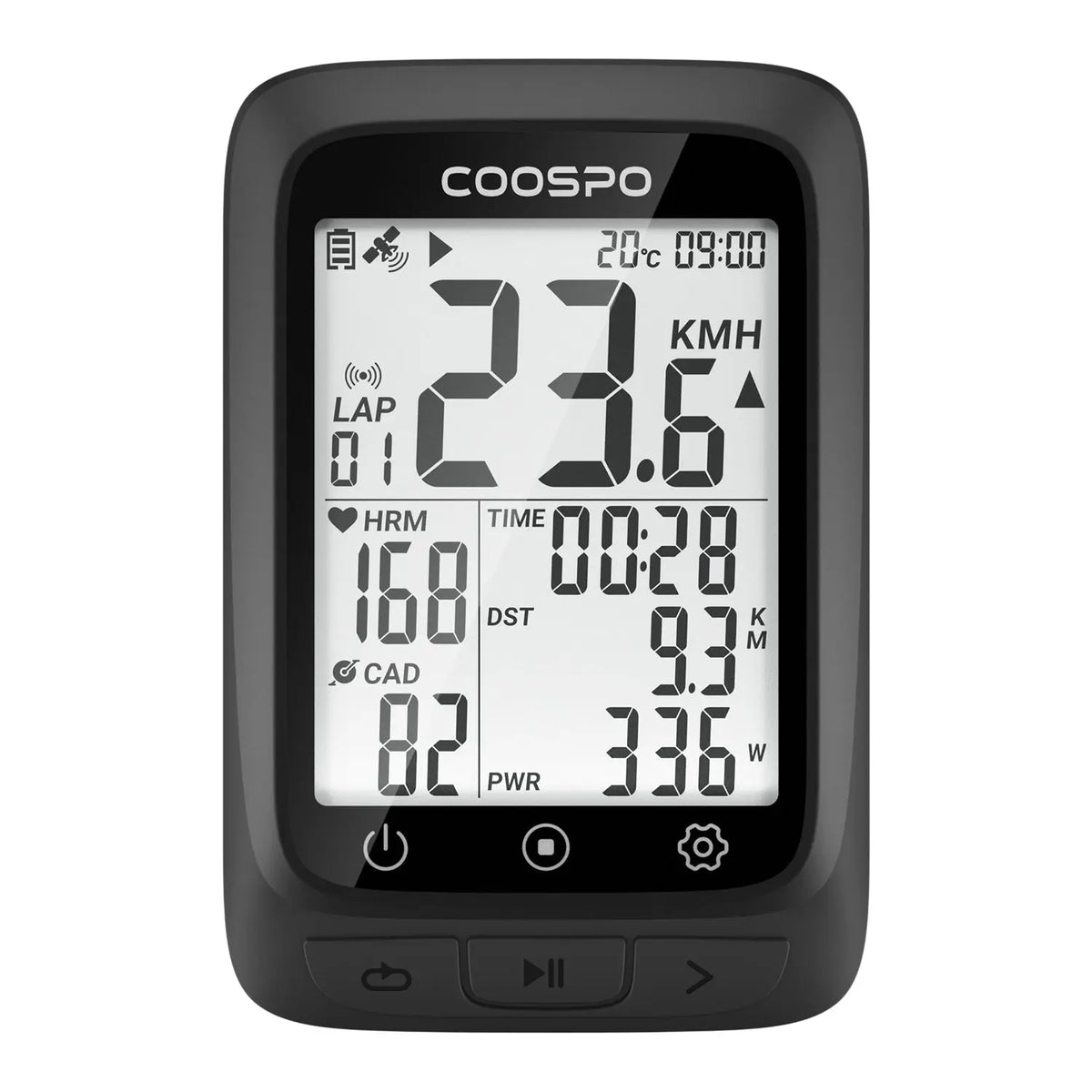












Unlock advanced features, fine-tune your gear, and explore new ways to ride with the official CoospoRide App. Sync your data, analyze performance, and elevate every journey.


Everything you need to know to start riding with your CS500 bike computer.
A complete guide to pairing sensors, tracking data, and navigating your rides.
Quick and easy steps to configure your computer and record your daily rides.
Master your wireless bike computer in minutes with this step-by-step tutorial.
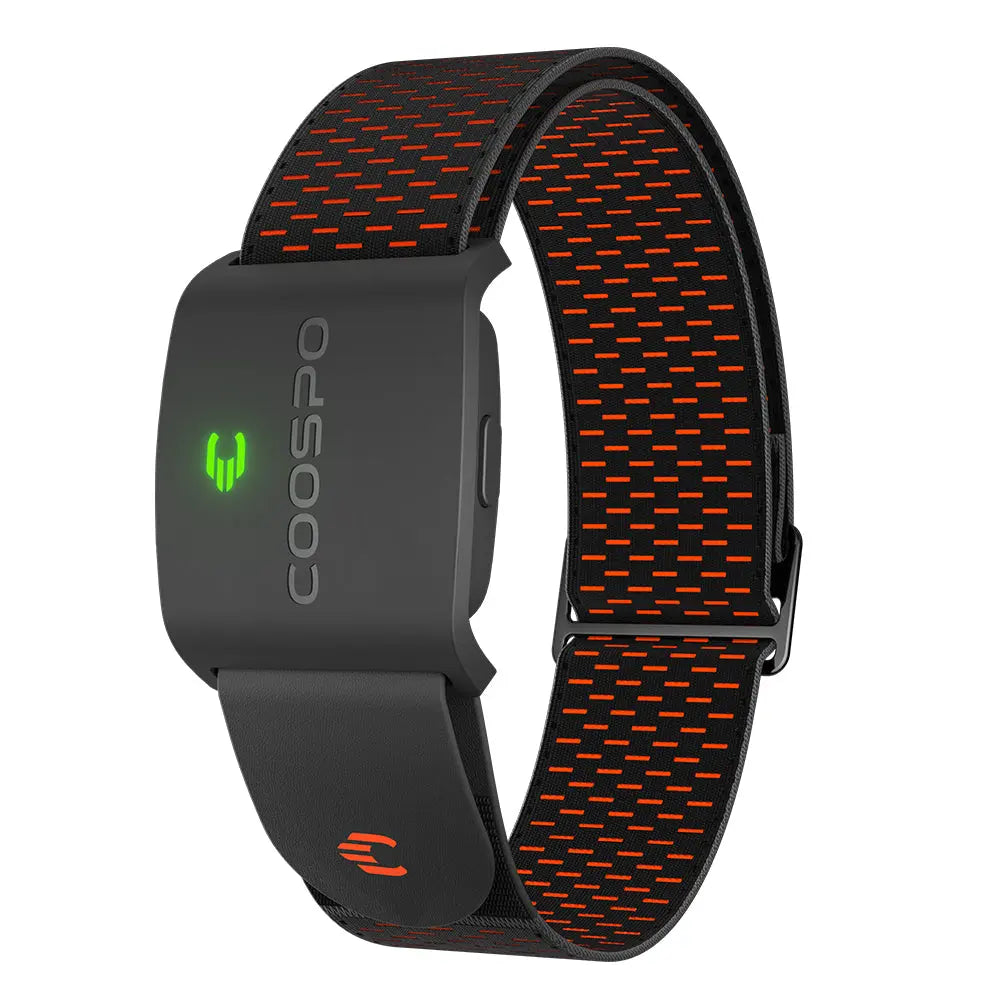
Learn how to pair, wear, and track your heart rate accurately for better training.
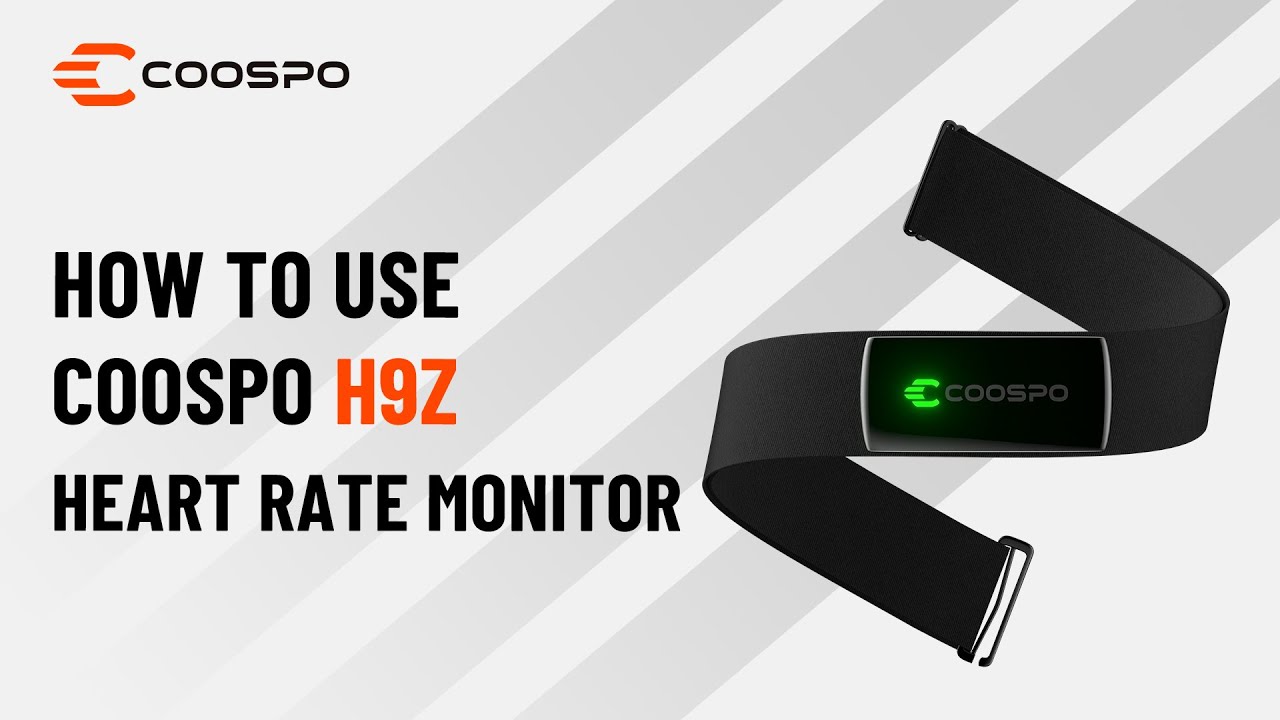
Set up your H9Z correctly and start training with real-time heart rate zones.
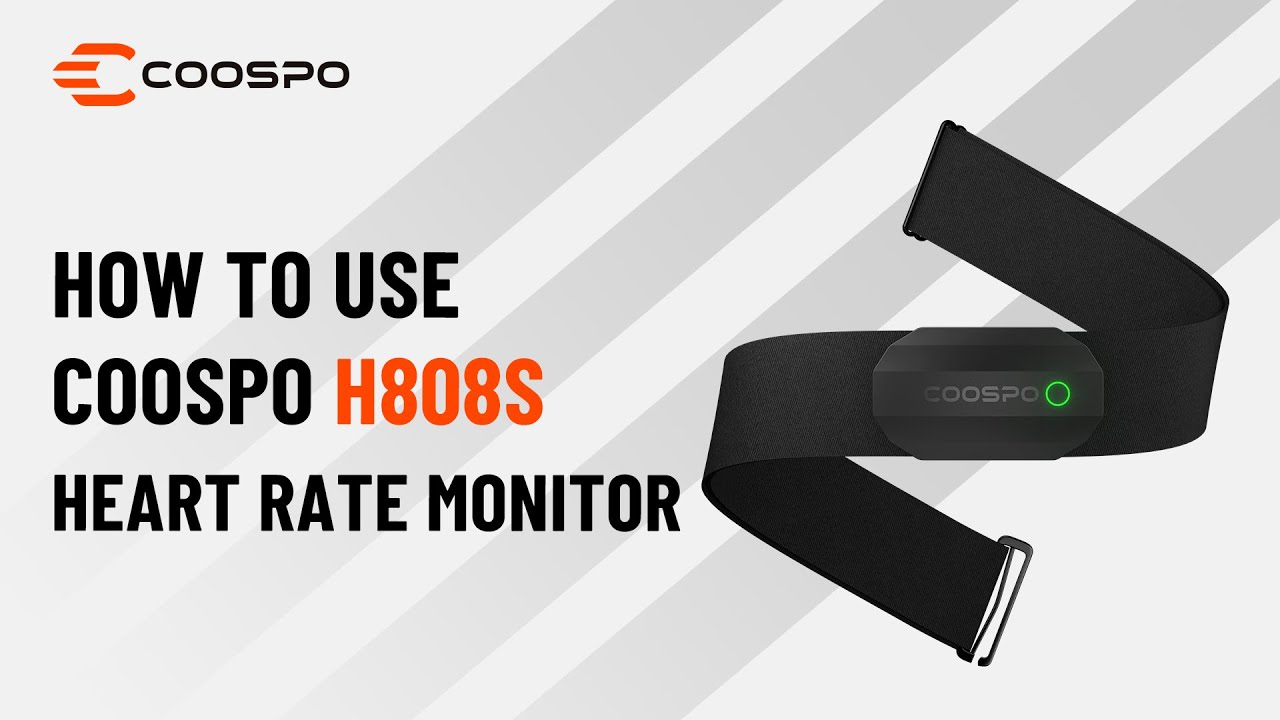
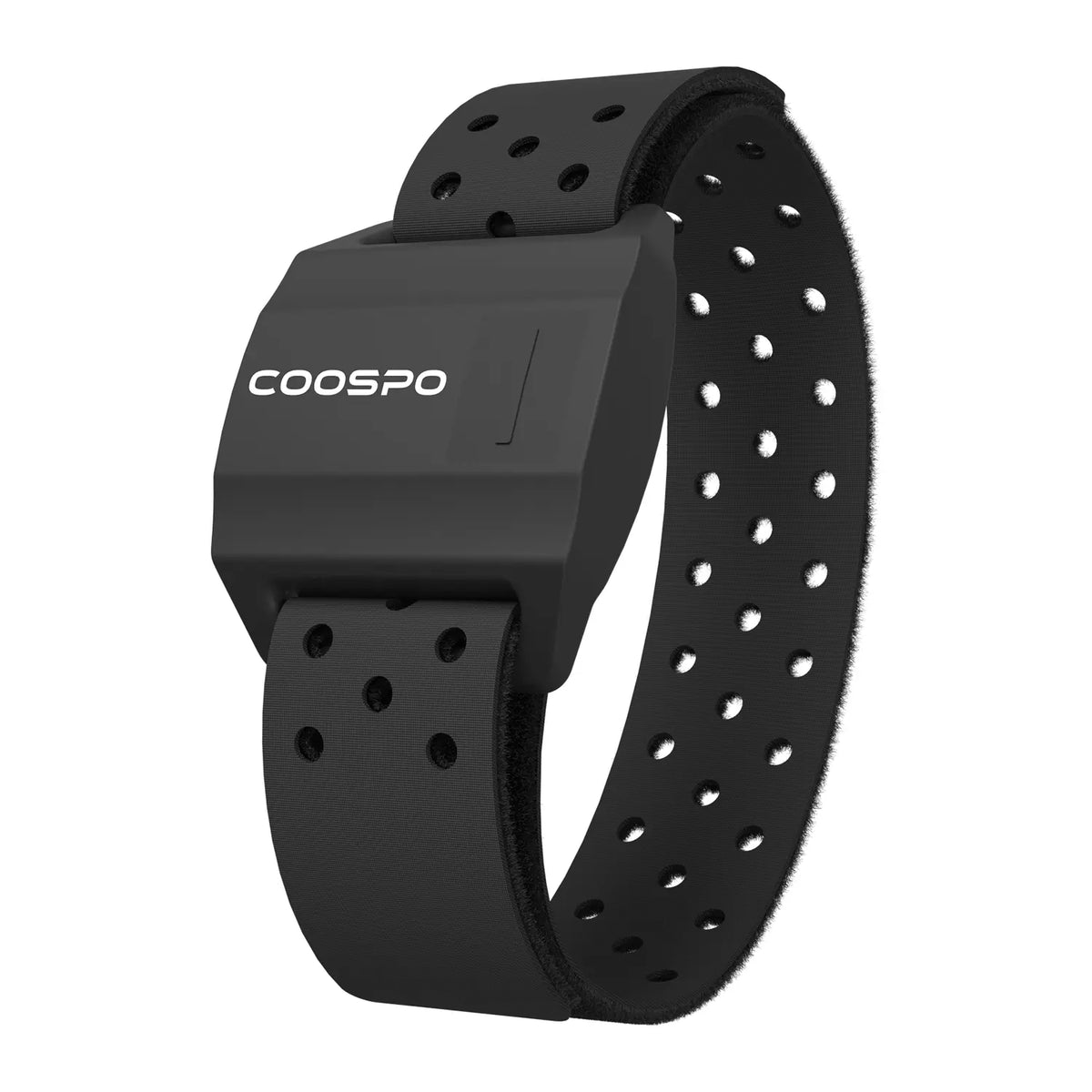
Learn how to pair, wear, and track your heart rate accurately for better training.
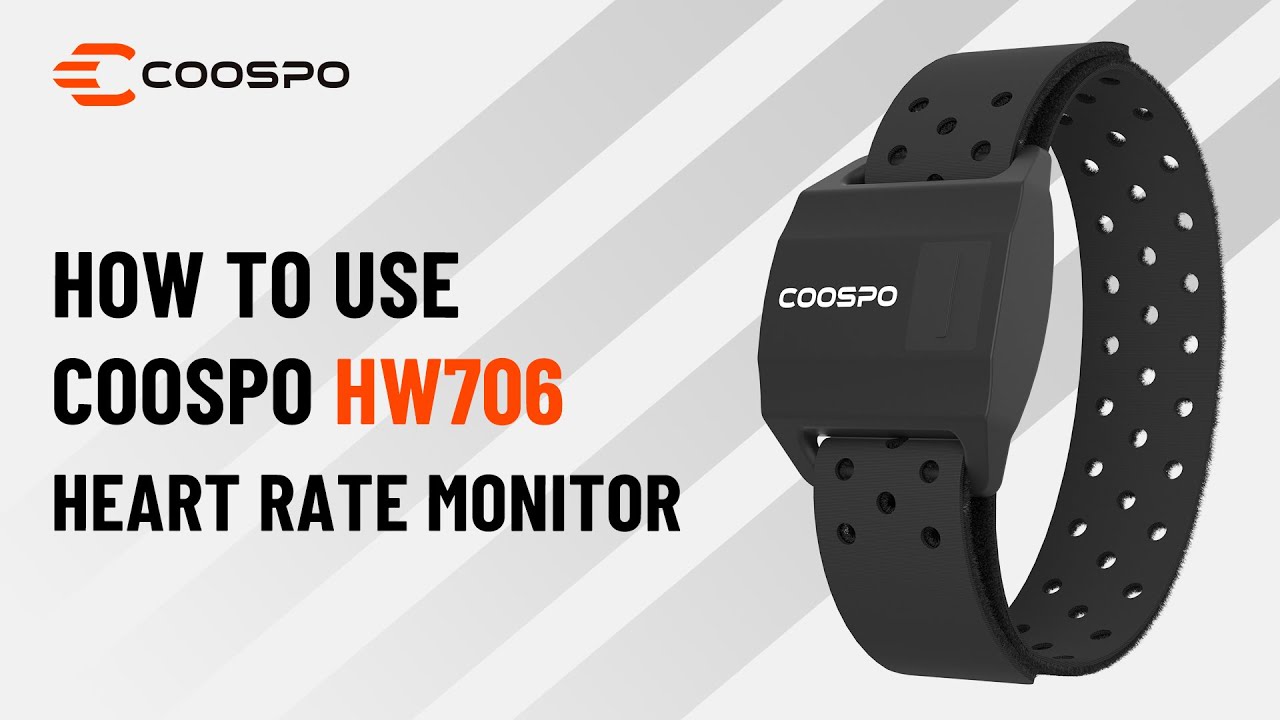
A complete guide to pairing your armband monitor and optimizing your daily workouts.
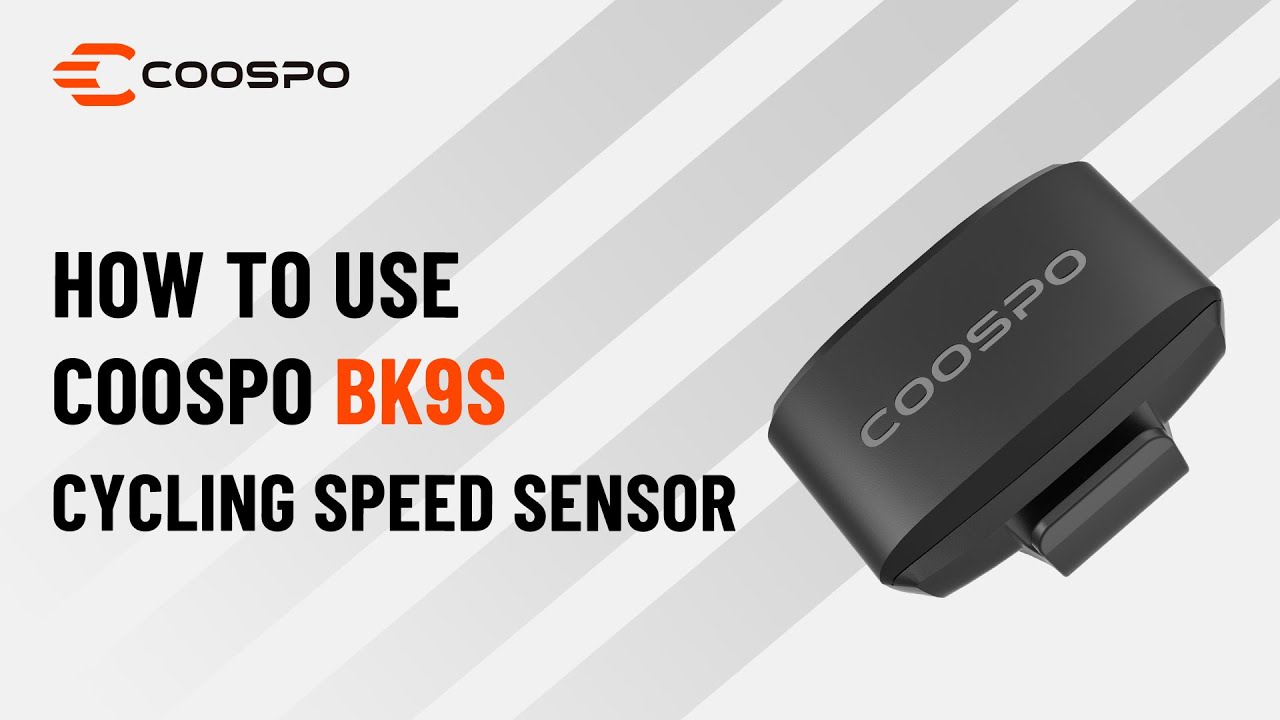
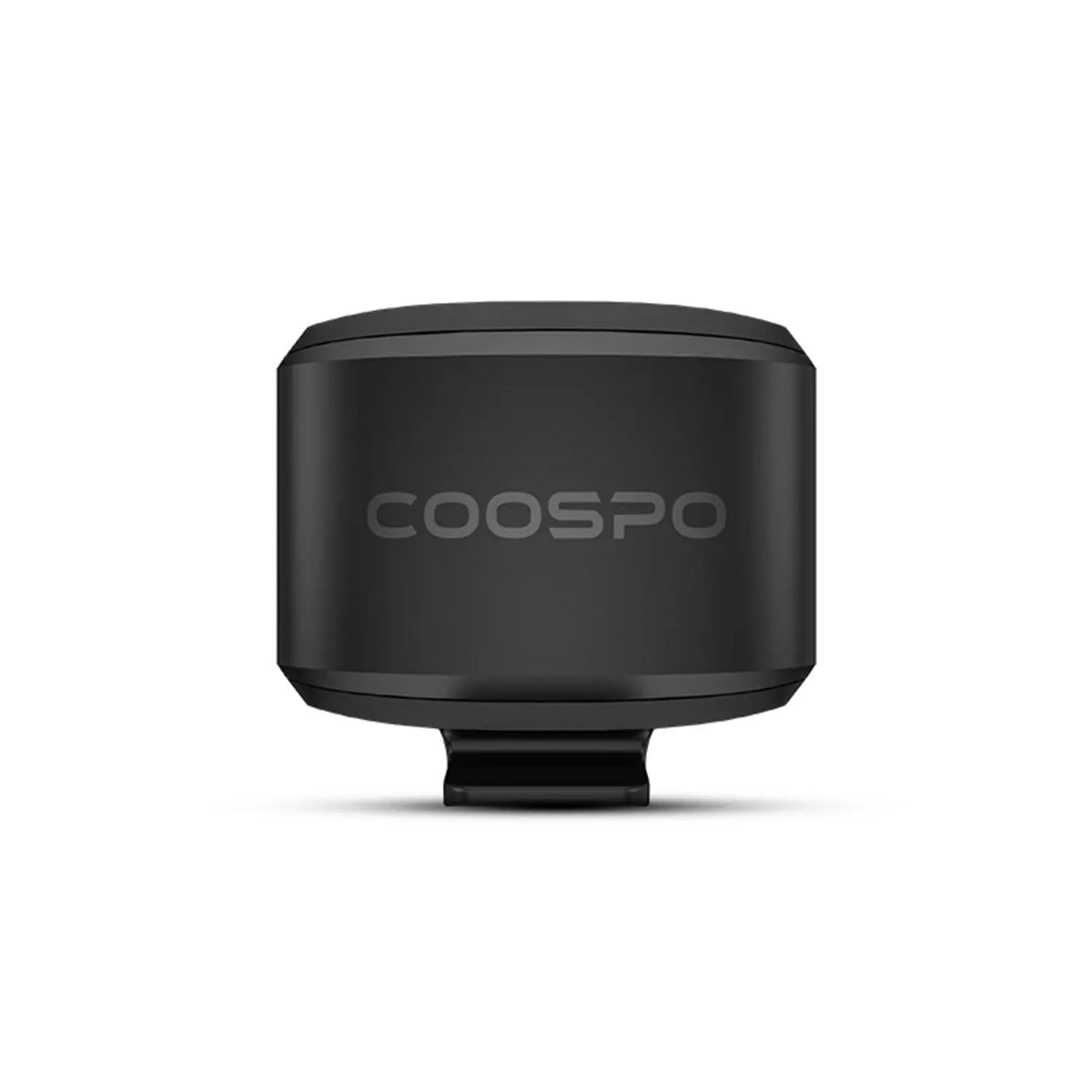
Quick and easy steps to install, connect, and record your cycling speed data.
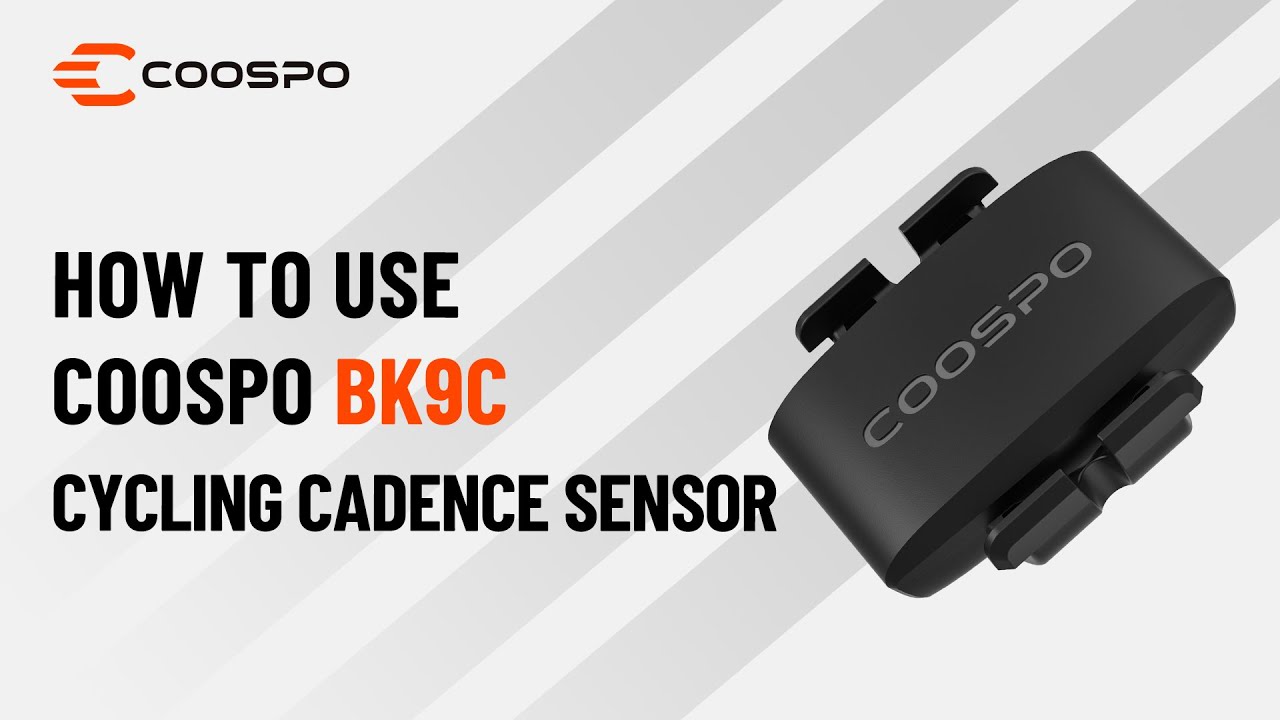
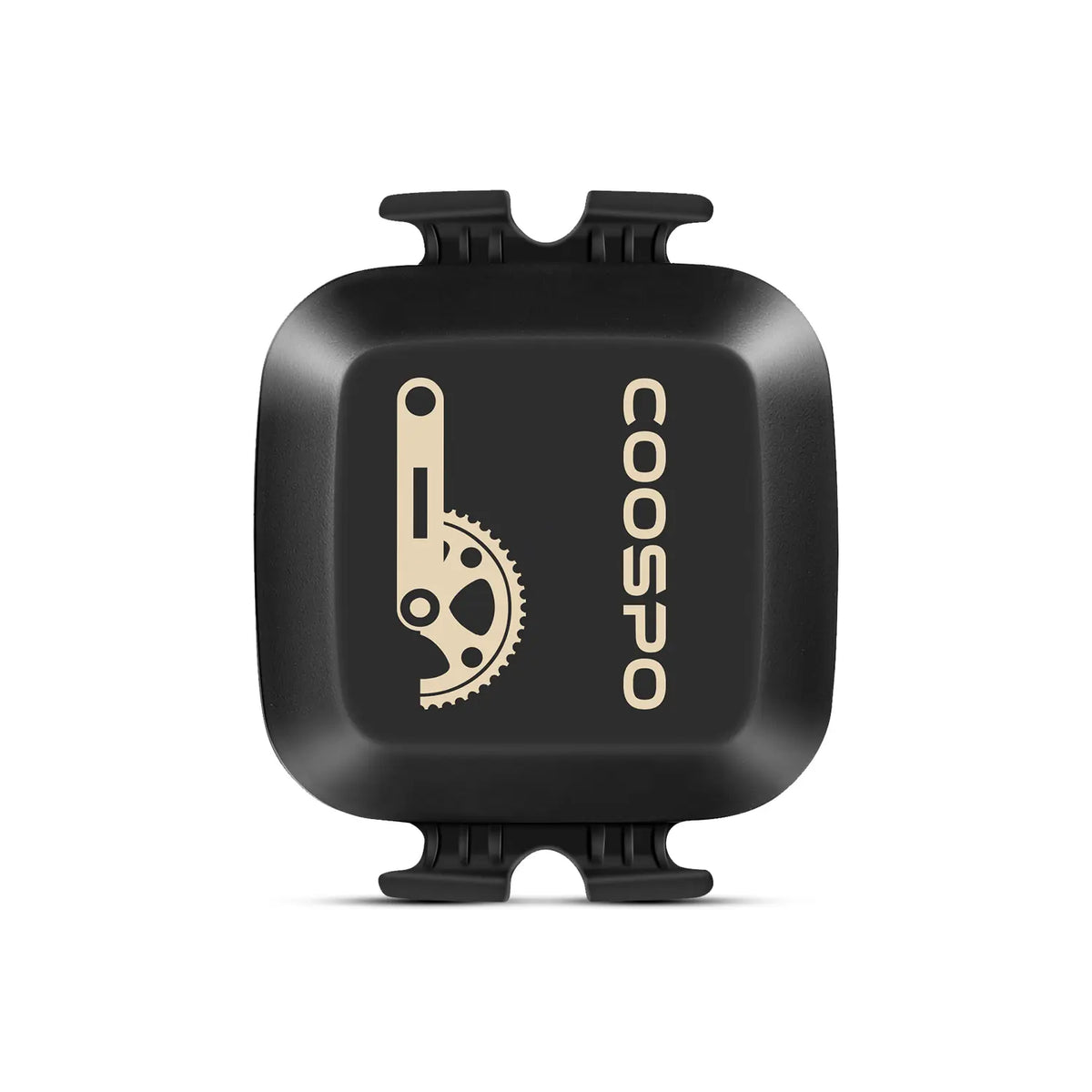
Master your pedal rhythm with this step-by-step guide to installing your sensor.
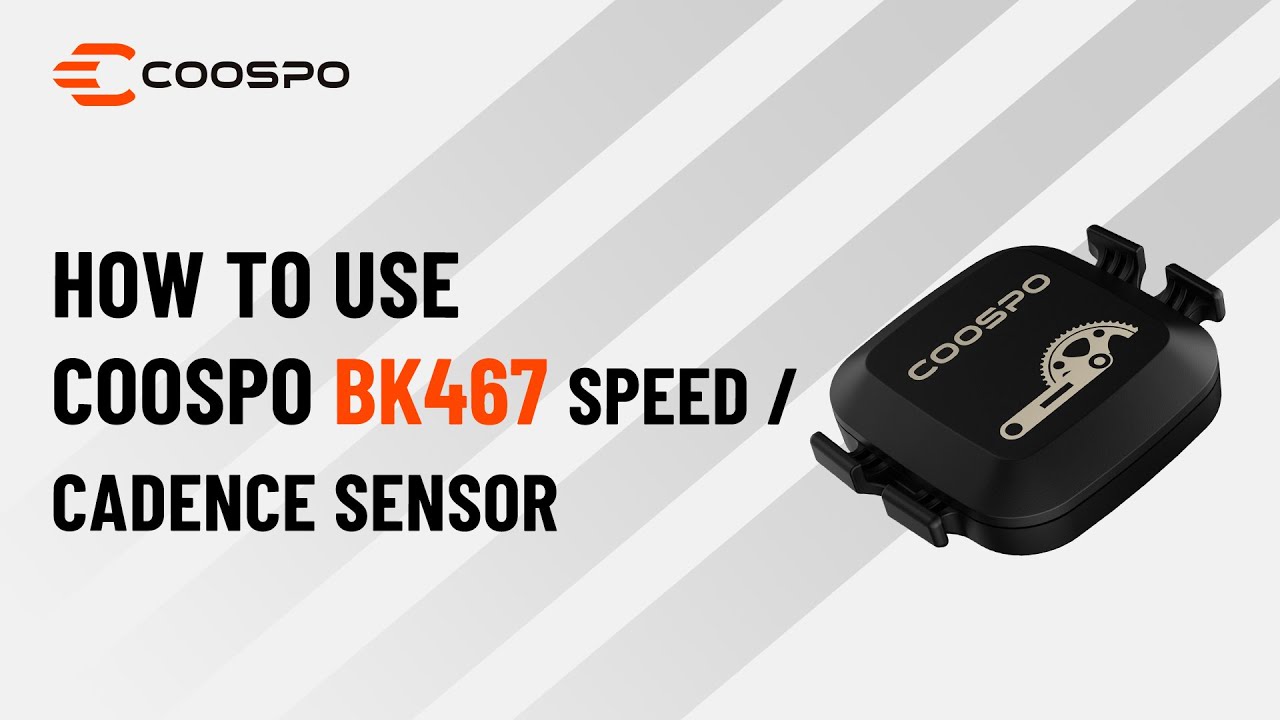
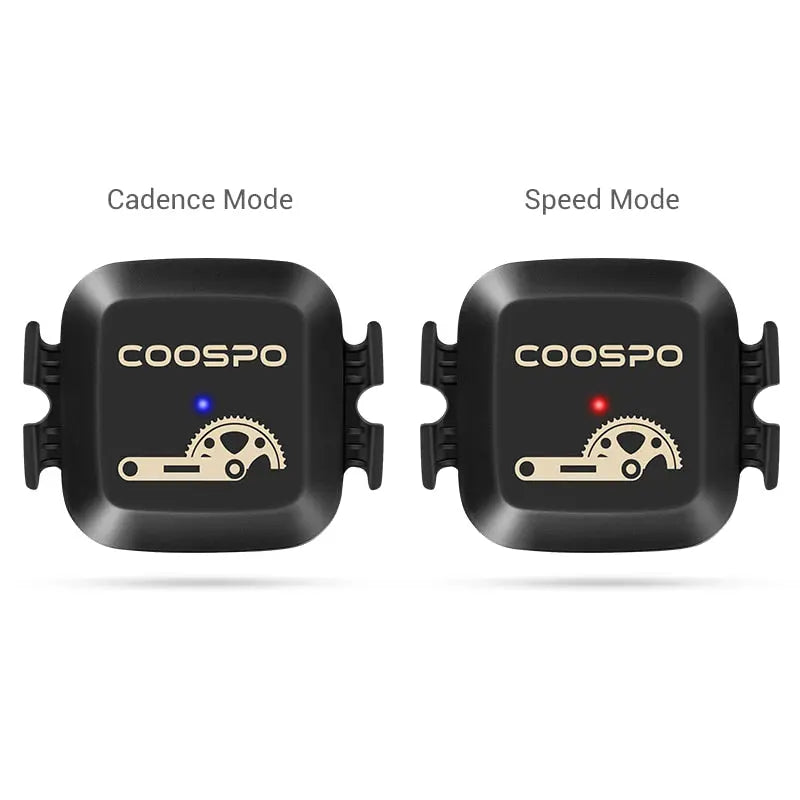
Learn how to mount and configure your dual-mode sensor to track your rides.
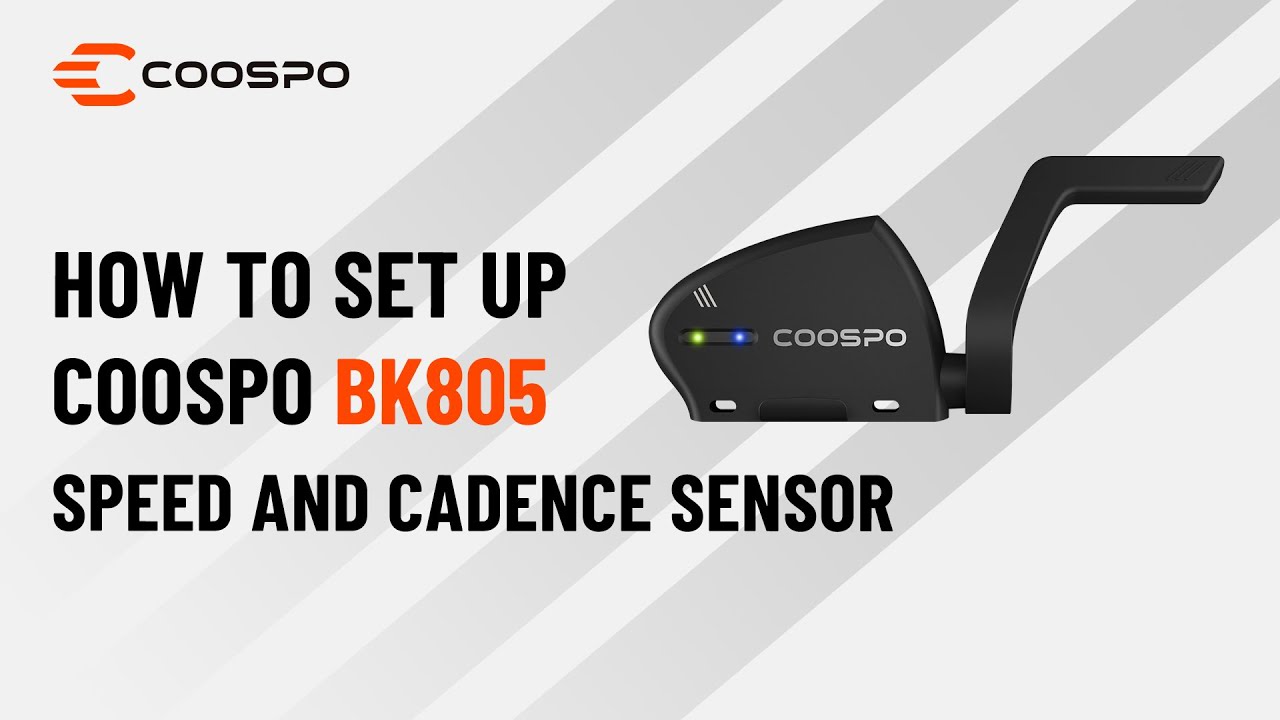
Set up your sensor correctly and start riding with real-time speed and cadence.
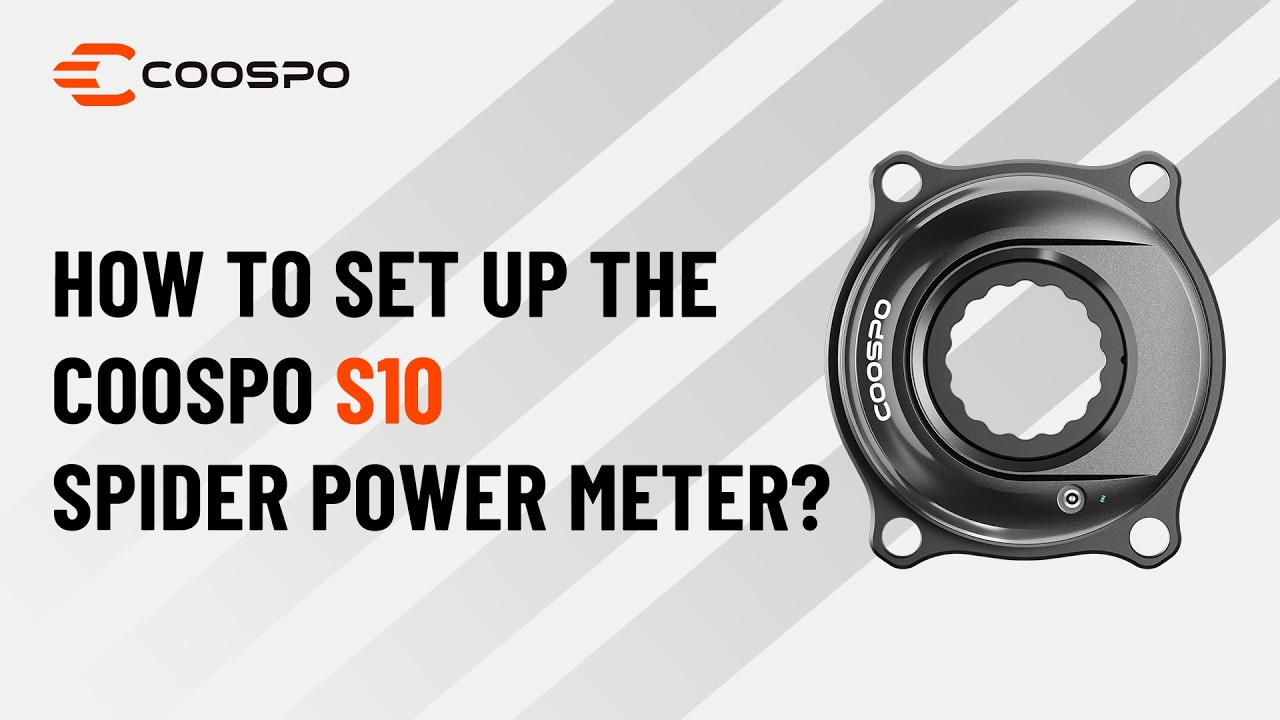
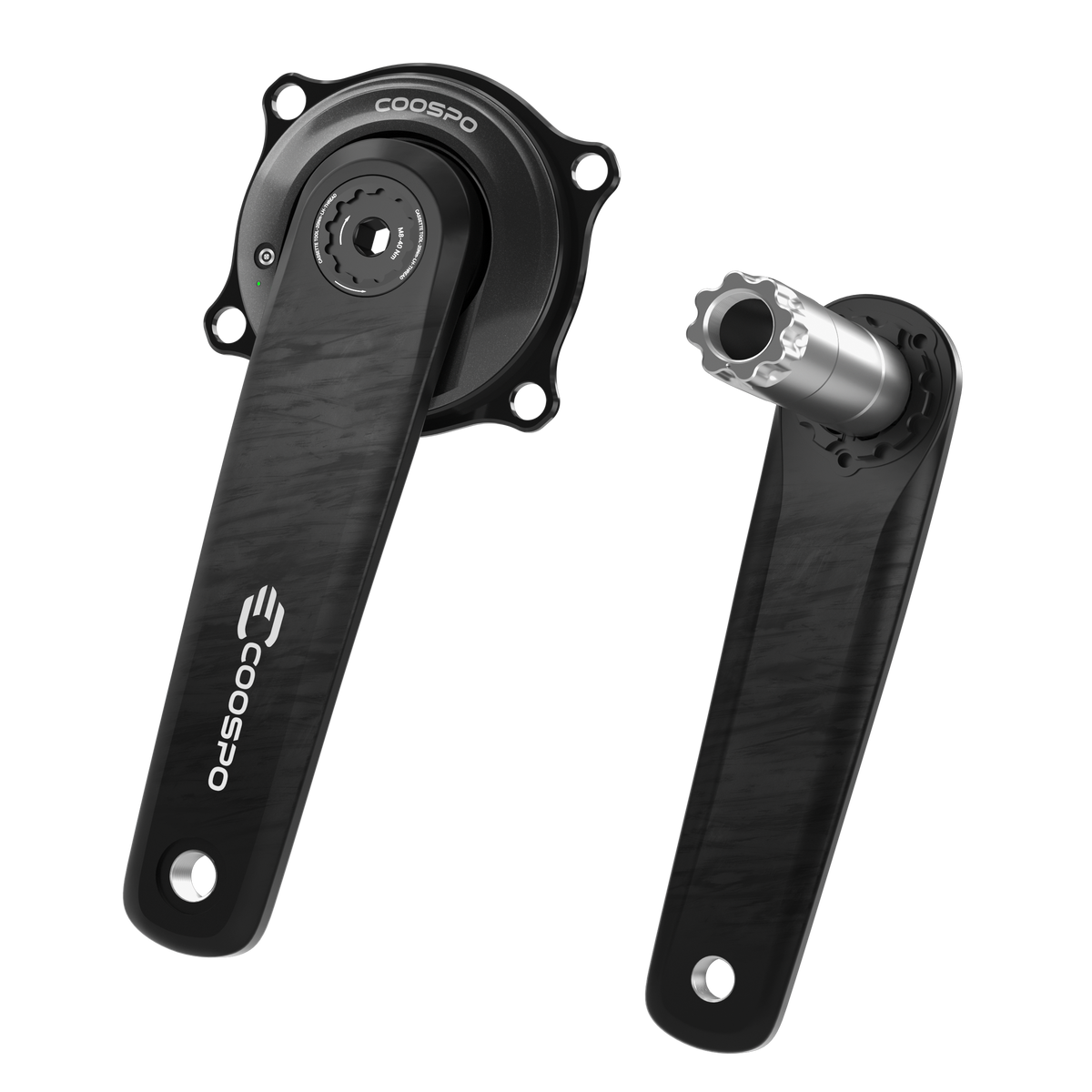
Master your power data with easy installation, pairing, and zero-offset calibration steps.
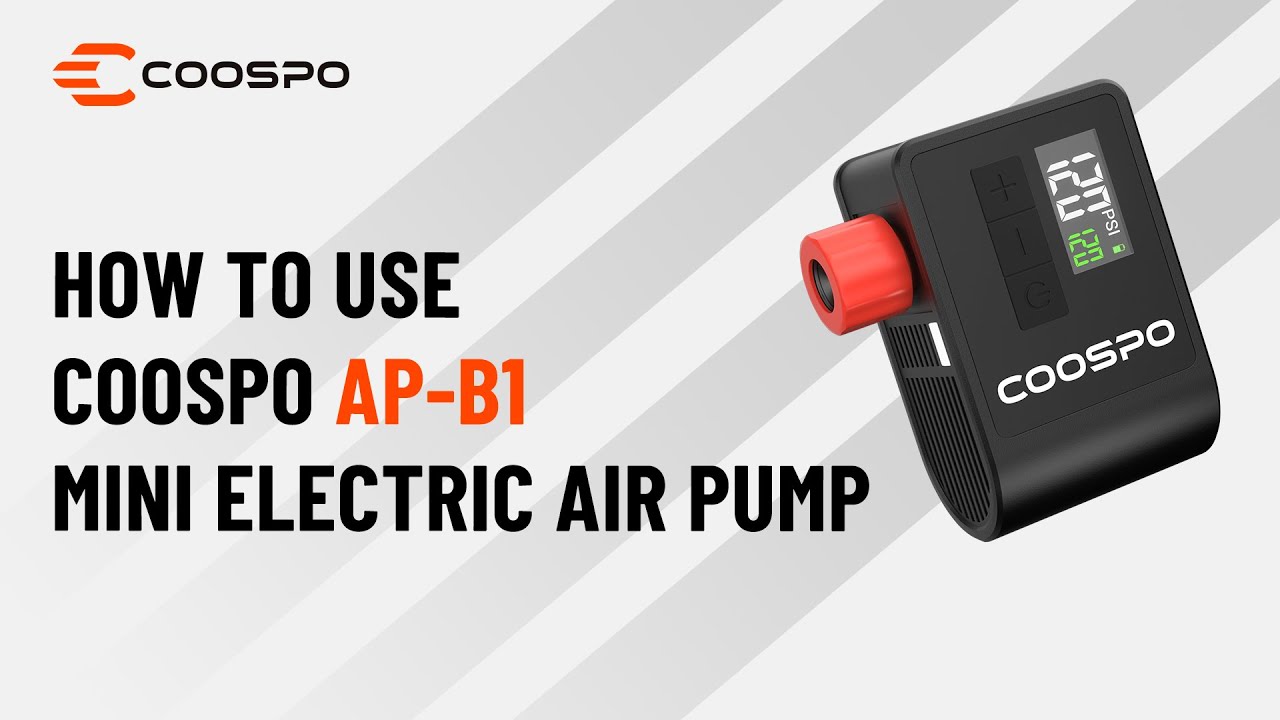
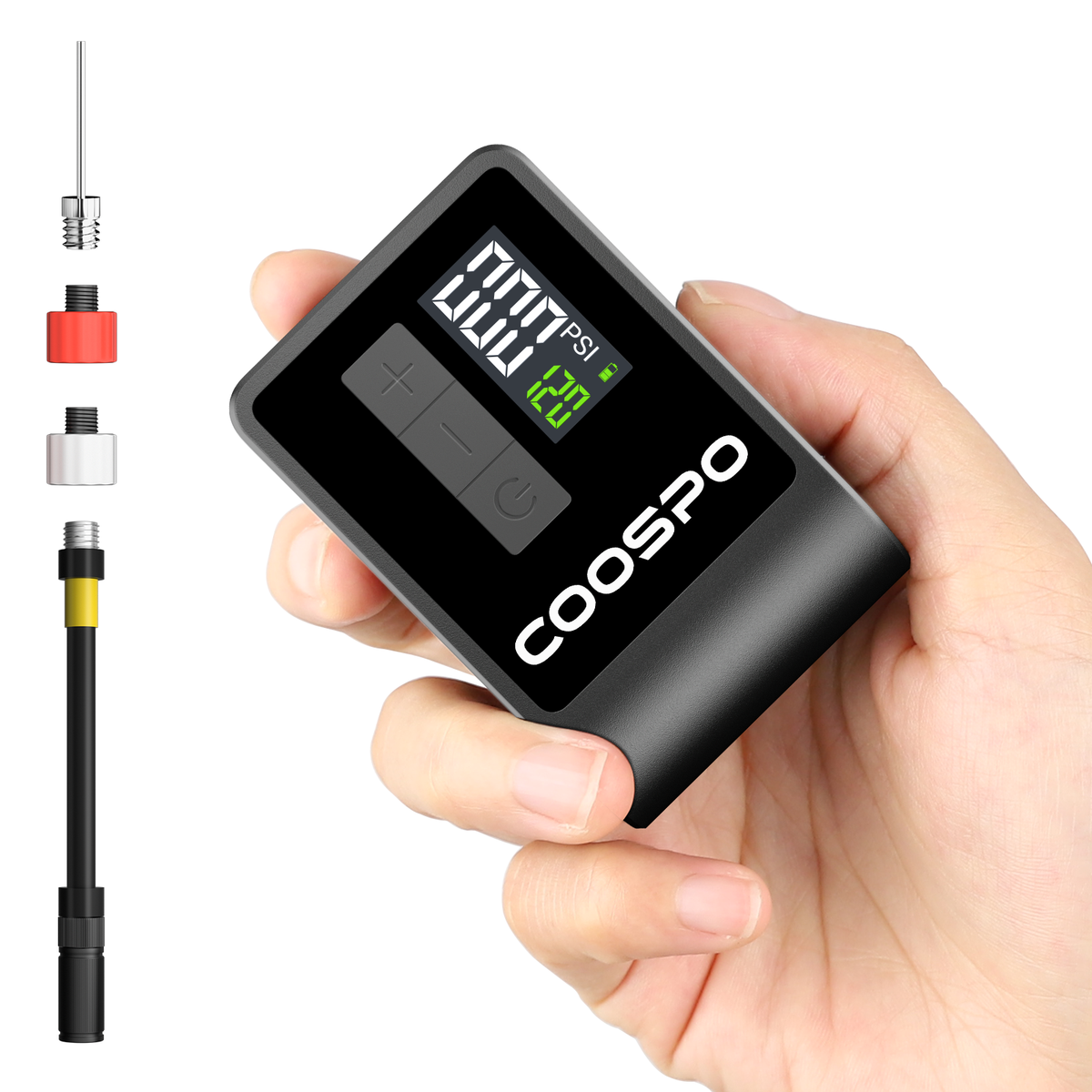
Quick and easy steps to power on, inflate tires, and set your target pressure.
COOSPO App > Me > Settings > Account Management > Email
CoospoRide App: Connect COOSPO bike computers and sensors to record, sync, and analyze cycling data, and sync ride records to supported third-party platforms.
COOSPOTools App: Designed for COOSPO power meter devices and smart trainers, allowing users to view device status and real-time data, calibrate devices, update firmware, and configure settings.
When COOSPO App syncs cycling records, it parses and uploads the data. If there are many data files or a single file is large, it may take some time to complete and display the records. Therefore, please try to keep your phone's network connection stable, and if necessary, pull down to refresh the home page to help the record upload complete.


