













![[2 Pack] Coospo Breathable Neck Gaiter Face Scarf Mask COOSPO](http://www.coospo.com/cdn/shop/files/106de7b046babc03aa610173af6e31aa_599da3fe-9907-4b1e-8eb0-f08b3032720b.png?v=1720591174&width=1600)


![[4 Pack] Coospo Soft Breathable Chilly Towel, Microfiber Towel COOSPO](http://www.coospo.com/cdn/shop/files/1_904094cc-62ee-40e9-aa21-415effb385b4.png?v=1720527561&width=1600)
Map Download
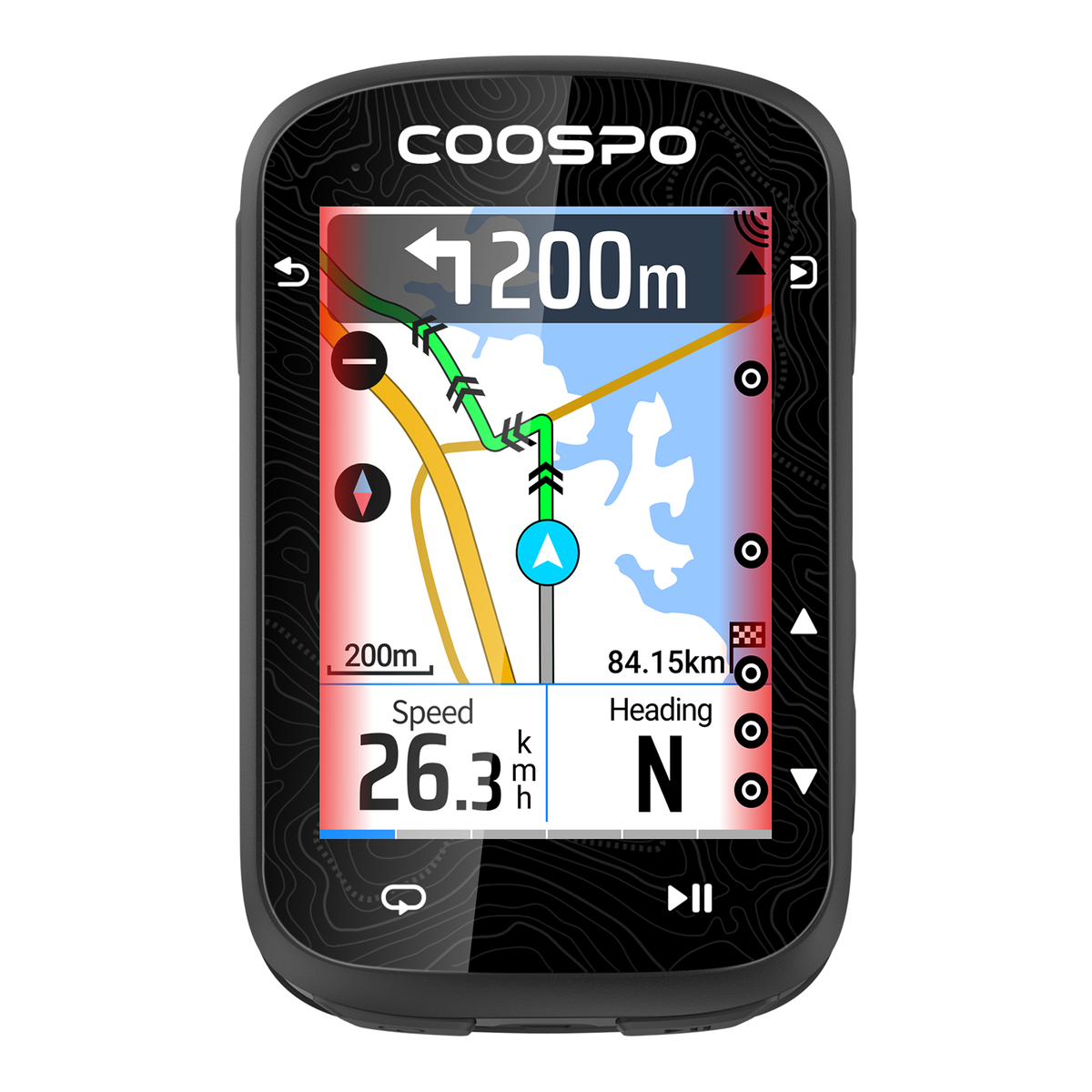
CS600 Map Download
Instruction Steps:
- Download the map file for your region.
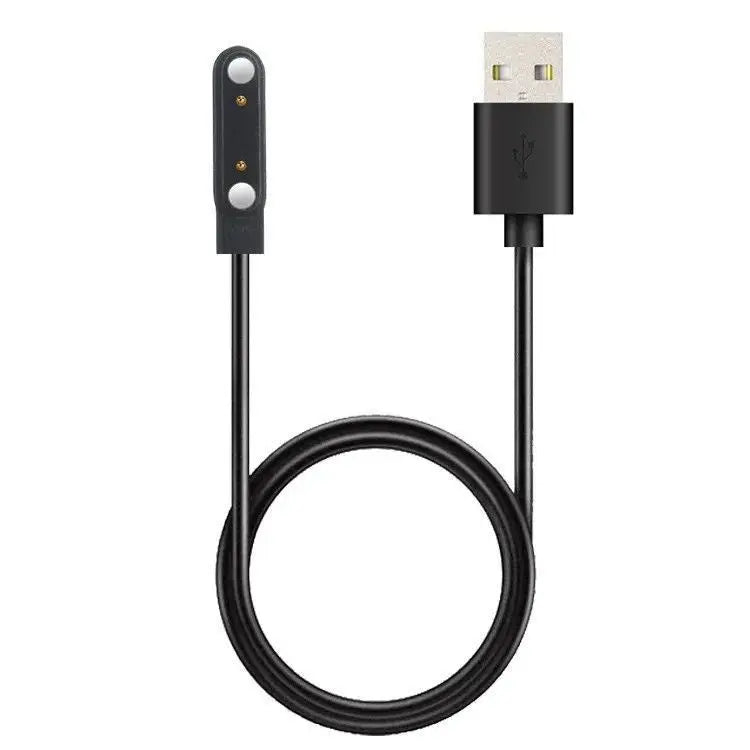
- Connect your CS600 bike computer to your PC using a USB cable.
- On the CS600, go to Settings > System Settings > USB. The device will automatically connect to your PC.
- Once connected, open the CS600/Maps folder on the device, and copy the downloaded map file into this folder.
- After the transfer is complete, safely disconnect the USB cable. The CS600 will automatically load the map for your current location.


