













![[2 Pack] Coospo Breathable Neck Gaiter Face Scarf Mask COOSPO](http://www.coospo.com/cdn/shop/files/106de7b046babc03aa610173af6e31aa_599da3fe-9907-4b1e-8eb0-f08b3032720b.png?v=1720591174&width=1600)


![[4 Pack] Coospo Soft Breathable Chilly Towel, Microfiber Towel COOSPO](http://www.coospo.com/cdn/shop/files/1_904094cc-62ee-40e9-aa21-415effb385b4.png?v=1720527561&width=1600)


CoospoRide
Your Ride. Your Data. Your Progress.
CoospoRide brings your devices, cycling data, and training insights together in one connected experience.


Record Every Ride
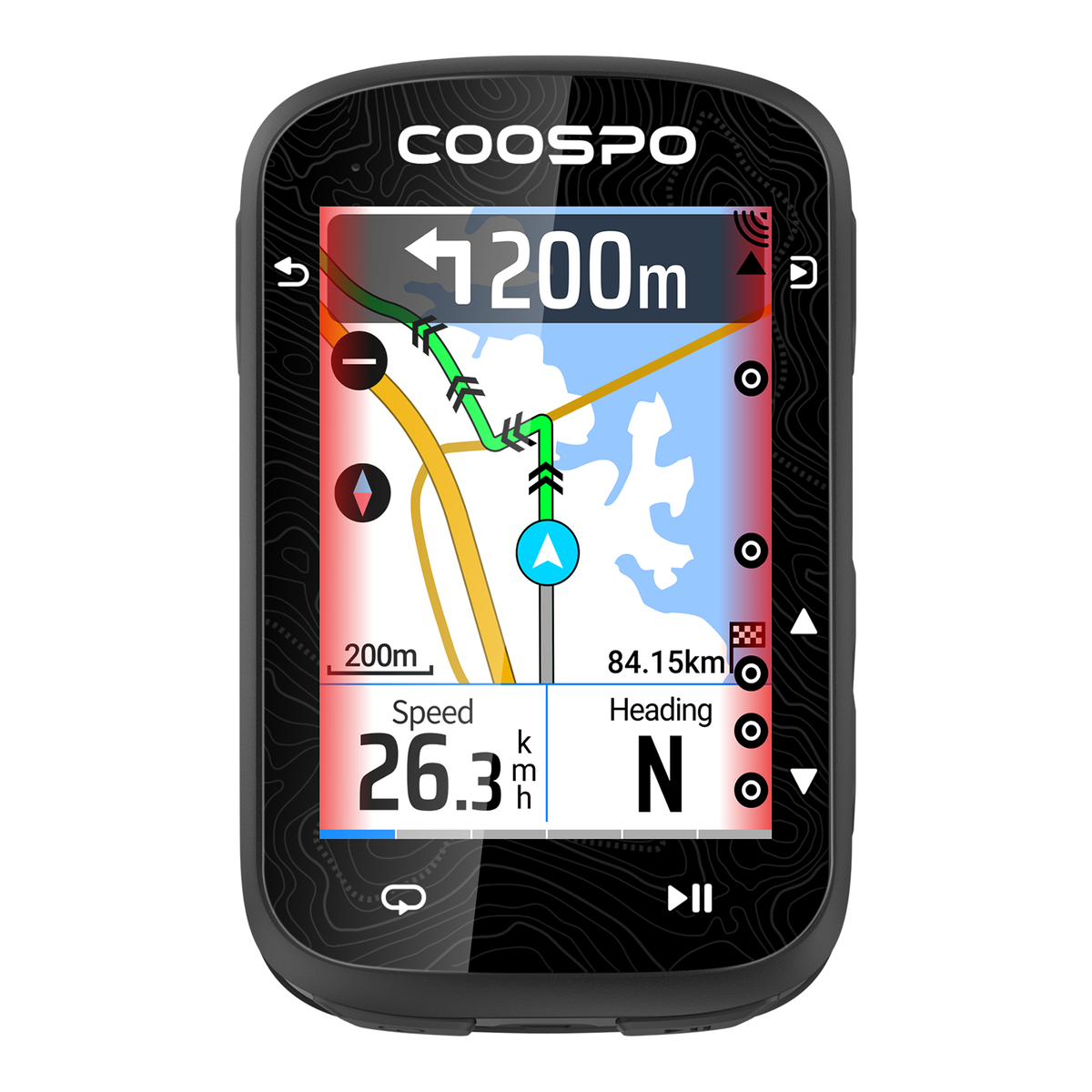
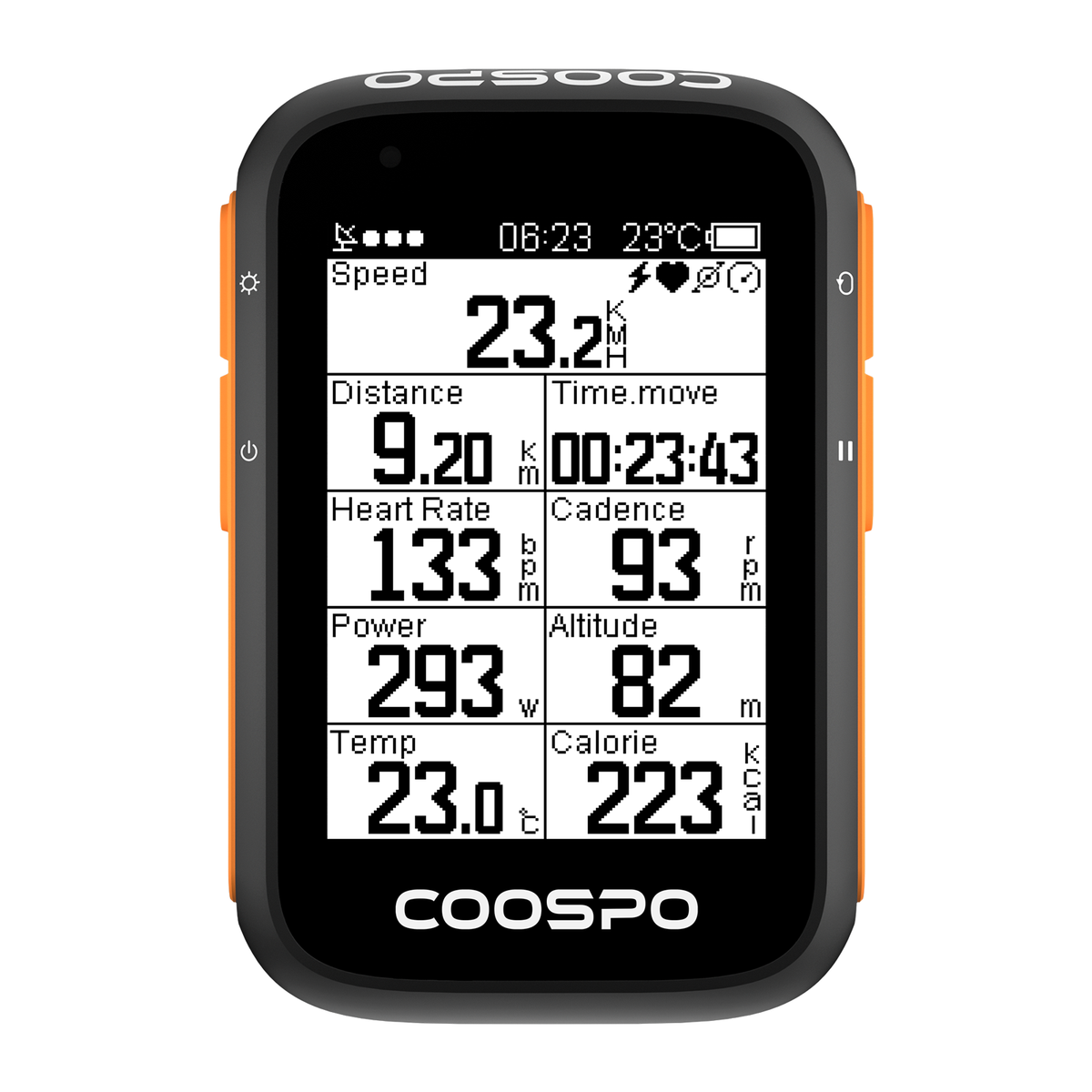
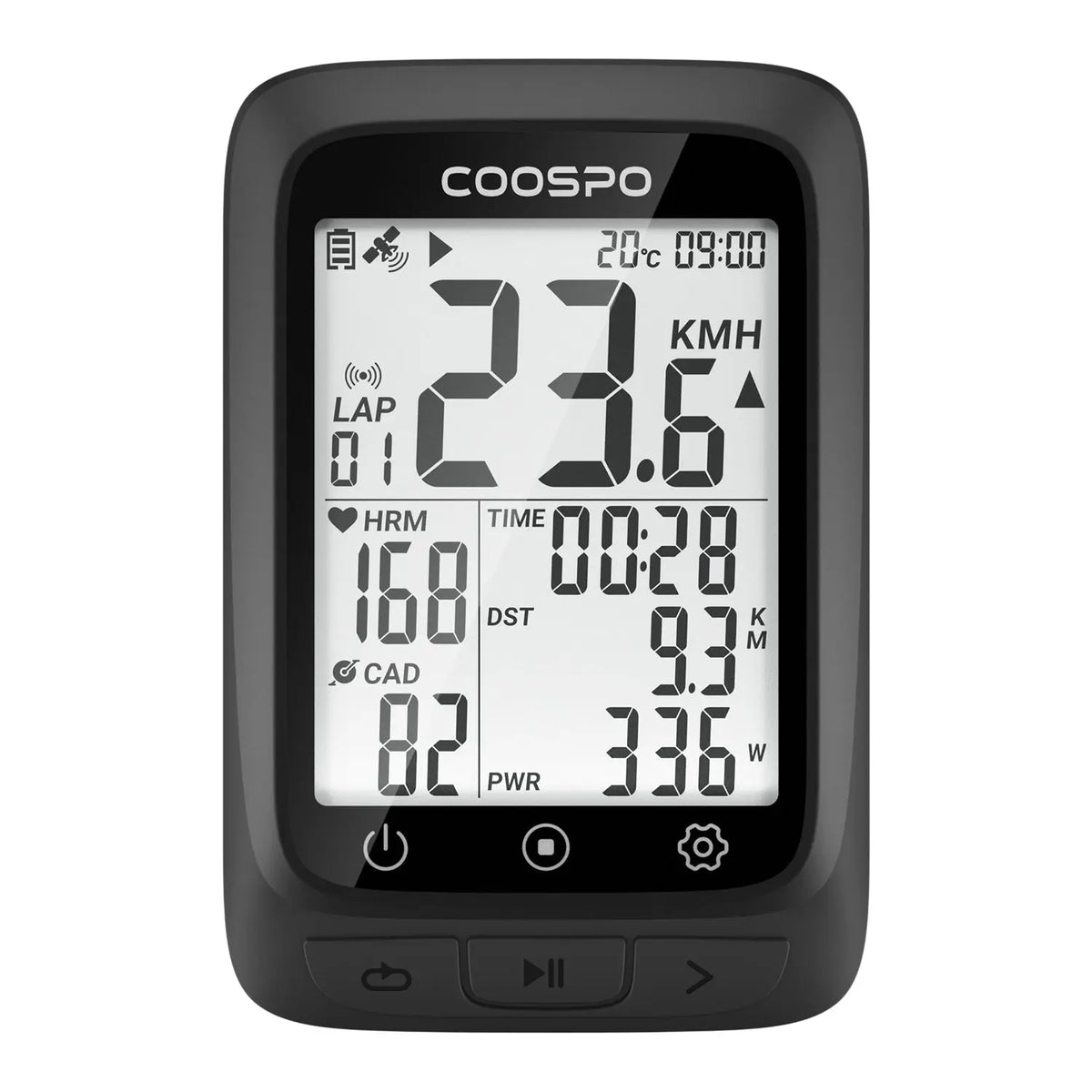
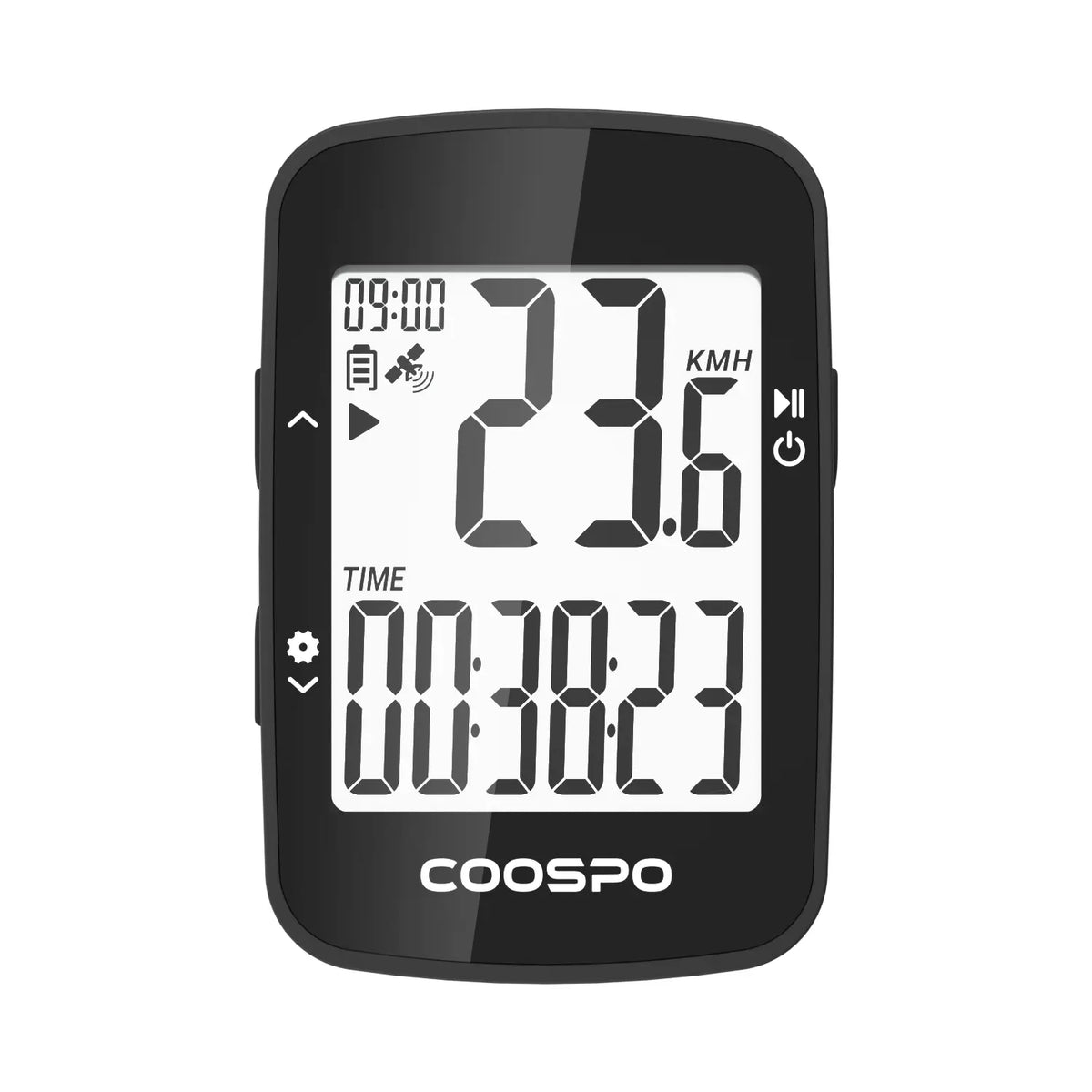
Whether you're riding with Coospo bike computers or using your phone as your cycling computer, your activity is recorded and ready to review.

Understand Every Ride
Go beyond the numbers.
Review detailed ride data, performance charts, and key metrics to understand how you trained, how your body responded, and how you're progressing over time.
The data is yours. CoospoRide helps you make sense of it.

Plan Your Next Adventure
Explore new roads with confidence.
Import GPX routes, create courses, and send them to your compatible COOSPO bike computer.
Plan your route before you ride, then follow it on the road while keeping your performance data in view.

Train With Purpose
Turn your goals into structured workouts.
Create or import training plans and follow structured workouts with compatible COOSPO devices.
Whether you're building endurance, improving power, or preparing for your next challenge, structured training helps every session have a purpose.

Your Devices, Your Settings
Take control of your COOSPO devices from your phone. Customize data fields, configure device settings, manage sensors, update firmware, and keep your connected devices ready for your next ride.

Your Data, Your Way
Your training data shouldn't be locked into one platform.
CoospoRide connects with Strava, Komoot and TrainingPeaks, making it easy to sync your activities and keep using the platforms you already know and love.
Ride with COOSPO. Train with your favorite platforms.

Riding with Your Phone
No bike computer? No problem.
Turn your smartphone into a GPS cycling computer with CoospoRide. Record your rides, track key metrics, and explore your routes without dedicated cycling hardware.
Frequently Asked Questions
What is the difference between Coospotool and CoospoRide?
CoospoRide App: Connect COOSPO bike computers and sensors to record, sync, and analyze cycling data, and sync ride records to supported third-party platforms.
COOSPOTools App: Designed for COOSPO power meter devices and smart trainers, allowing users to view device status and real-time data, calibrate devices, update firmware, and configure settings.
Can deleted cycling data be recovered?
1、Deleting cycling data from the Coospo bike computer:
Once cycling data is deleted from the bike computer, it cannot be recovered. Therefore, please be cautious when using the delete function.
2、About deleting cycling data synced to the COOSPO App:
If you only deleted cycling data that was synced from the bike computer to the COOSPO App, you can still recover the data by syncing and uploading it again from the bike computer.
The specific steps are as follows: Open the COOSPO App, go to the bike computer device details page, then go to the data sync function page, find the record you need to recover, and tap the upload icon to complete data recovery.
We recommend backing up any data before deleting it, so that you can recover deleted data if needed. If you have any other questions or need further information, please feel free to contact us at any time!
Verification Code Not Received?
According to our email sending rules, the interval between two emails must be at least 60 seconds, and the verification code is valid for 30 minutes. Each time you request a new verification code, the previous verification code will immediately become invalid. Therefore, if you request verification codes multiple times in succession, please make sure to use the latest email verification code.
If you have not yet received our email, please try the following steps to troubleshoot:
- Check the spelling: Double-check your email address to make sure it is spelled correctly.
- Spam folder: Please check your spam folder for emails from Coospo. If the email has been mistakenly identified as spam by your email provider, please move our email to your regular inbox.
- Add to whitelist: Please manually add our email address "service@coosports.com" to your email whitelist, and then try again.
- Email delay: Sometimes email servers need some time to process and send emails, especially when network traffic is high. If you do not receive the email immediately, please wait a few minutes.
- Network issues: Network latency or instability may affect the receipt of emails. Please check your network connection.
- Full mailbox: If your mailbox is full or nearly full, you may not be able to receive new emails. Please check and clean up your mailbox.
Heart Rate Zone Settings
1、To set heart rate zones via "COOSPO App → Cycling → Cycling Settings → Heart Rate Zones," please note that these heart rate zones only apply to the heart rate zone display and data statistics of the "Cycling" function within the COOSPO App. They will not be synced to the bike computer device.
2、If you need to set cycling heart rate zones that apply to the bike computer, please go to "COOSPO App → Device → Device Details Page → User Information Settings → Heart Rate Zones." Since you are using the bike computer to record cycling data, we recommend completing the settings through this path first to ensure that the bike computer can properly recognize and apply the heart rate zones.
3、Please note in particular: for cycling records that have already been generated (i.e., FIT files), the heart rate-related data will not change due to subsequent modifications to the heart rate zones — because once a FIT file is generated, it cannot be modified. If you adjust the heart rate zones after a cycling record has been generated, the new settings will only take effect for the next cycling activity. The heart rate zone determination for historical cycling data will still be based on the settings at the time of recording.


