











![[2 Pack] Coospo Breathable Neck Gaiter Face Scarf Mask COOSPO](http://www.coospo.com/cdn/shop/files/106de7b046babc03aa610173af6e31aa_599da3fe-9907-4b1e-8eb0-f08b3032720b.png?v=1720591174&width=1600)


![[4 Pack] Coospo Soft Breathable Chilly Towel, Microfiber Towel COOSPO](http://www.coospo.com/cdn/shop/files/1_904094cc-62ee-40e9-aa21-415effb385b4.png?v=1720527561&width=1600)

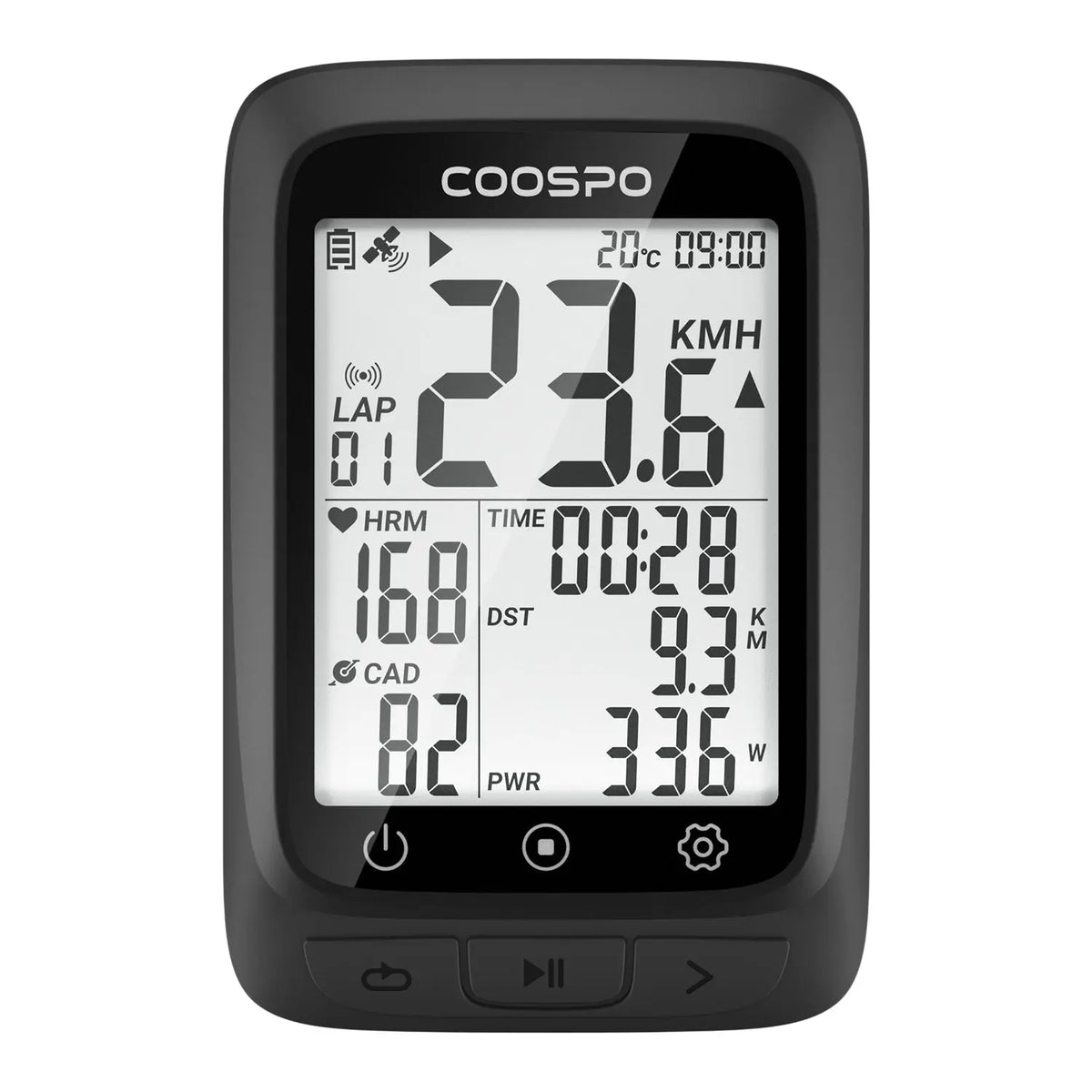
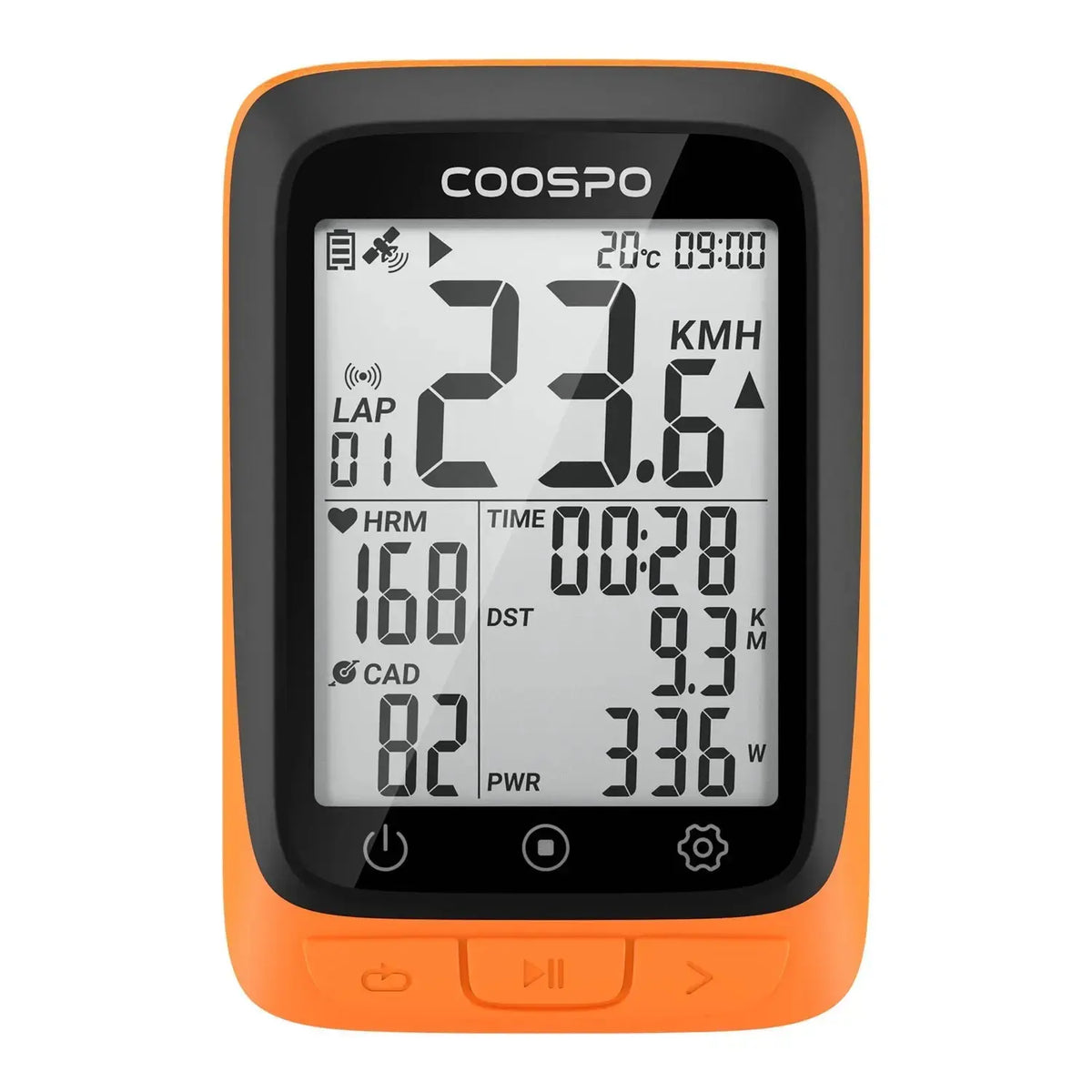
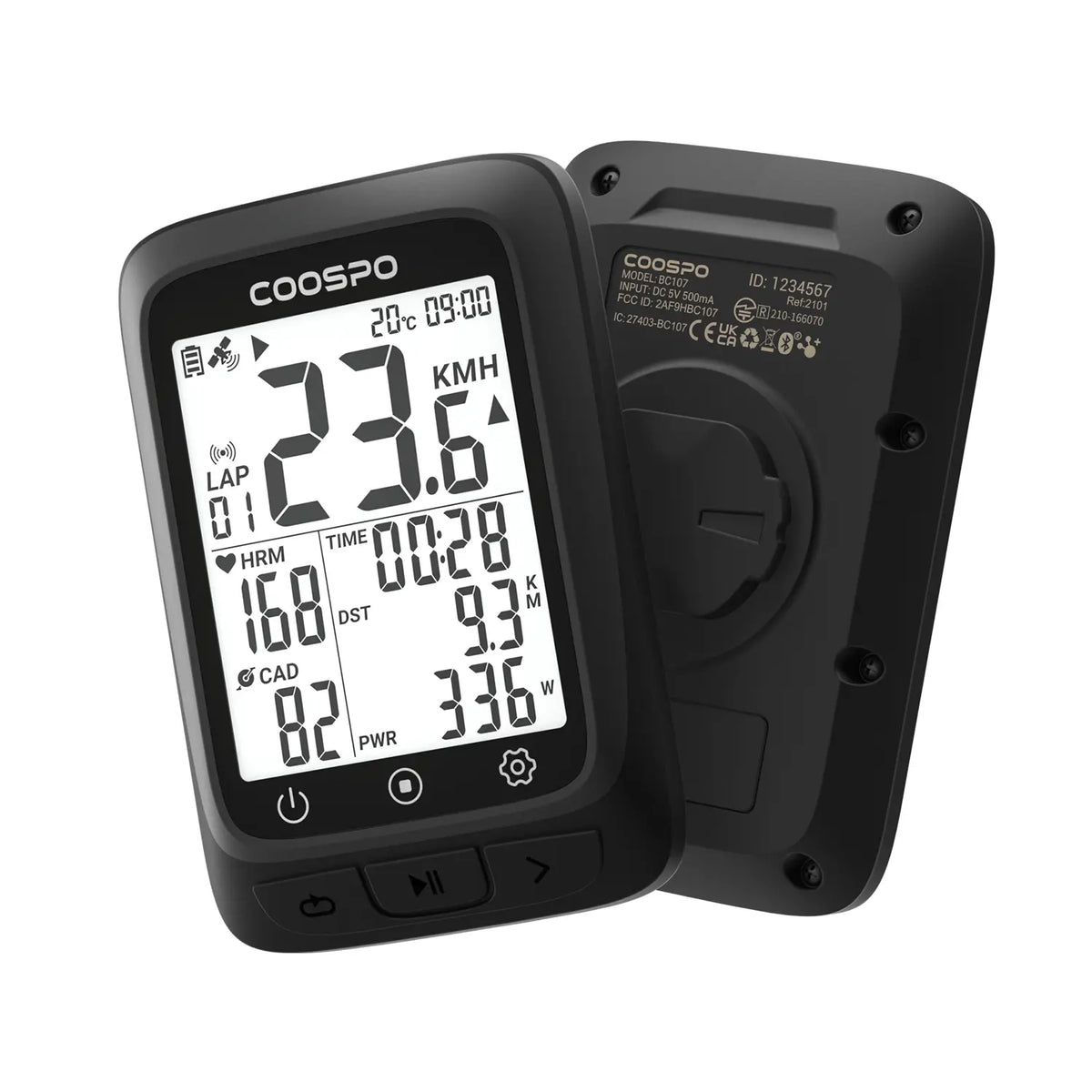
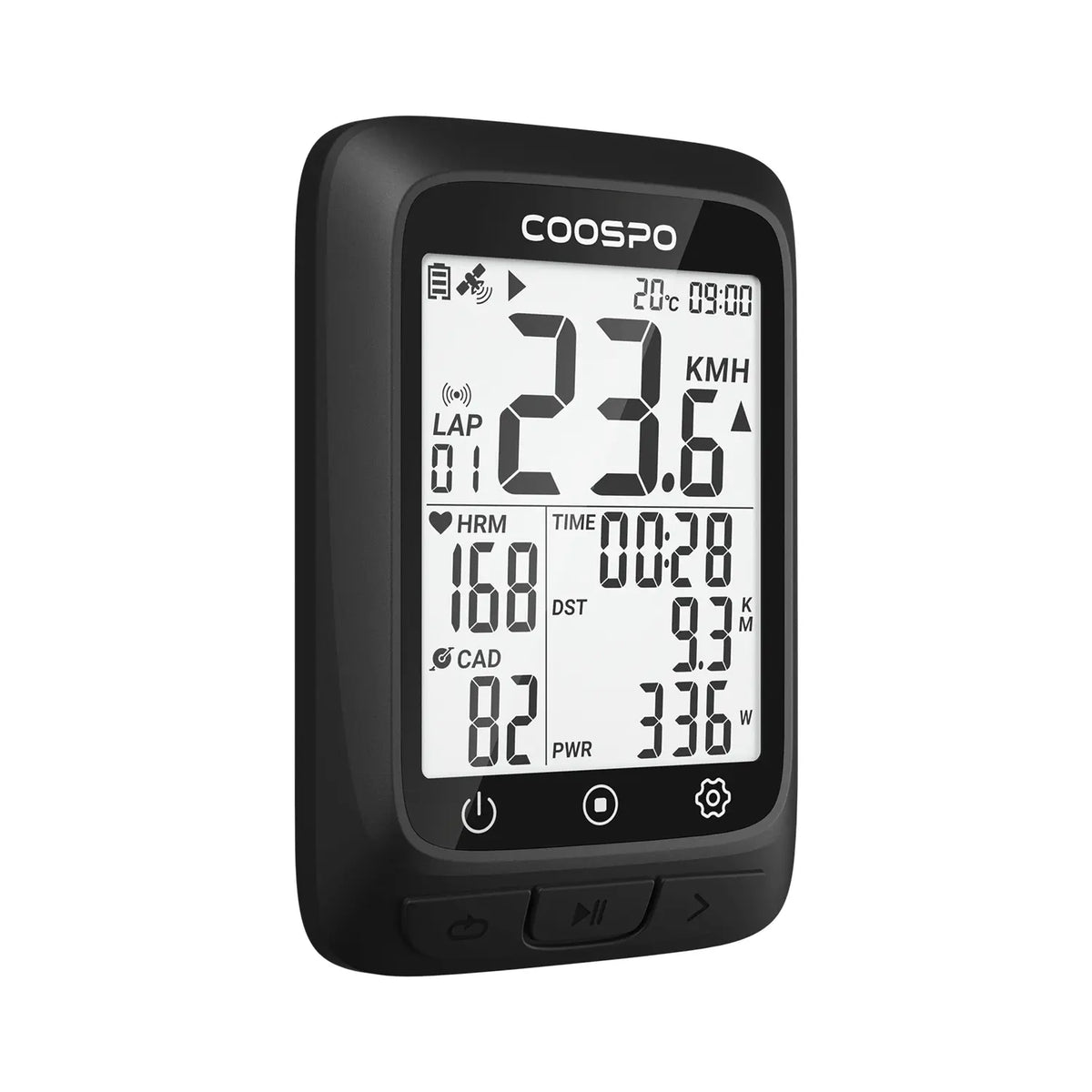
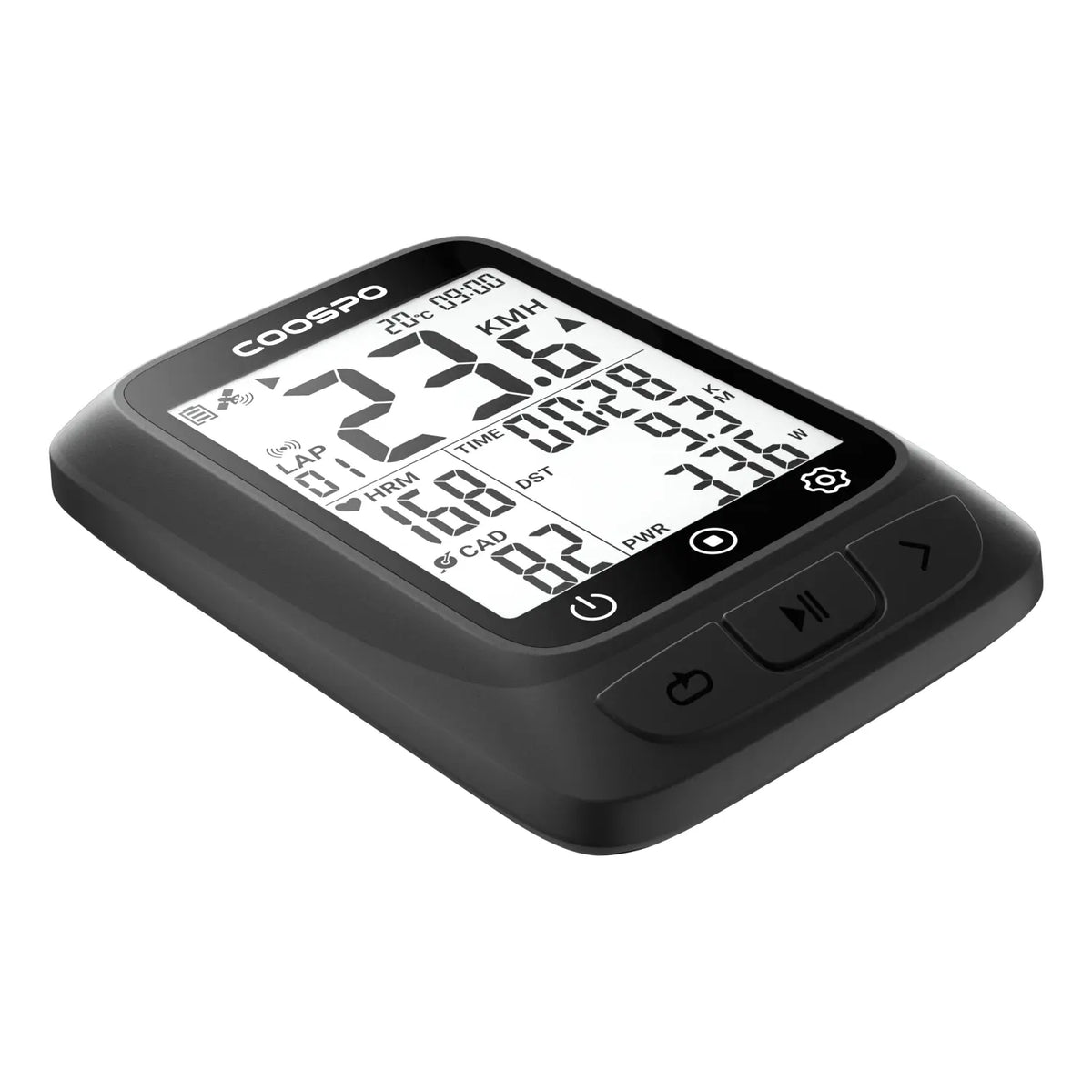
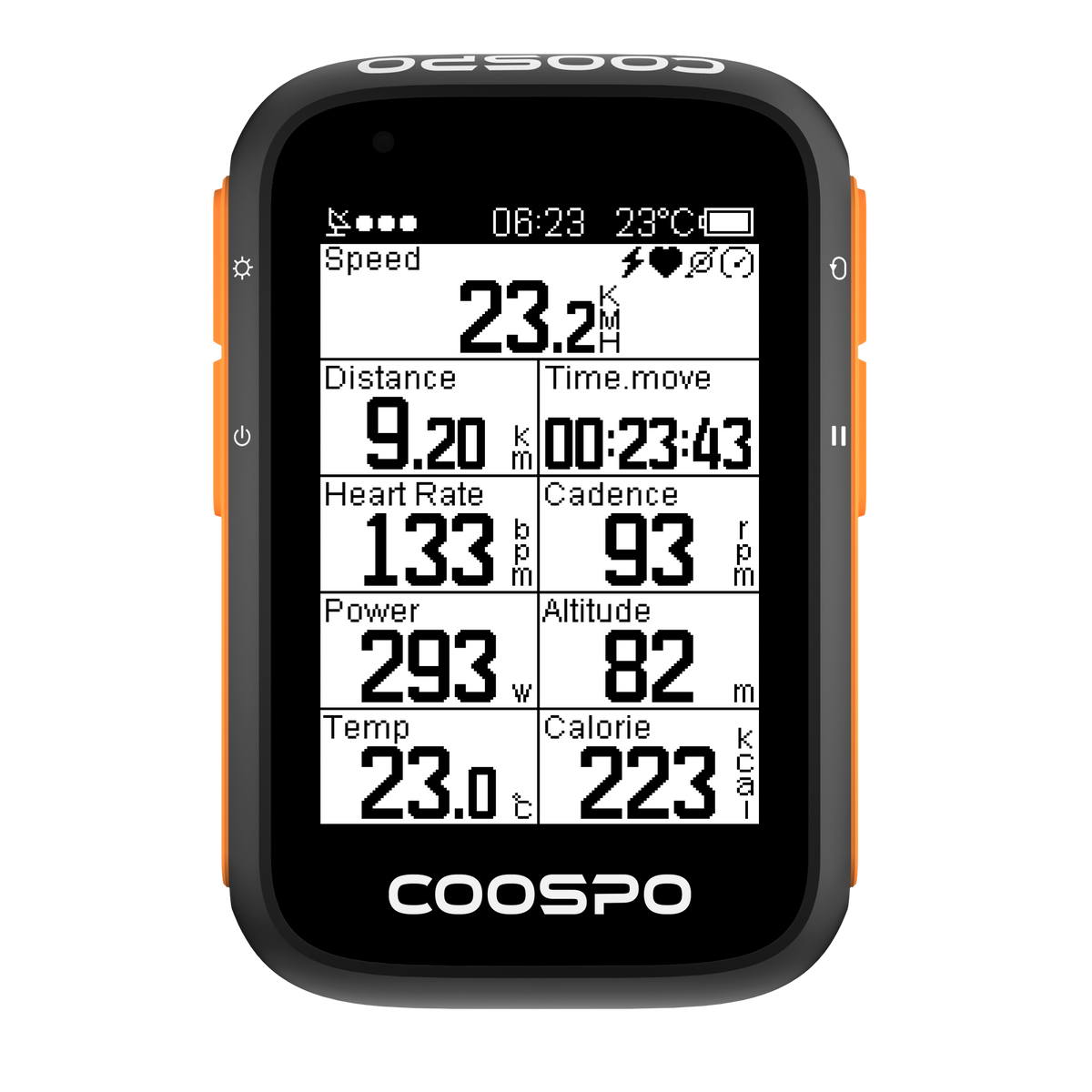
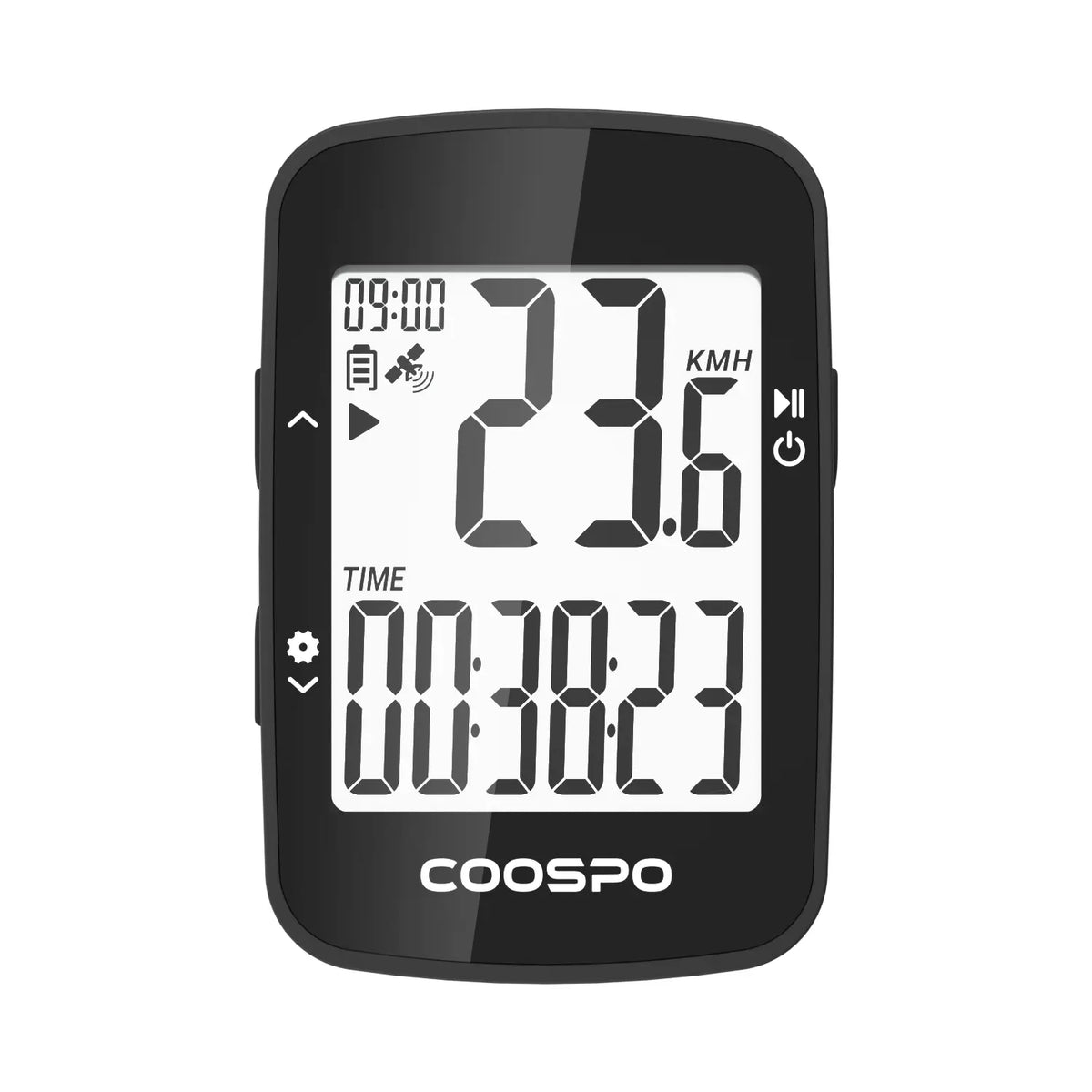
BC107 GPS ciclocomputador
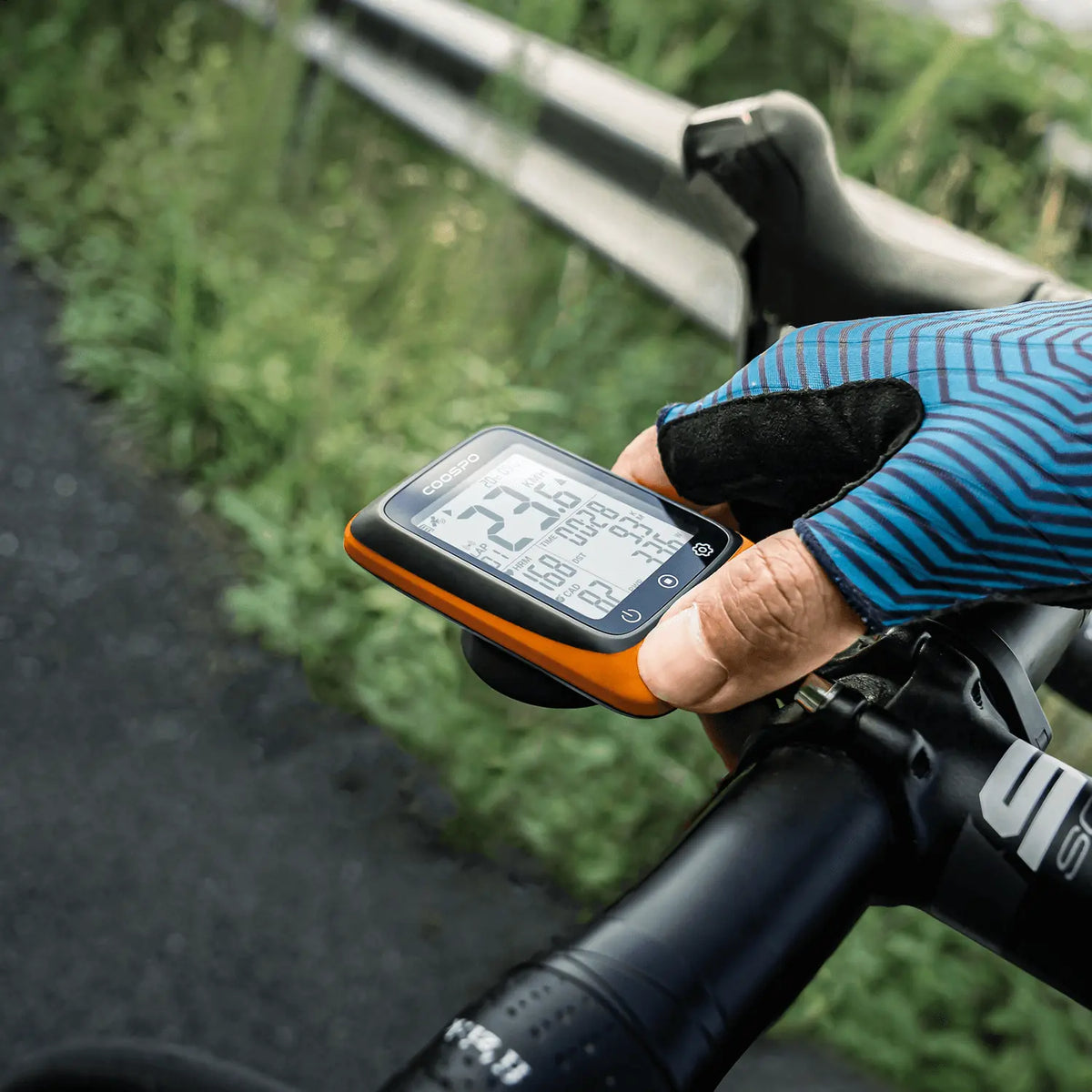
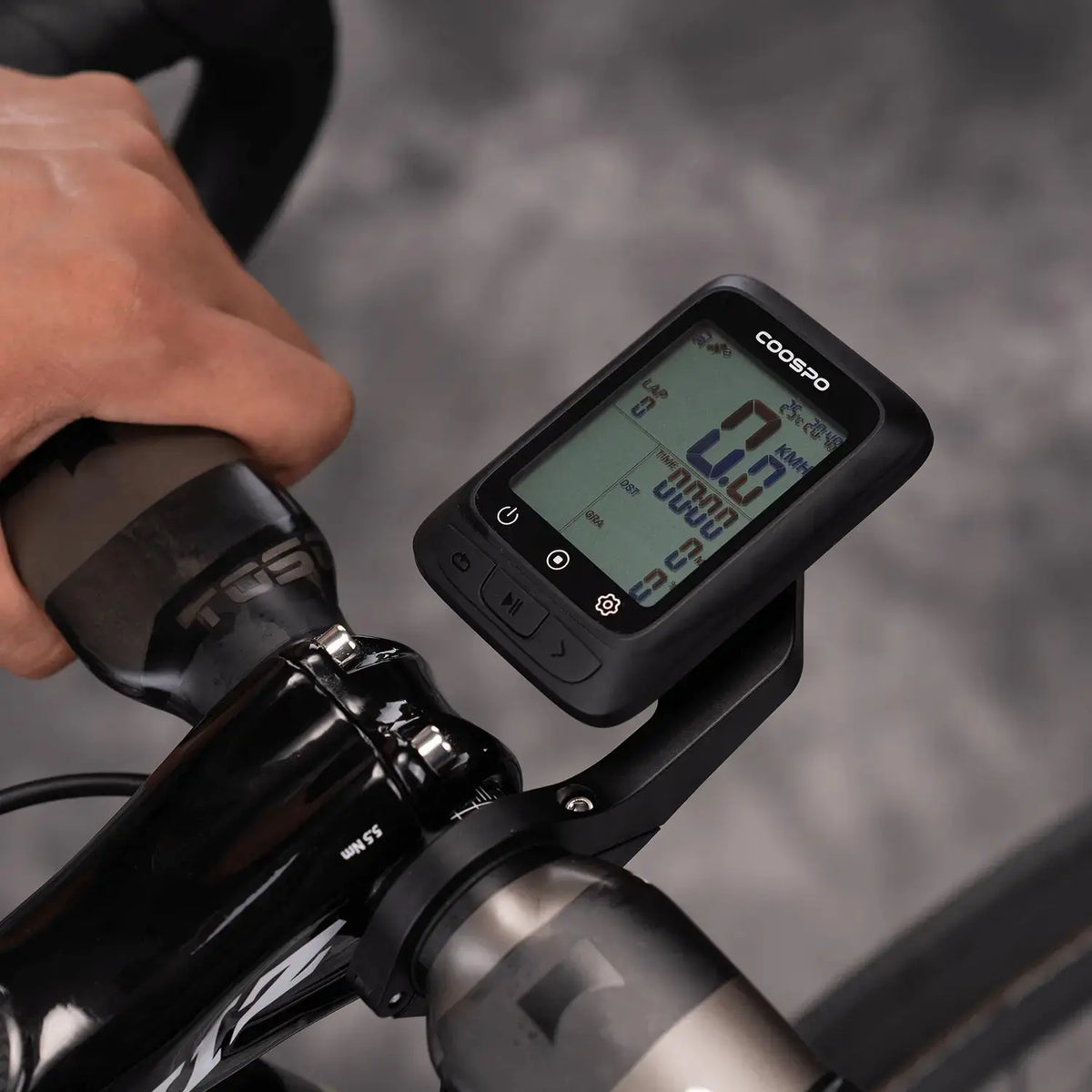
El ciclocomputador GPS BC107 fue diseñado para ser pequeño pero potente.

On orders over$29.9 USD. Delivered to 49 countries with full tracking. Usually ships within 1-2 business days.

Covers manufacturing defects. Valid in all 49 countries we ship to. No extra cost.


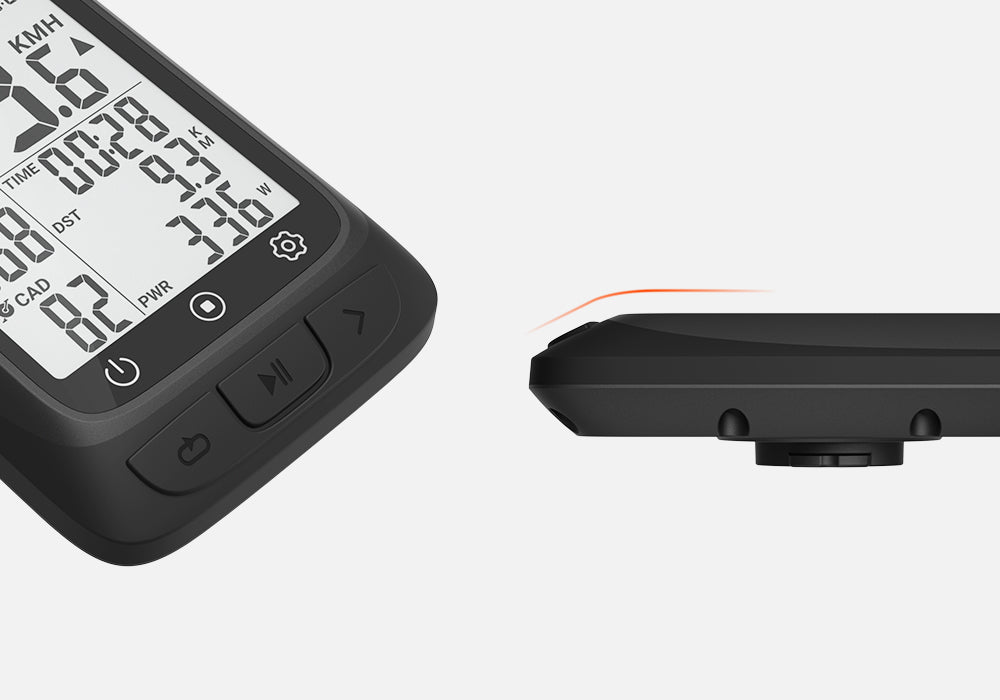
Compact and Lightweight Design
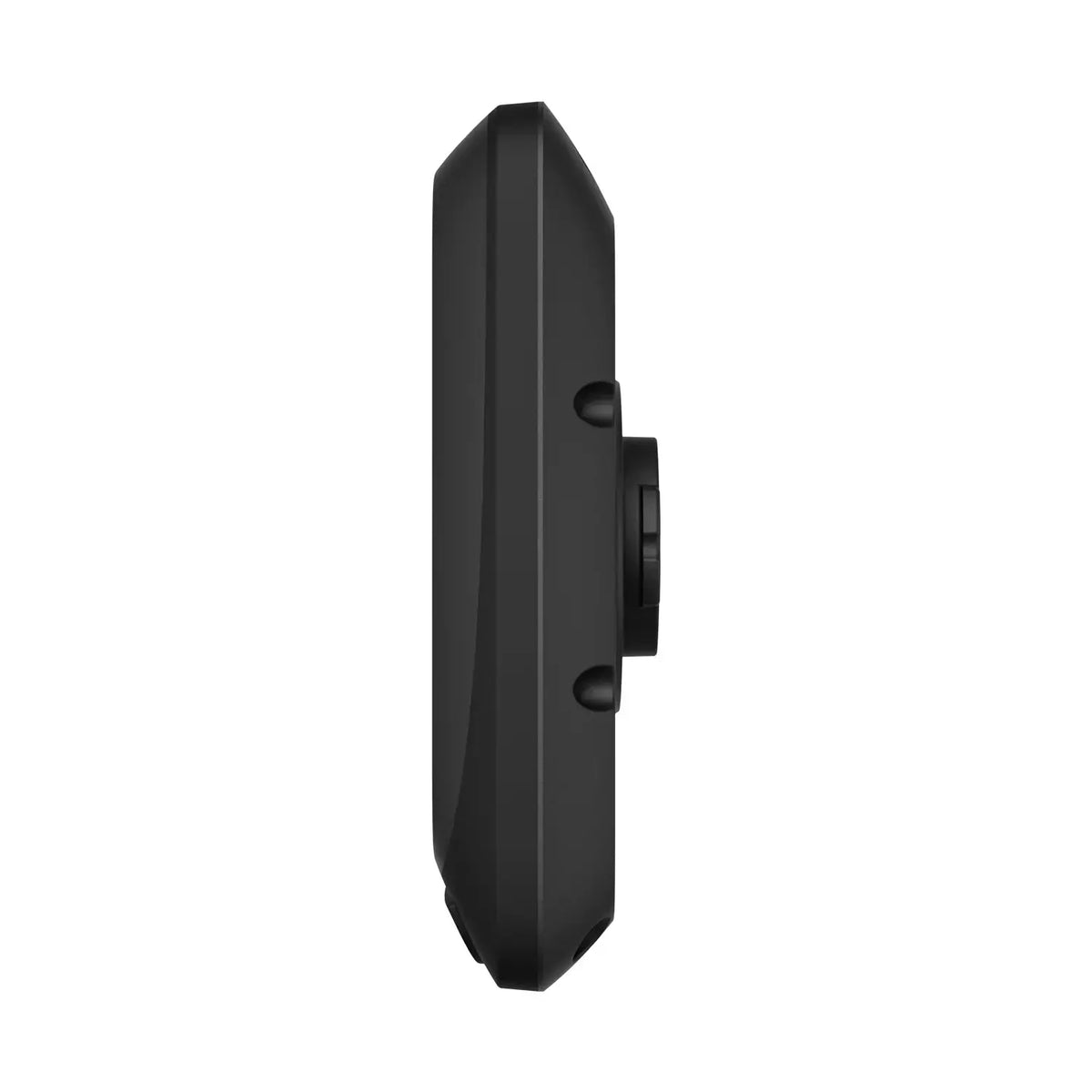
Although BC107 is an entry-level GPS bike computer, we spent 1000 hours adjusting its design. The streamlined design of BC107 shows the beauty of fluid.
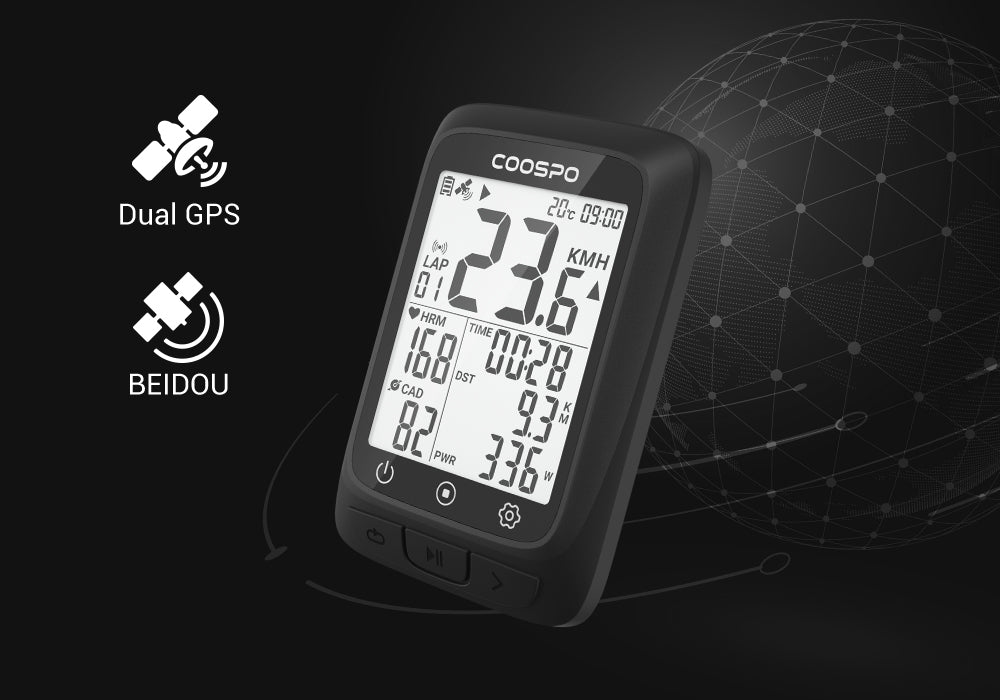
GPS and BEIDOU Positioning
BC107 has GPS+BEIDOU double satellite positioning, which can provide accurate GPS data all over the world. After power is on, it will automatically capture GPS and Beidou signals and calibrate the time.
Note: Charging is required for the first start. Please search for GPS in an open area.
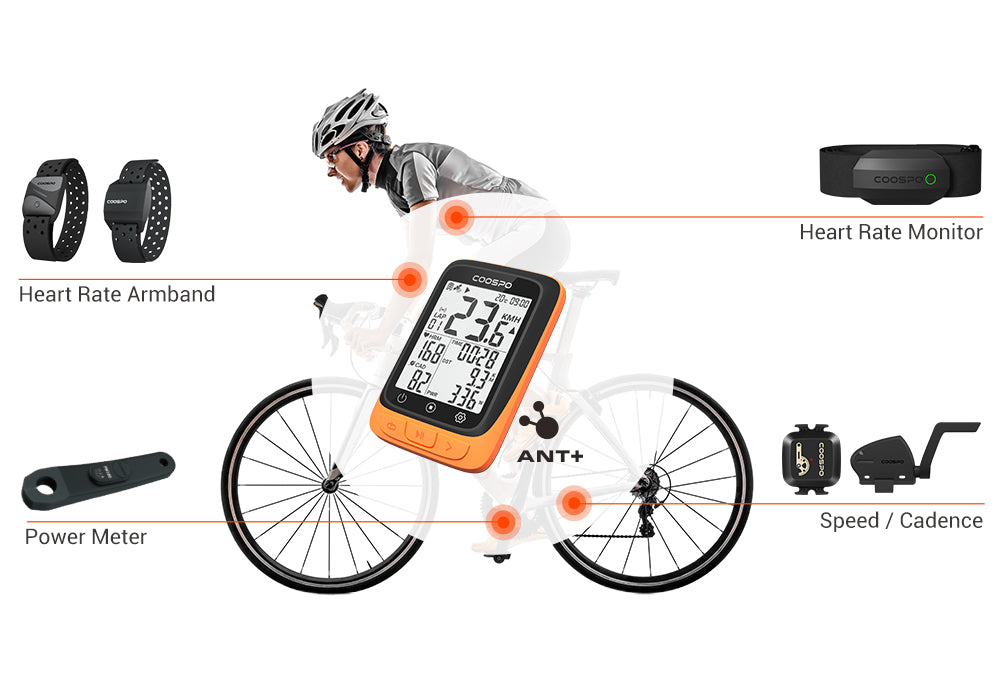
ANT+ Sensor Compatibility
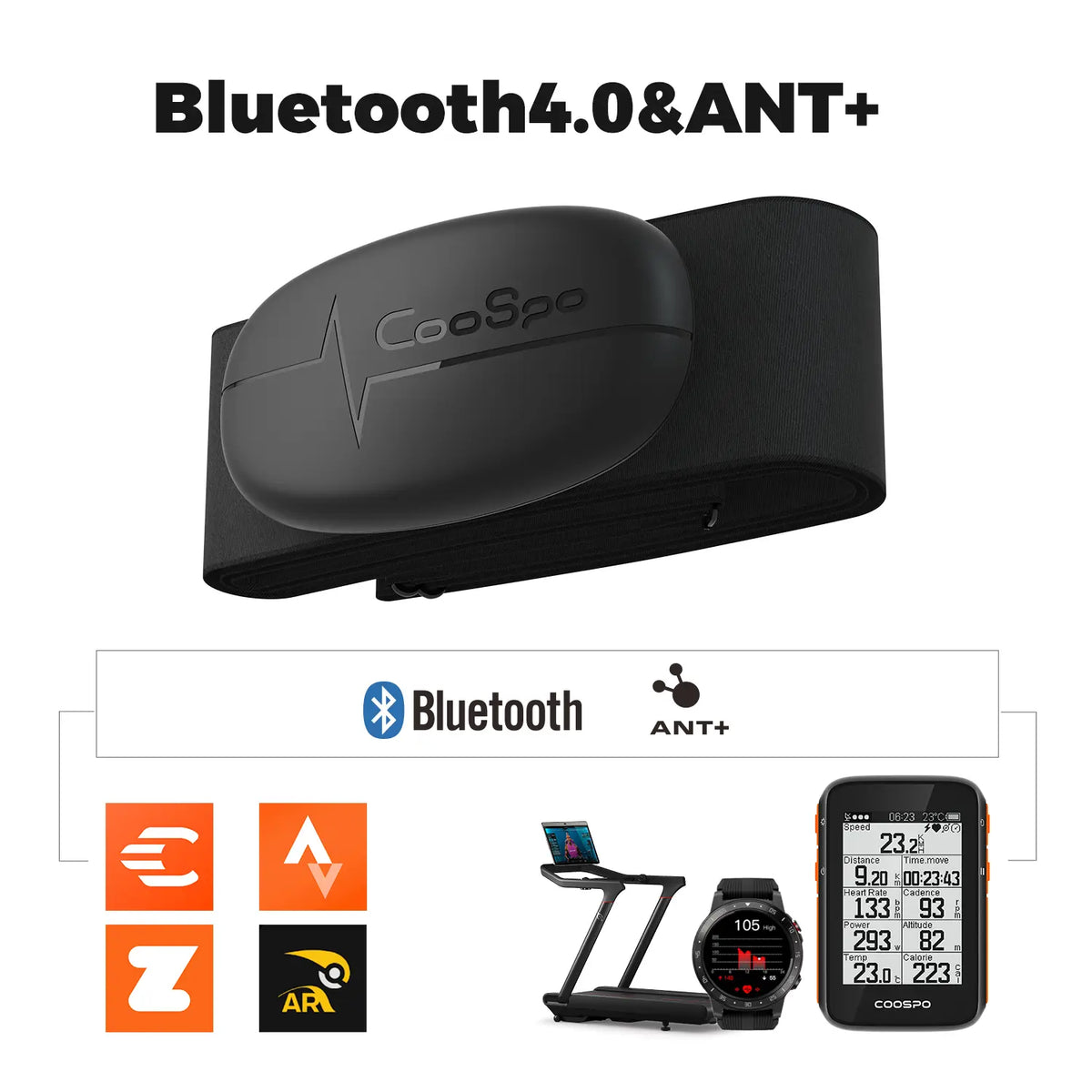
Built for both budget and convenience, BC107 maximizes compatibility by working perfectly with ANT+ sensors, such as heart rate monitor, speed and cadence sensor, power meter.
Note: BC107 only supports ANT+ connection and does not support Bluetooth connection for the time being.
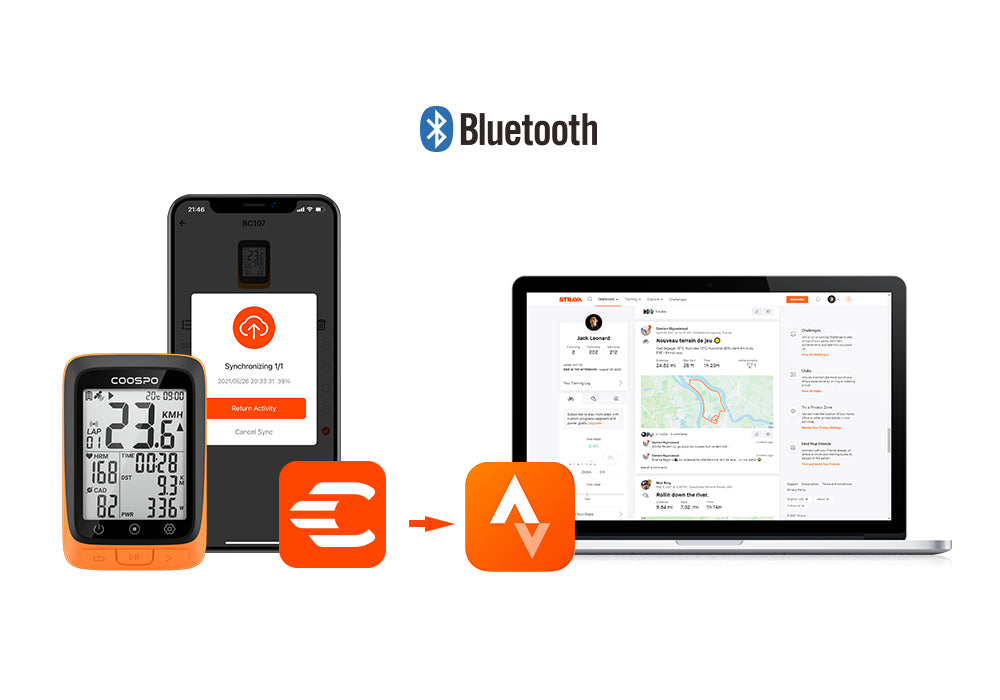
Sync To Strava
You can sync activity(.fit file) to Strava via Coosporide App on your phone.
Note: you can not export fit file from BC107 by USB.
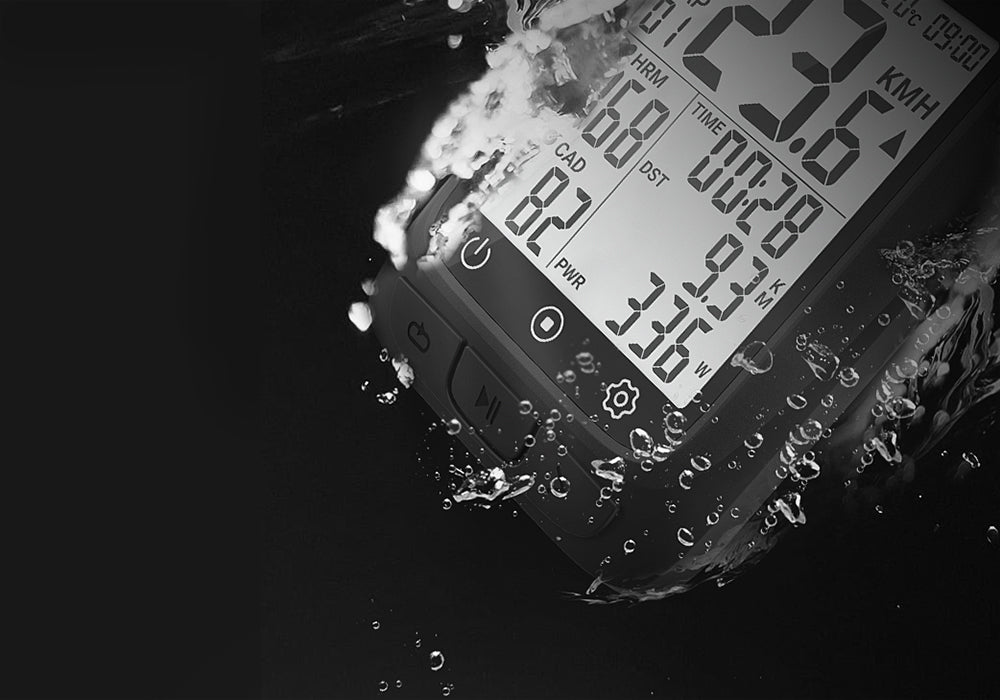
IP67 Waterproof
Coming with IP67 rating, you can ride without fear of rain.
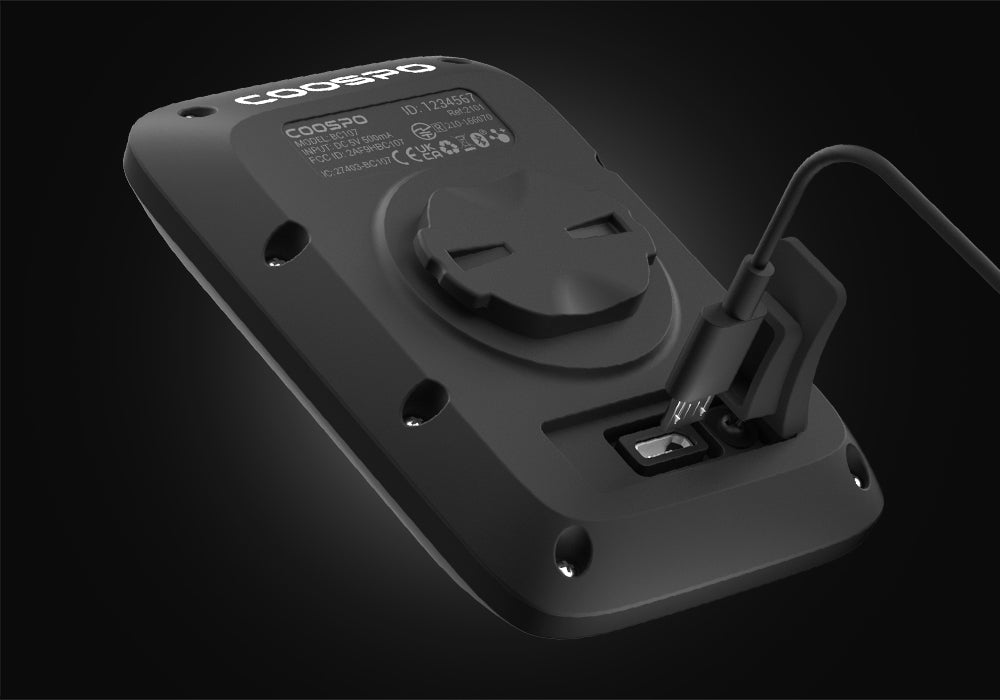
28 Hours Battery Life
BC107 provides 28 hours continuous battery life with GPS enabled, which is enough for a long ride.
Note: Actual use time according to personal use habits
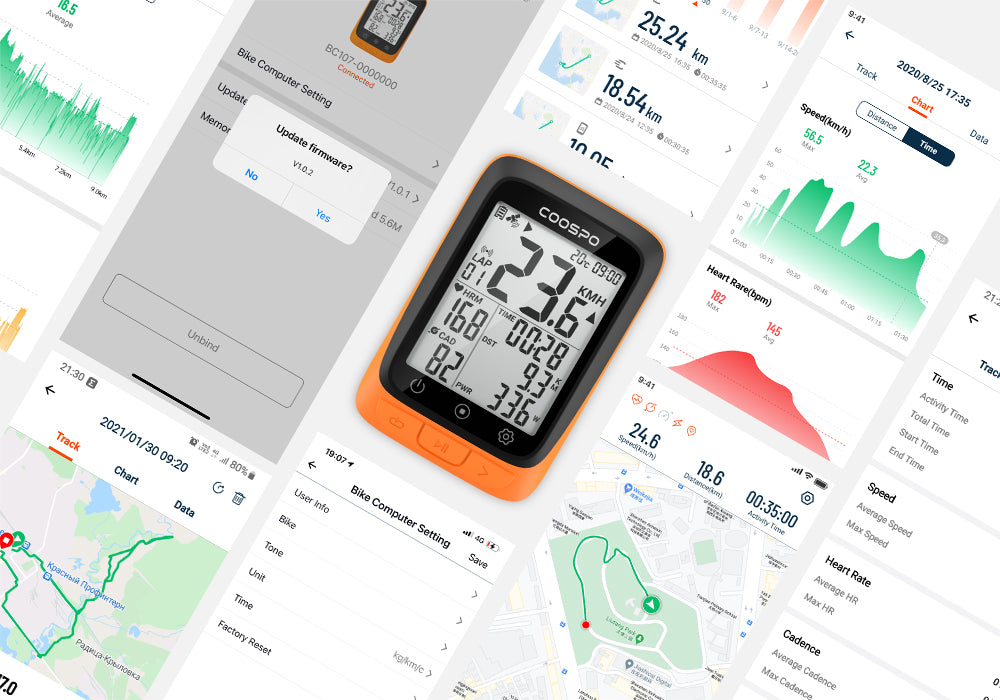
Easy Setting with Coosporide APP
By CoospoRide app, you can set the BC107 easily, sync cycling data to the app to analyze, and get the latest update of firmware.
Parameter
The BC107 GPS Bike Computer was designed to be small but powerful.
BC107 may not be as professional as BC200, but it is equipped with all the essential functions of a GPS bike computer, which is perfectly suitable for beginners.
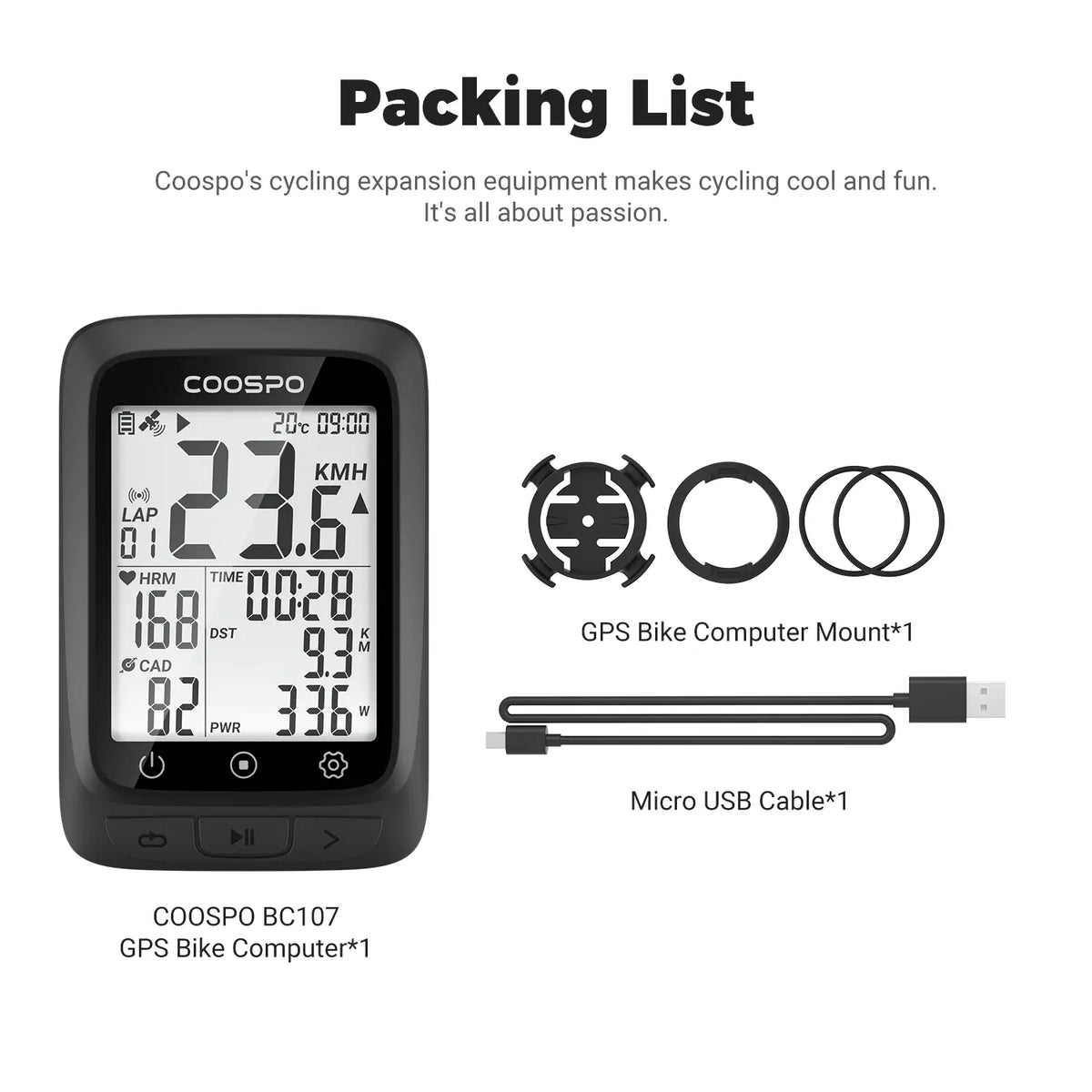
• BC107 device main unit
• USB cable
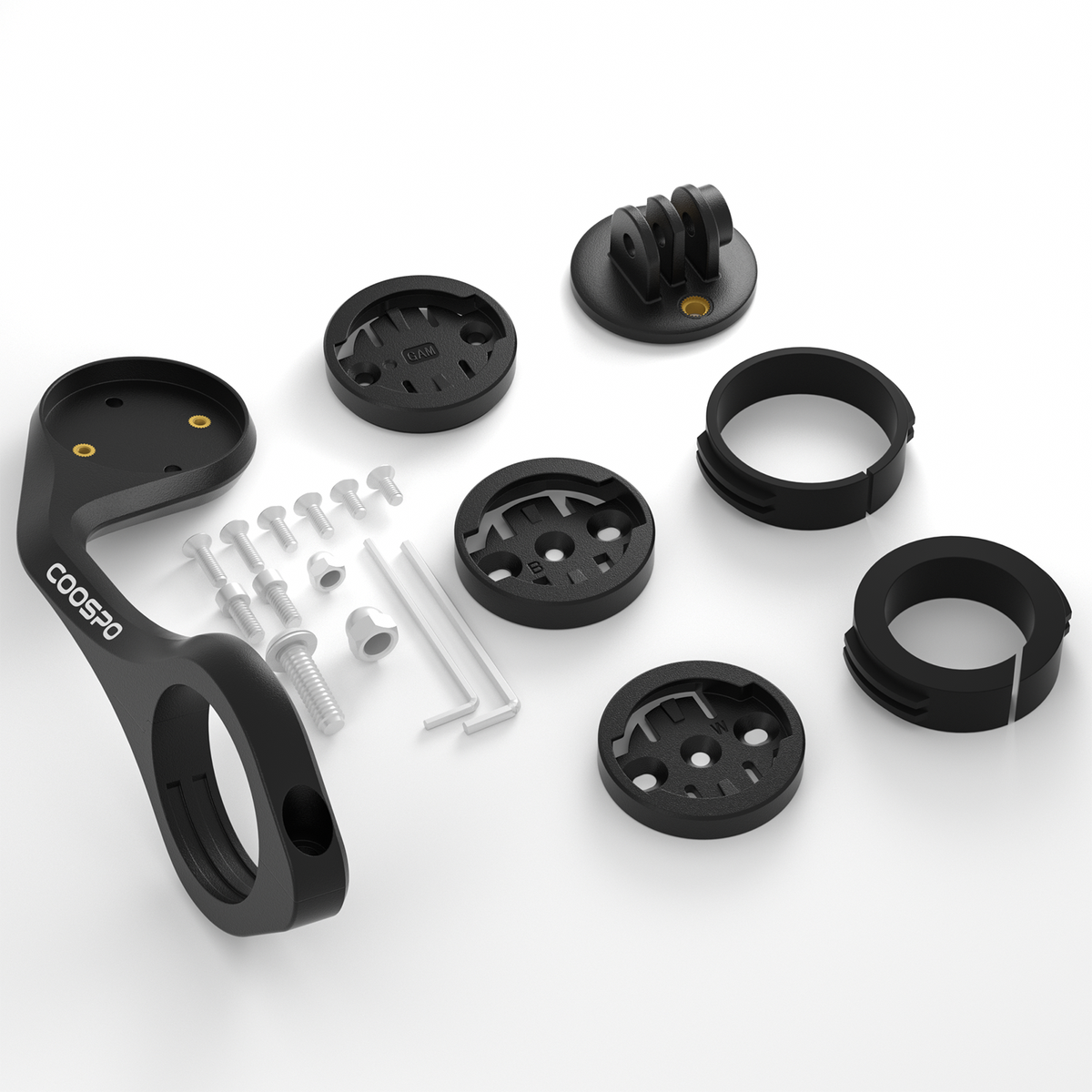
• Basic mount
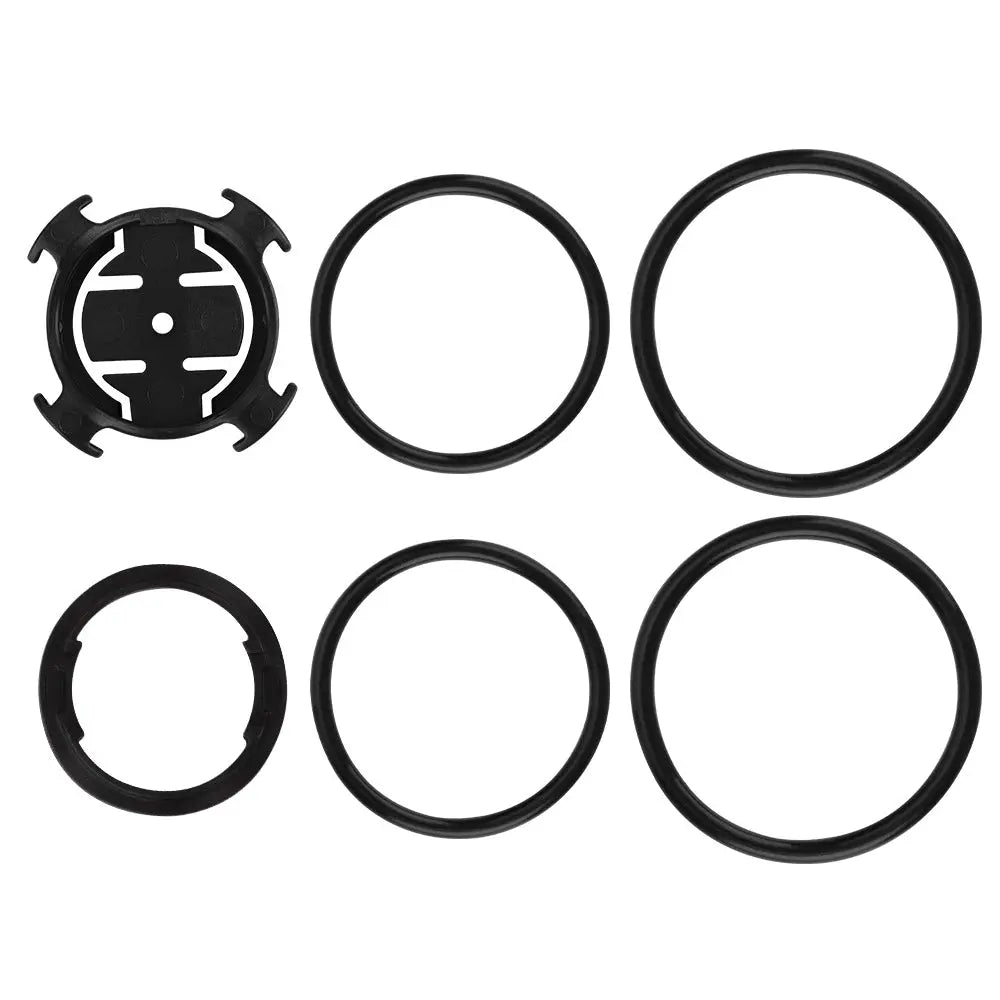
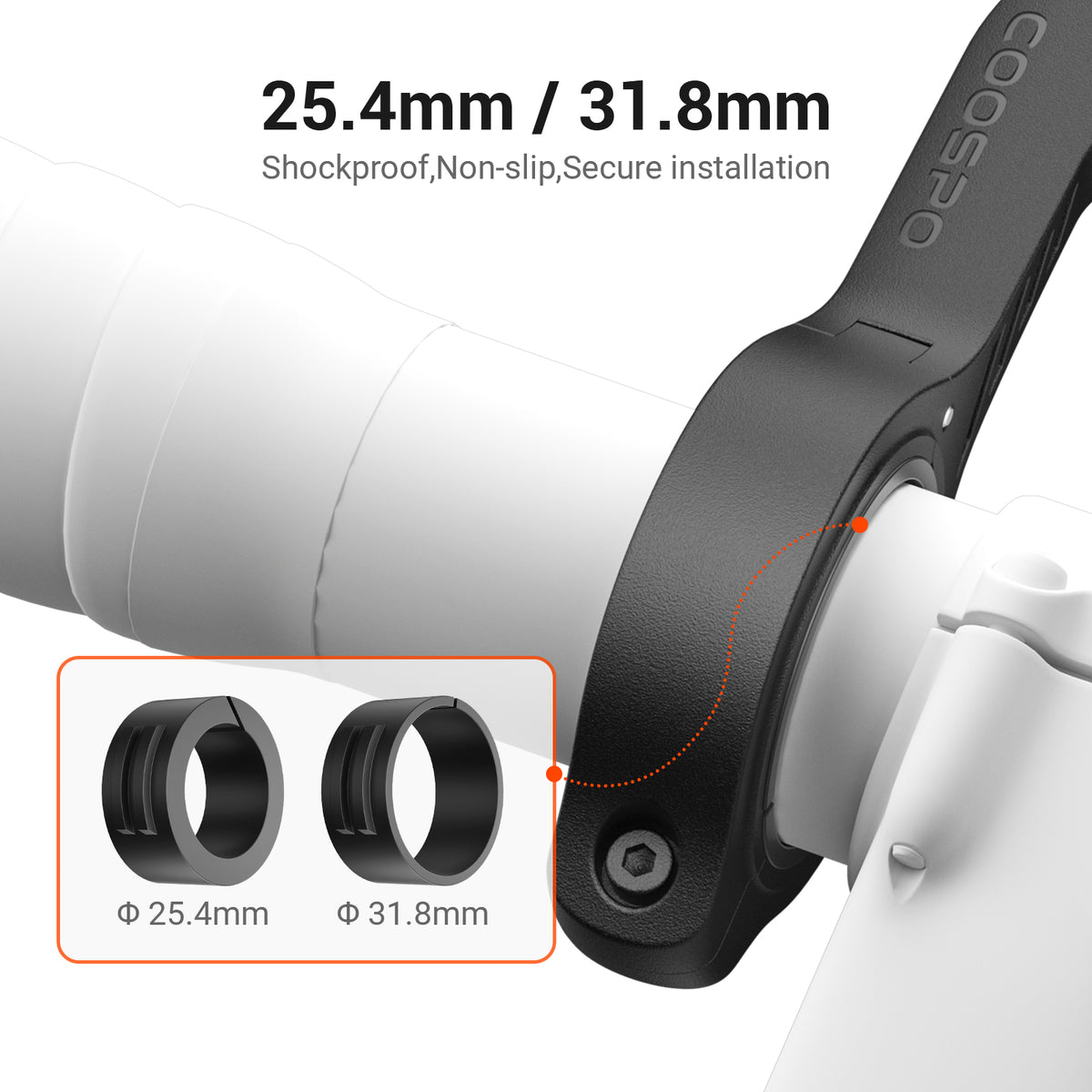
• Rubber ring*4
• Rubber pad for mount
• User manual
• Physical dimensions:80*54*20.64mm
• Display size:2.3” FSTN
• Weight:64g
• Automatic Backlight: Yes
• Battery life:28 hours with GPS
• Charging Time:2 hours
• Positioning System:GPS & BDS
• Routing & Navigation: No
• Storage: 8M (80 hours history)
Compare PowerCore Series
You May Also Like


Frequently Asked Questions
GPS positioning failed
You can try placing the BC107 in an outdoor open area for GPS positioning. If it still fails to obtain a GPS fix after waiting more than half an hour, there may be a hardware failure with the device. In this case, it is recommended that you contact after-sales service through the purchase channel to seek further help and solutions.
How do you view the total distance on the BC107?
- View directly on the bike computer
The Coospo BC107 GPS bike computer supports directly displaying the total riding distance. This data is presented on the device screen as "ODO." You need to press the bike computer's page-turn button to find this important data. - View on the App
COOSPO App > Me > Device > Device details page > Total distance
How do you switch between imperial and metric units?
- Switch on the bike computer: You can refer to its operation manual, or search and watch related usage and operation videos on the COOSPO YouTube channel (video link: https://youtu.be/AmuHpB4h858?si=MmbCOak_uyA52Elz).
- App settings: COOSPO App > Me > Device > Device details page > Units


