










![[2 Pack] Coospo Breathable Neck Gaiter Face Scarf Mask COOSPO](http://www.coospo.com/cdn/shop/files/106de7b046babc03aa610173af6e31aa_599da3fe-9907-4b1e-8eb0-f08b3032720b.png?v=1720591174&width=1600)

![[4 Pack] Coospo Soft Breathable Chilly Towel, Microfiber Towel COOSPO](http://www.coospo.com/cdn/shop/files/1_904094cc-62ee-40e9-aa21-415effb385b4.png?v=1720527561&width=1600)

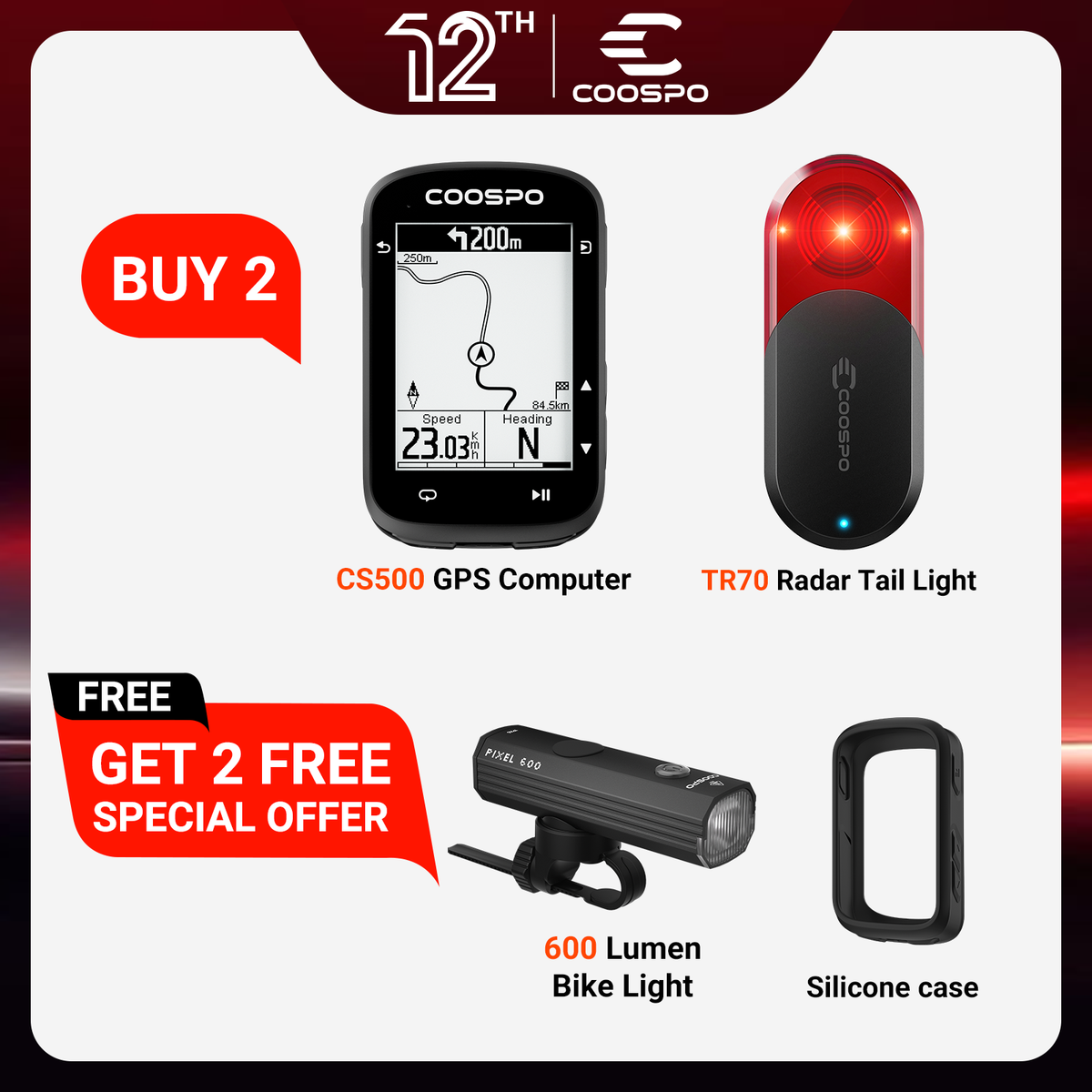


🔥Ciclocomputador GPS REALROAD CS500
Ciclocomputador GPS CS500 - Atende a todos os requisitos de ciclismo
Aprimore seu ciclismo com GPS de precisão, navegação curva a curva, opções de exibição personalizáveis e modos de treinamento avançados, atendendo tanto a entusiastas quanto a ciclistas profissionais, de iniciantes a atletas experientes.

On orders over$29.9 USD. Delivered to 49 countries with full tracking. Usually ships within 1-2 business days.

Covers manufacturing defects. Valid in all 49 countries we ship to. No extra cost.


Parameter
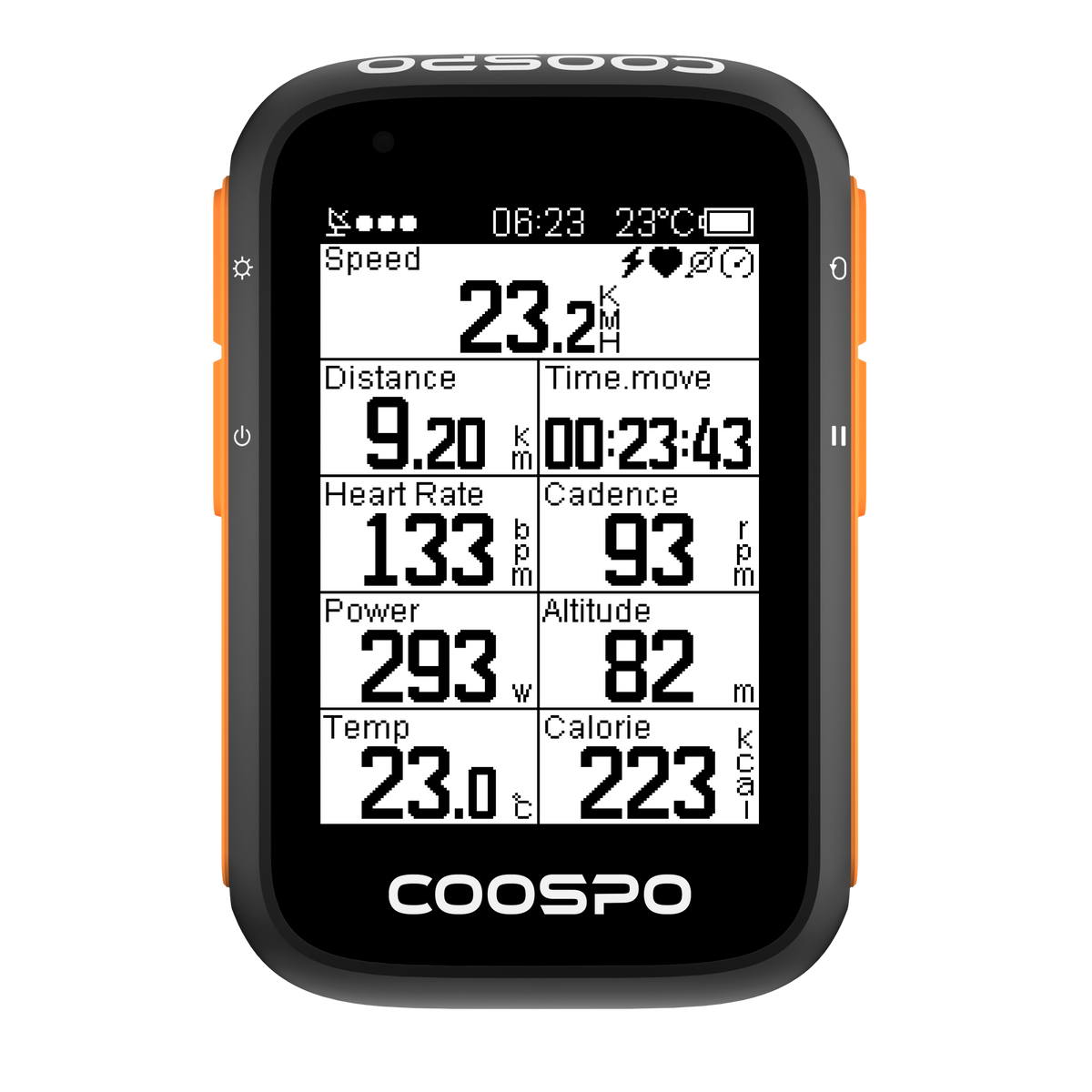
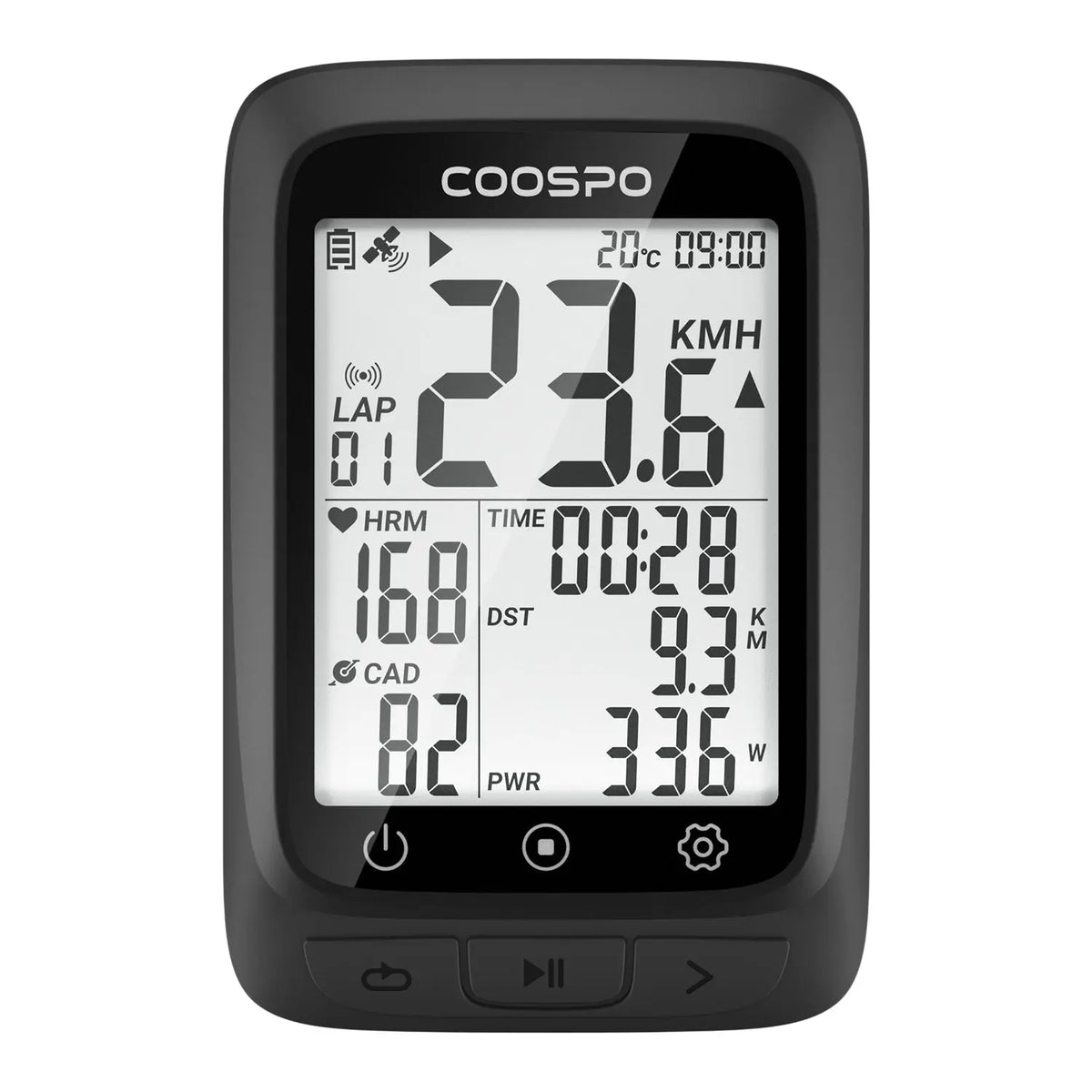
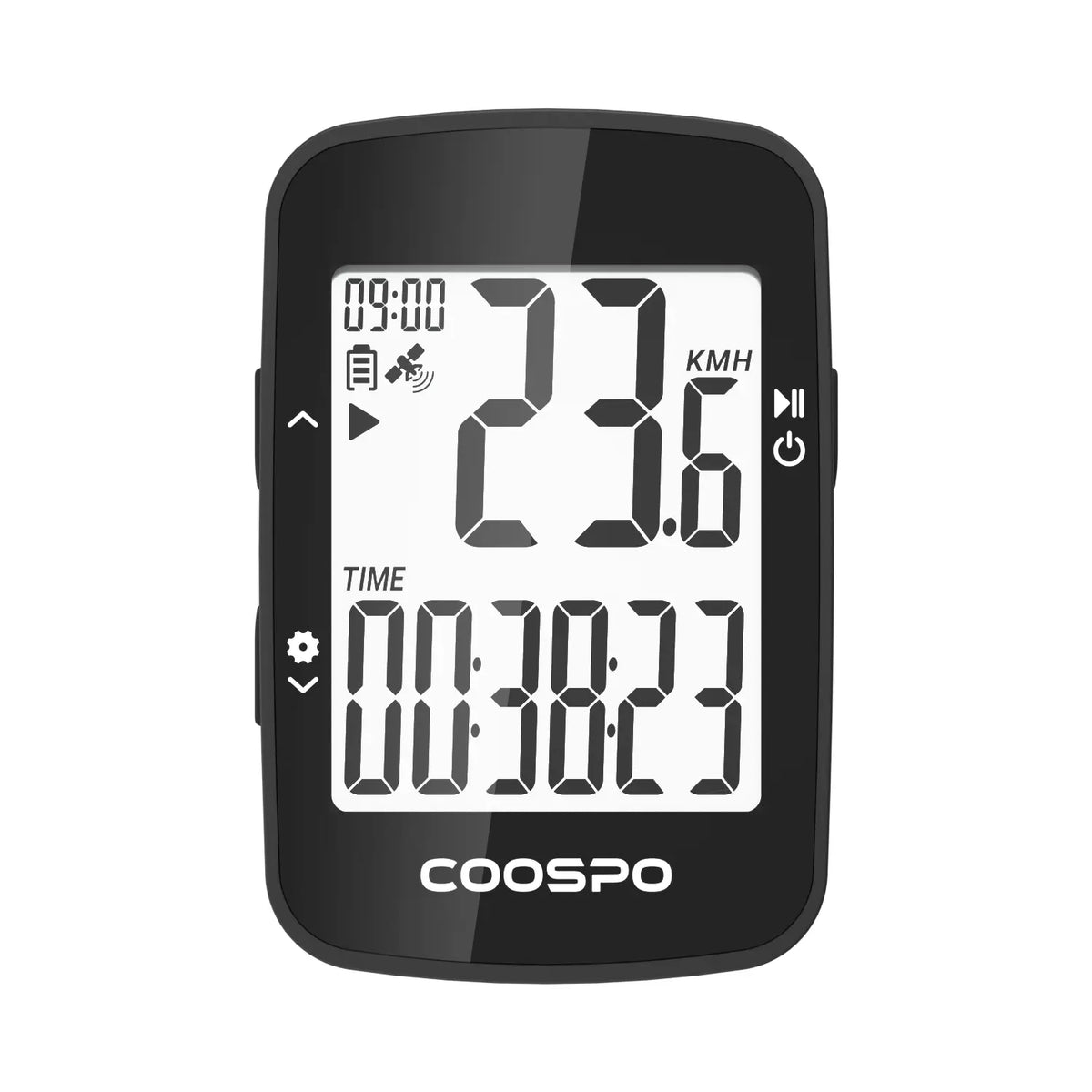
Coospo CS500 GPS Bike Computer– premium cycling computer built for the serious rider. Advanced navigation guides you turn by turn, while multi‑satellite positioning ensures unwavering accuracy on any route. A brilliant display adjusts to any light, and the long‑lasting battery keeps you exploring for days. Pair with sensors, analyze every detail, and elevate every ride – this is your ultimate command center.
• CS500 device main unit
• Type-C cable
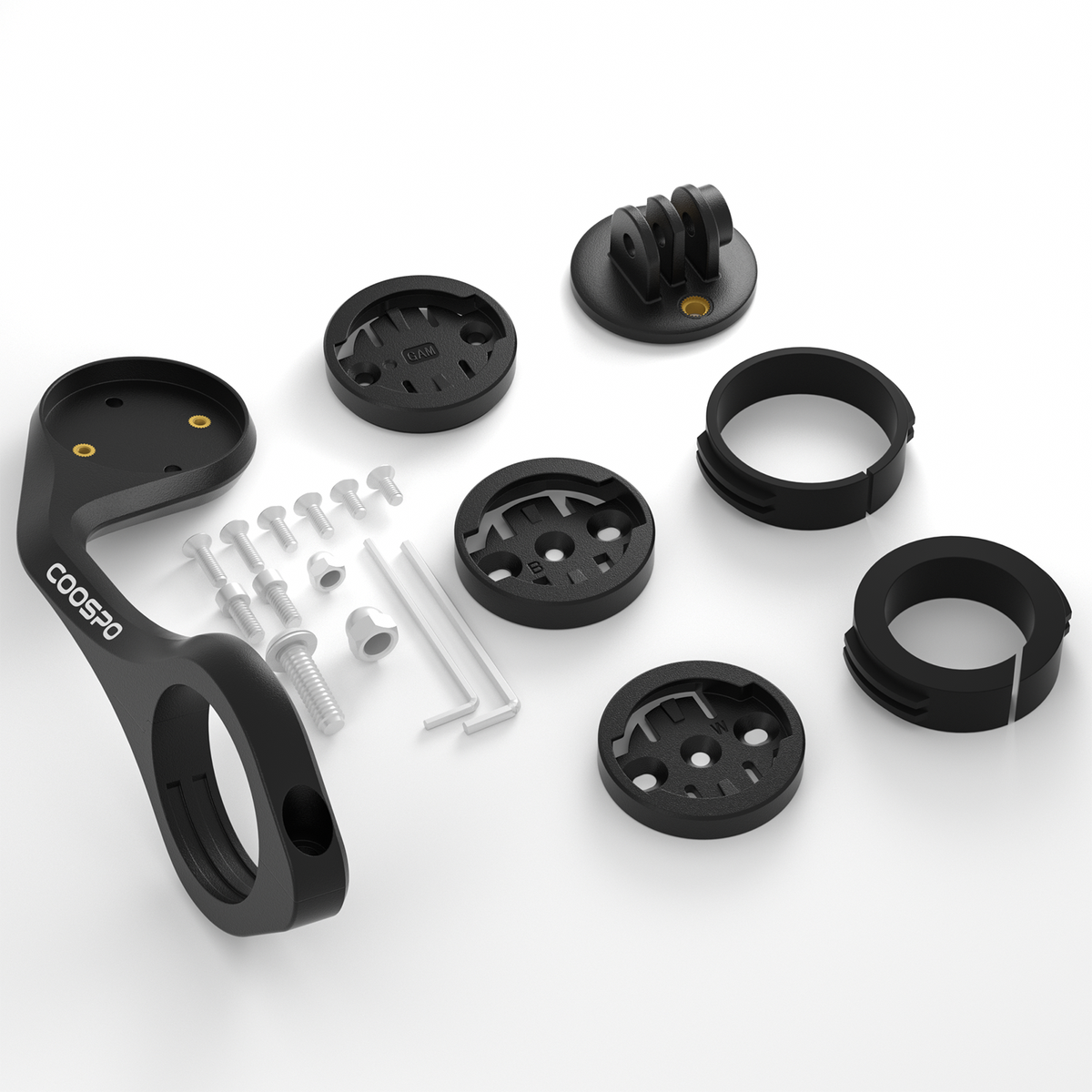
• Basic mount
• Screen Protector
• User manual
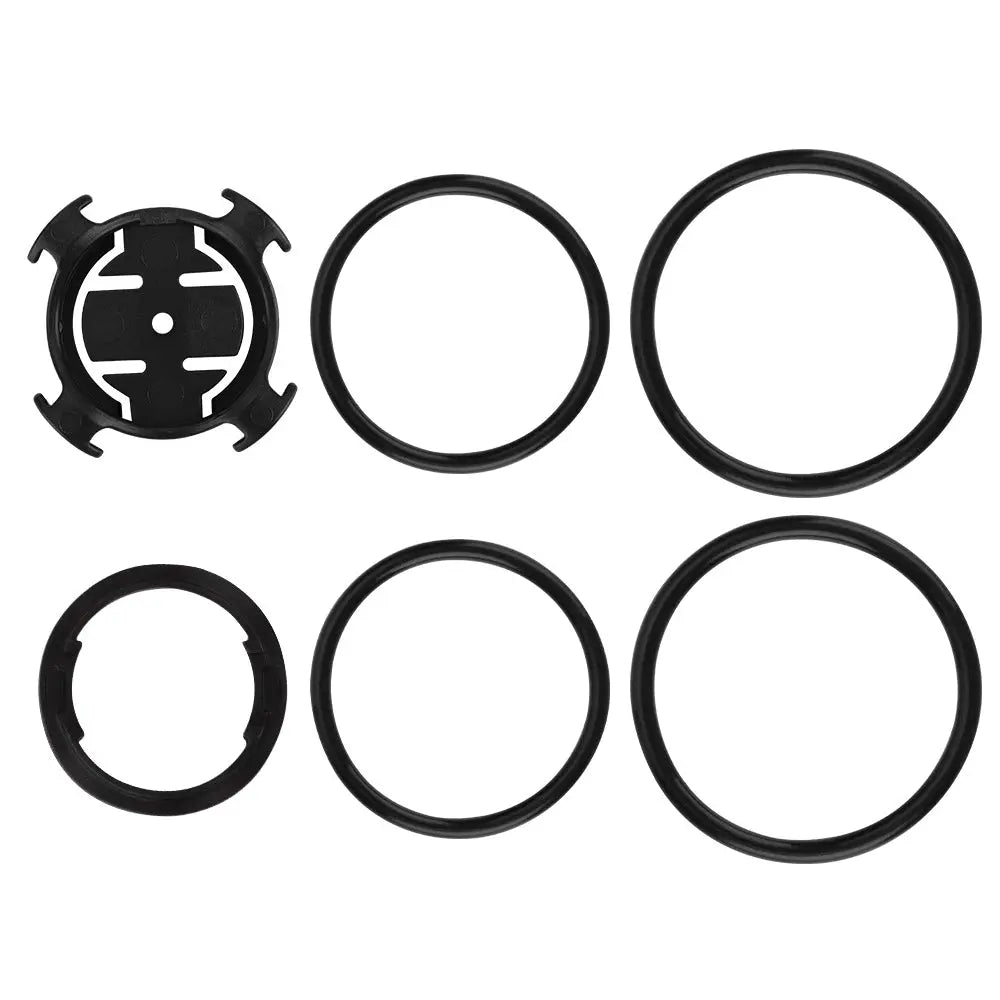
• Rubber ring*2
• Rubber mat
• Anti-lost rope
• Physical Dimensions: 85*53*19mm
• Display Size: 2.6” LCD
• Weight: 72 g
• Automatic Backlight: Yes (By Light sensor)
• Battery Life: 45 hours with GPS
• Charging Time: 2 hours
• Positioning System: GPS + BDS + QZSS + GLONASS + GALILEO
• Charging Interface: Type-C
• Storage:32M
• USB Connection:Yes
• Parameter Displayed: 140+
Compare PowerCore Series
You May Also Like



Frequently Asked Questions
How do I set the time on the CS500?
- Manual setting: Enter the bike computer's "Settings" menu, select "System Settings > Time," and set the corresponding time zone.
- Setting via the App: COOSPO App > Me > Device > Device details page > Time > Time zone.
- Automatic App update: After binding the device, the bike computer will automatically synchronize with the phone's time, with no manual operation required.
Sensor switch function on the CS500 device
The sensor switch on the CS500 device only controls the CS500 to turn off and cut off the connection with the sensor; it cannot control the sensor's power switch. COOSPO brand sensors have a smart auto-sleep function. After detecting that the user has been stationary for a certain period of time, they automatically enter sleep mode, stop consuming power, and extend battery life. When riding again, the sensors monitor motion status in real time and automatically wake up, with no manual operation required, making them convenient to use.
Can multiple different bicycles and multiple different sensors be configured on the CS500?
- The CS500 model can bind up to three sensors of the same type, which can meet your need to use different sensors with multiple bicycles.
- The CS500 itself has no independent entry for vehicle parameter settings. The wheel circumference needs to be configured on the details page of the already paired speed sensor. After you bind the corresponding speed sensor for different bicycles, enter that sensor's details page to set the wheel diameter parameter that matches the bicycle.


