











![[2 Pack] Coospo Breathable Neck Gaiter Face Scarf Mask COOSPO](http://www.coospo.com/cdn/shop/files/106de7b046babc03aa610173af6e31aa_599da3fe-9907-4b1e-8eb0-f08b3032720b.png?v=1720591174&width=1600)


![[4 Pack] Coospo Soft Breathable Chilly Towel, Microfiber Towel COOSPO](http://www.coospo.com/cdn/shop/files/1_904094cc-62ee-40e9-aa21-415effb385b4.png?v=1720527561&width=1600)





Computador de bicicleta REALROAD CS300 GPS
Ciclocomputador GPS REALROAD CS300 - Passeios de Aventura
Capture dados de GPS precisos e treine de forma mais inteligente com métricas em tempo real. Mantenha-se conectado, sincronize com o aplicativo CoospoRide e compartilhe suas aventuras de ciclismo sem esforço!

On orders over$29.9 USD. Delivered to 49 countries with full tracking. Usually ships within 1-2 business days.

Covers manufacturing defects. Valid in all 49 countries we ship to. No extra cost.


REALROAD™CS300
Ride with Freewill.

With GPS+BDS+QZSS multiple Satellites support
CS300 gives a more accurate GPS speed and track.

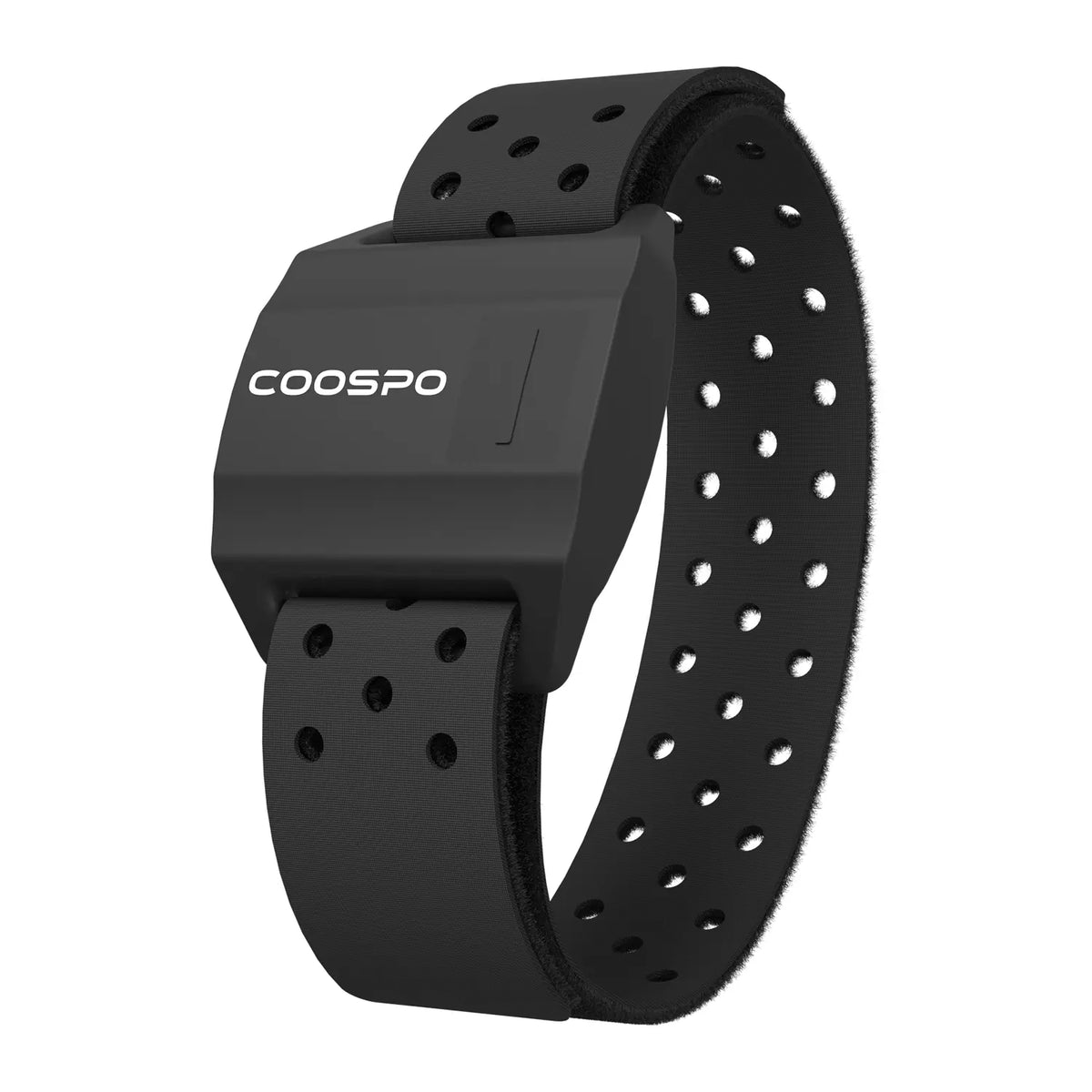
Train smart with HR, speed, cadence and power zone.

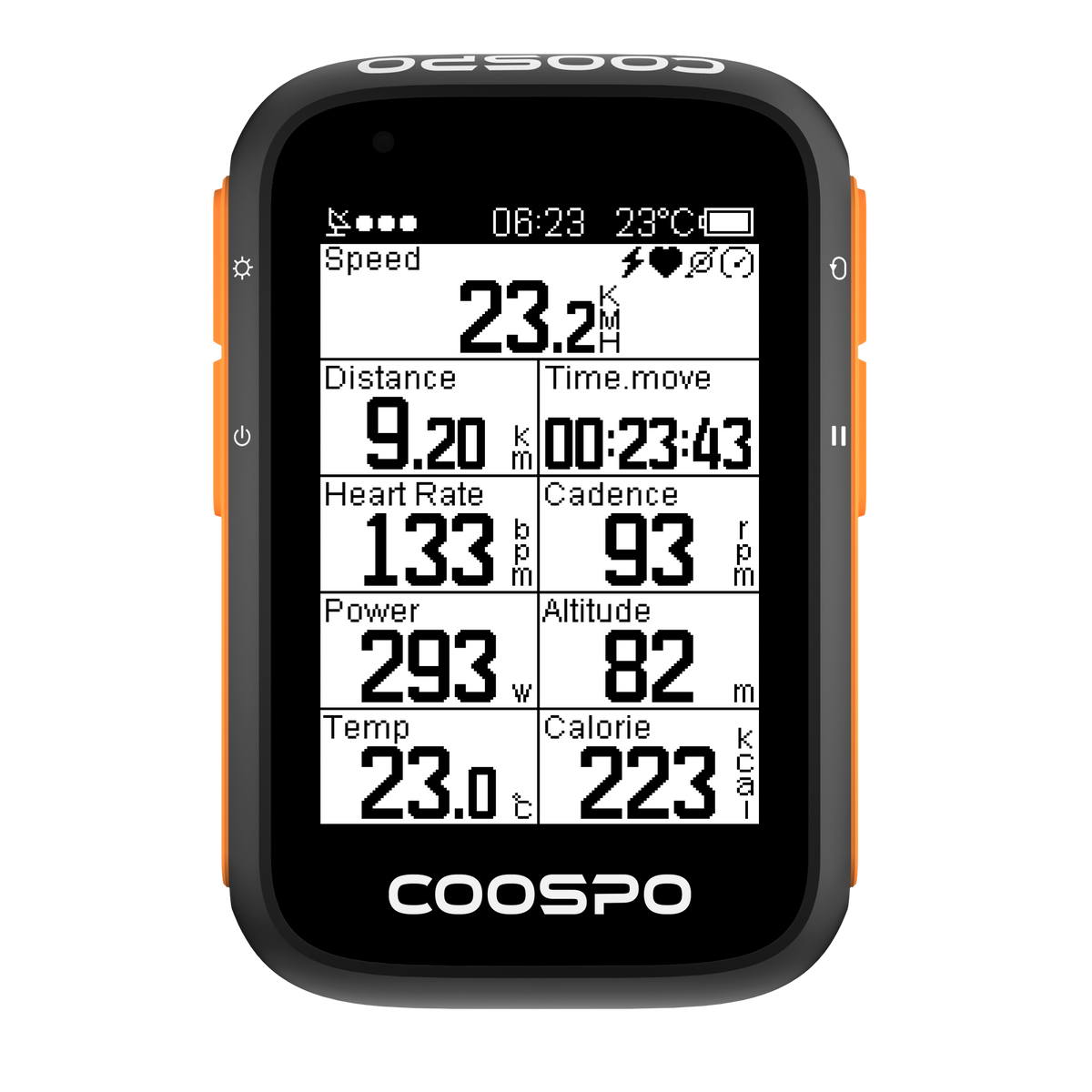
Support up to 5 data pages and 40+ data types.

Gives a better visibility ever.

Compatible with Bluetooth and ANT+ cycling sensors.

A smarter and safer riding experience.

Set the bike computer on your smartphone, and sync data to Strava
and TrainingPeaks by CoospoRide.


REALROAD™CS300
Ride with Freewill.

With GPS+BDS+QZSS multiple Satellites support
CS300 gives a more accurate GPS speed and track.

ZONE INDICATOR
Train smart with HR, speed, cadence and power zone.

PAGES YOU NEED
Support up to 5 data pages and 40+ data types.

CLEAR SCREEN
Gives a better visibility ever.

Compatible with Bluetooth and
ANT+ cycling sensors.

DATA ALERT
A smarter and safer riding experience.

SUPPORT
Set the bike computer on your smartphone,
and sync data to Strava
and TrainingPeaks by CoospoRide.

Parameter
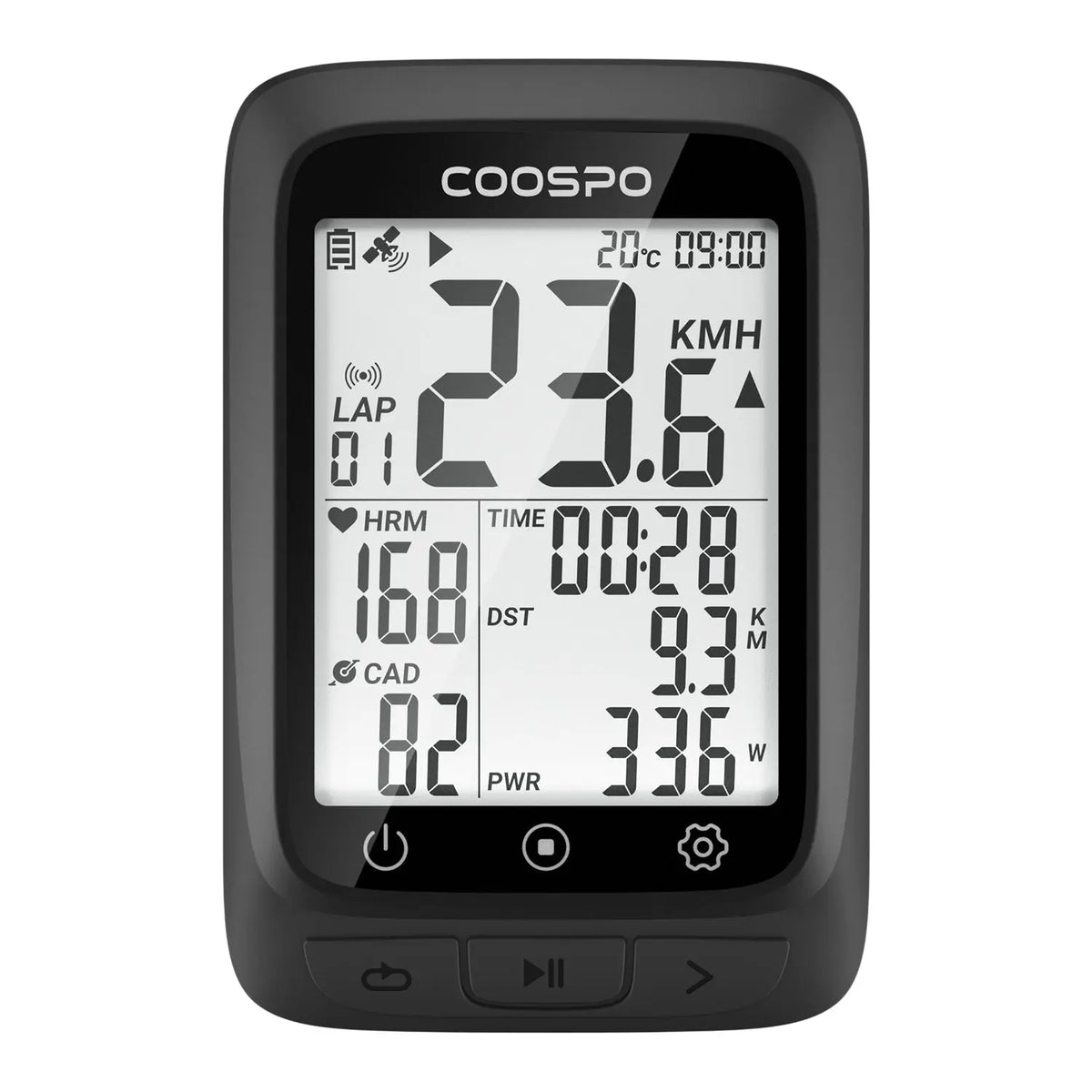
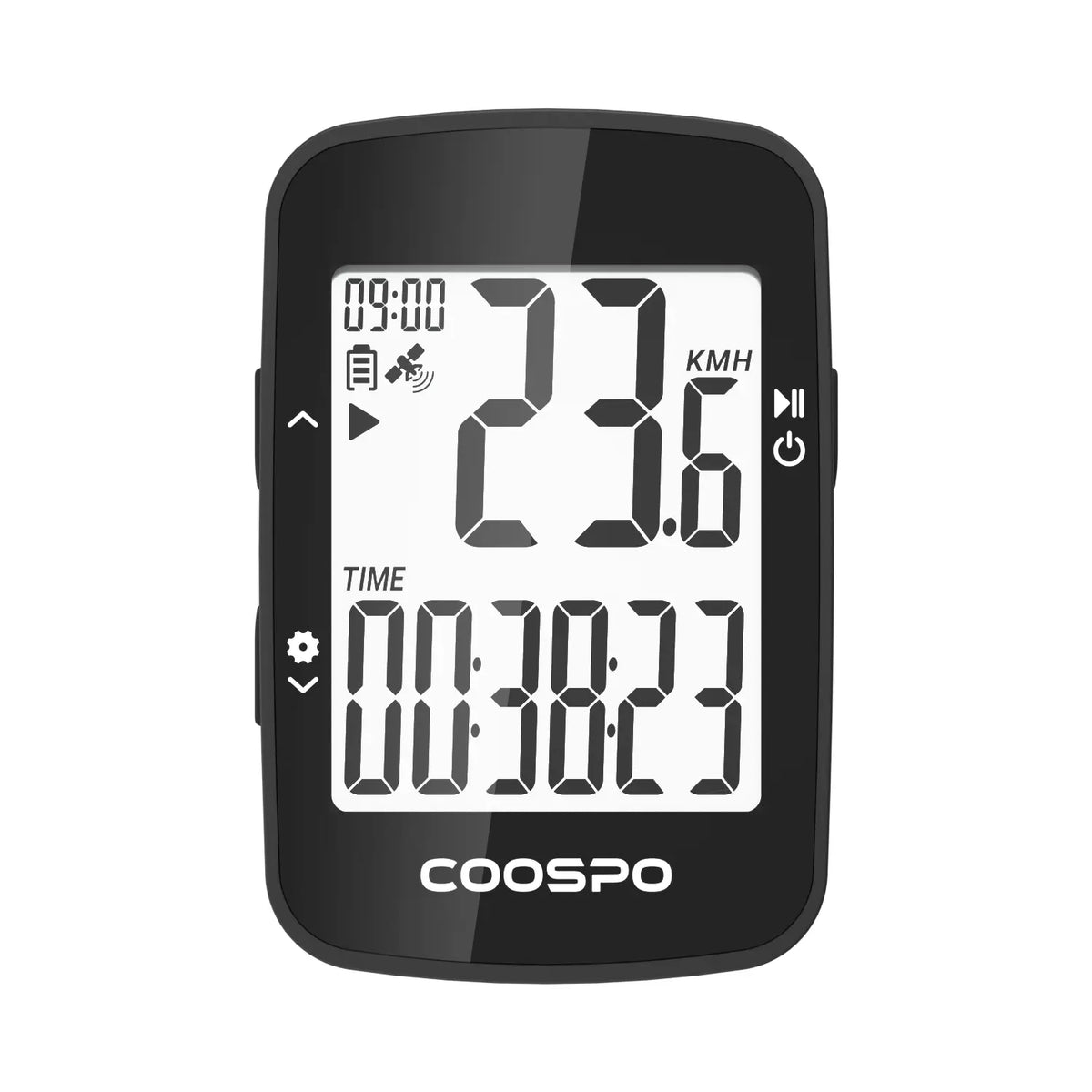
Coospo CS300 GPS Bike Computer – lightweight, powerful. GPS lock in seconds, speed/distance/altitude on one clear screen. Smart backlight adapts to any light. Pairs with cadence, HR, power sensors. Syncs to app for route tracking and performance data – your smart ride navigator.
• CS300 device main unit
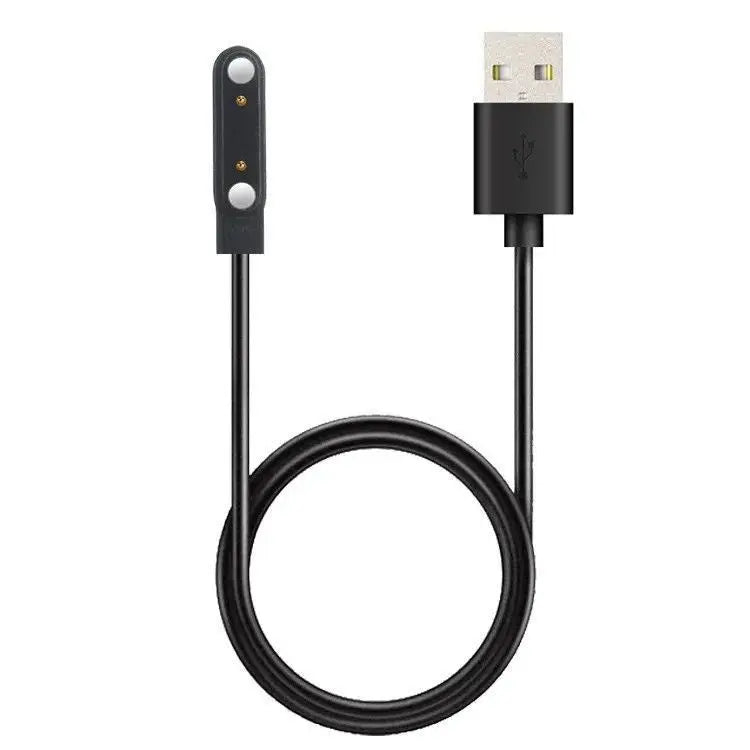
• Type-C cable
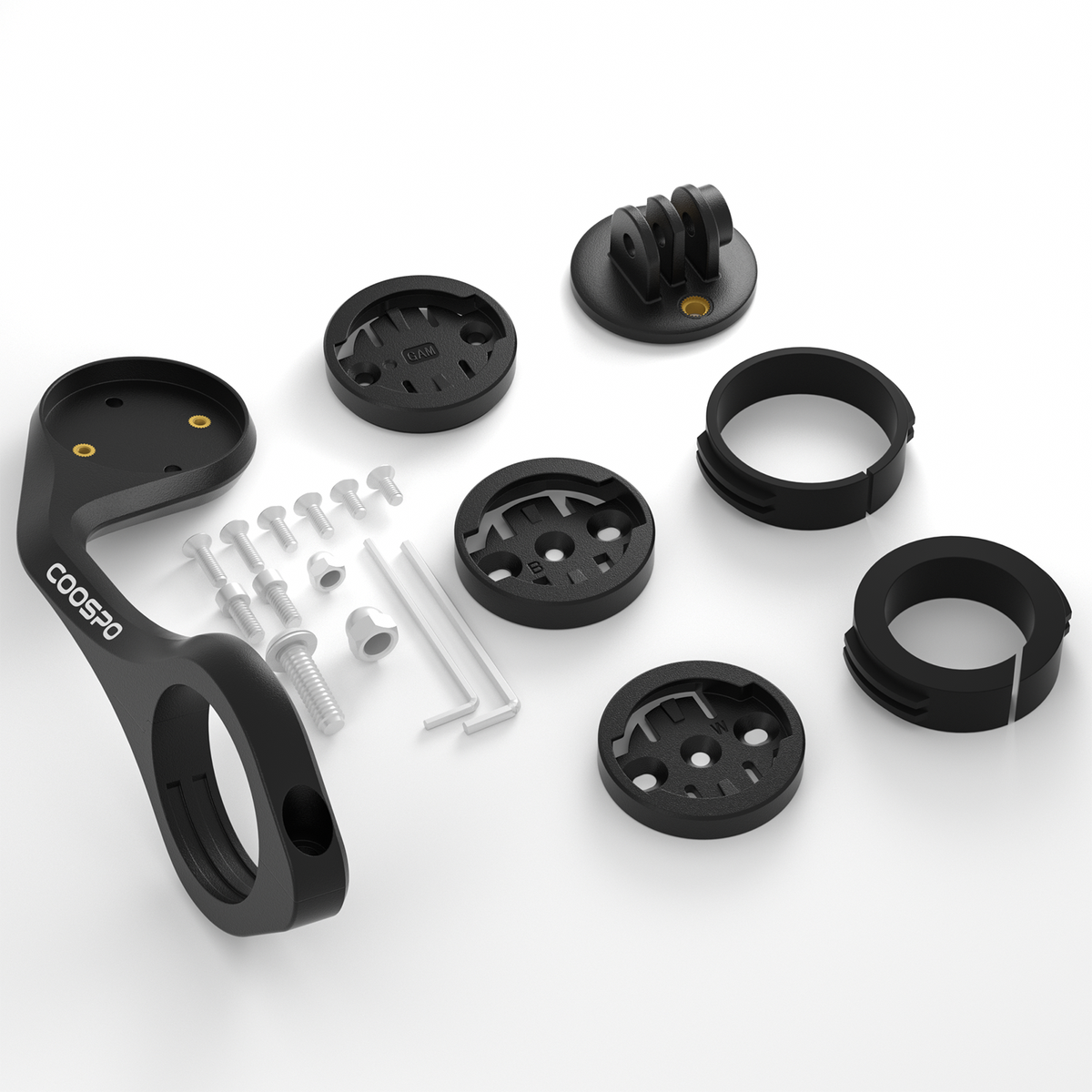
• Basic mount
• User manual
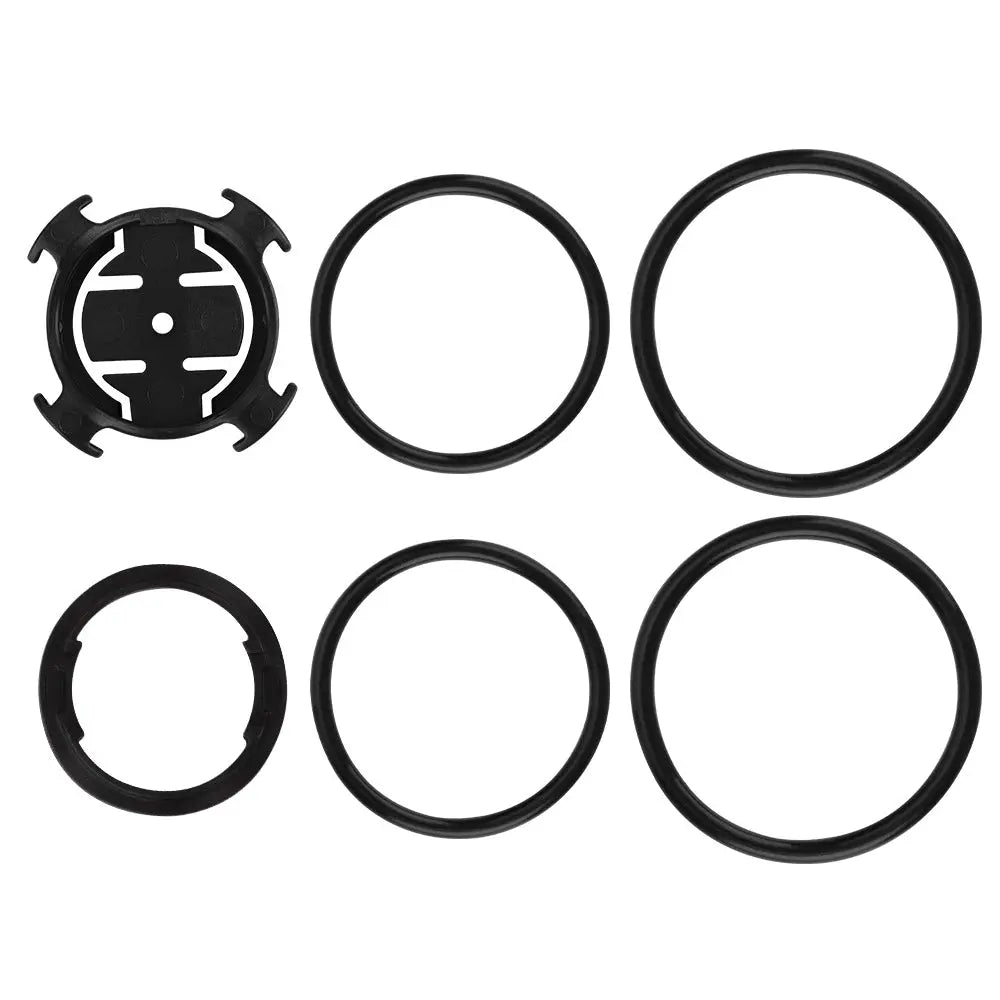
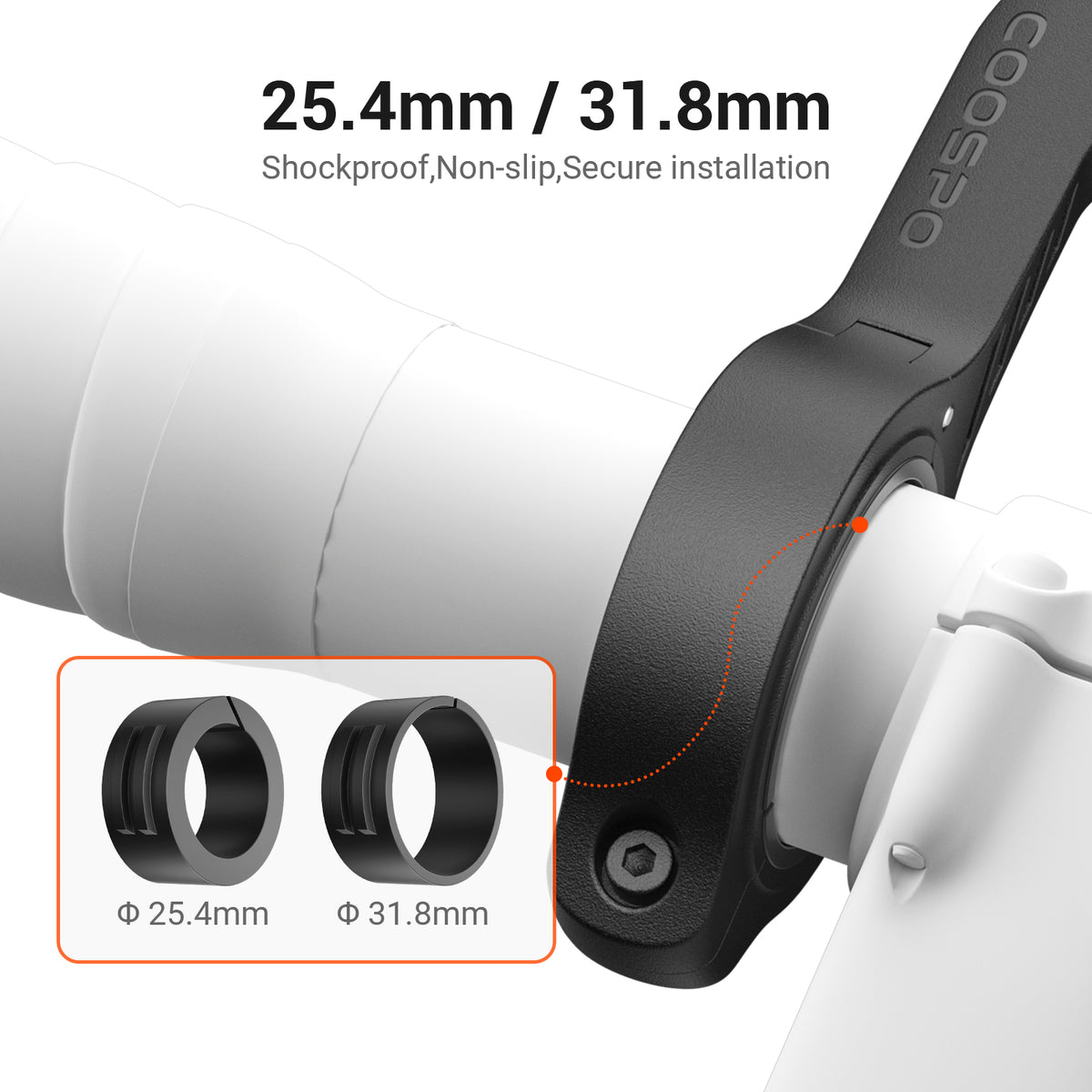
• Rubber ring*2
• Rubber mat
• Anti-lost rope
• Physical Dimensions: 82.95*51.45*19.43mm
• Display Size:2.6” FSTN
• Weight: 60g
• Automatic Backlight: Yes
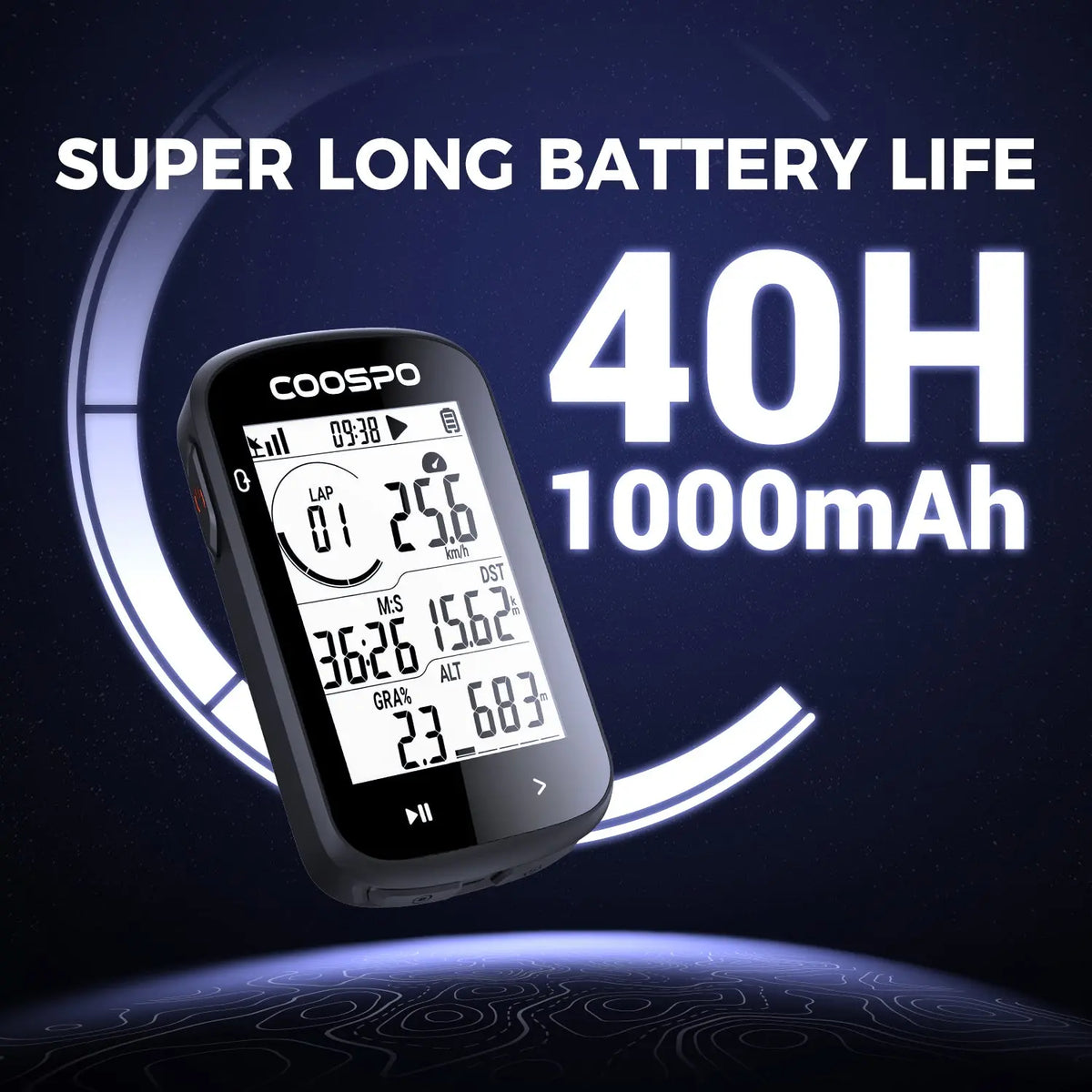
• Battery Life: 40 hours with GPS
• Charging Time: 2 hours
• Positioning System: GPS, BDS, QZSS
• Charging Interface: Type-C
• Parameter Displayed: 40+
Compare PowerCore Series
You May Also Like

Frequently Asked Questions
How do you set the time?
There are two ways to change the time on the CS300 bike computer:
- Automatic App update
After the bike computer is bound to the COOSPO App, the bike computer will automatically synchronize with the phone's time, with no manual setting required.
- Setting via the App:
Altitude calibration function
The CS300 has two ways to calibrate altitude:
- Bike computer GPS altitude calibration
After the bike computer obtains a GPS fix, it can automatically calibrate the altitude.
- Manual altitude calibration by binding the bike computer to the App
The path is: Coosporide App > Device > Device details page > Altitude calibration.
How do you set the heart rate zones and power zones on the CS300?
The relevant zone setting path for the CS300: CoospoRideApp > Me > Device > CS300 device details page > User information settings > XX zone settings.


