













![[2 Pack] Coospo Breathable Neck Gaiter Face Scarf Mask COOSPO](http://www.coospo.com/cdn/shop/files/106de7b046babc03aa610173af6e31aa_599da3fe-9907-4b1e-8eb0-f08b3032720b.png?v=1720591174&width=1600)


![[4 Pack] Coospo Soft Breathable Chilly Towel, Microfiber Towel COOSPO](http://www.coospo.com/cdn/shop/files/1_904094cc-62ee-40e9-aa21-415effb385b4.png?v=1720527561&width=1600)

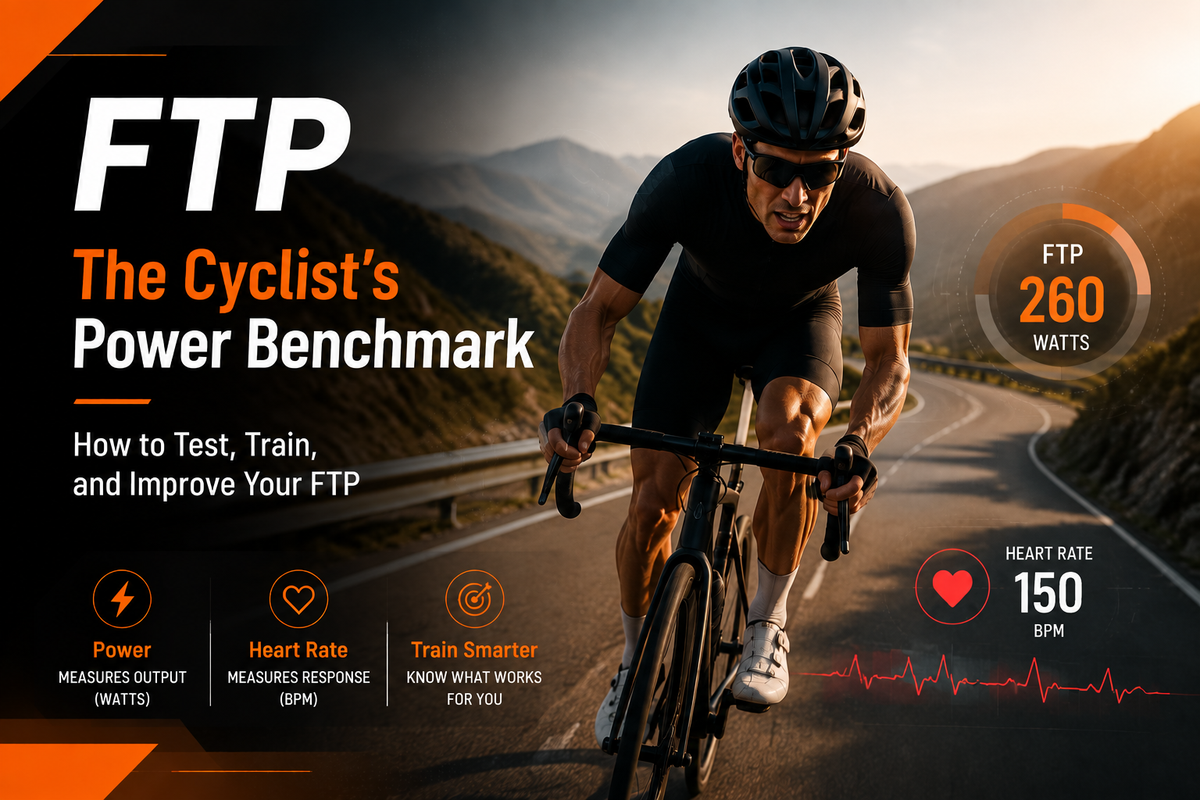
Se frequenti le comunità ciclistiche per un periodo sufficientemente lungo, prima o poi vedrai un numero ripetersi più e più volte:
FTP.
I ciclisti professionisti ne parlano. Le piattaforme di allenamento al coperto ne fanno uso. I ciclisti confrontano online i loro valori FTP.
Ma cos'è esattamente l'FTP? Perché è importante? E hai davvero bisogno di conoscere il tuo FTP se non partecipi a gare?
In breve:
L'FTP è uno dei metodi migliori per valutare la propria forma fisica in bicicletta, perché misura lo sforzo effettivo, non solo la velocità.
Che cos'è l'FTP nel ciclismo?
FTP sta per Potenza di soglia funzionale.
In parole semplici:
L'FTP è la potenza media massima (misurata in watt) che un ciclista può teoricamente sostenere per circa un'ora.
La potenza si misura in watt (W).
A differenza della velocità, che varia a seconda di:
· Vento
· Condizioni stradali
· Colline
· Scelta degli pneumatici
· Traffico
La potenza misura il lavoro effettivo prodotto dal tuo corpo.
Per esempio:
Due ciclisti potrebbero entrambi viaggiare a 30 km/h.
Ma:
· Il ciclista A sta scendendo in discesa con il vento a favore.
· Il ciclista B sta pedalando su strade pianeggianti controvento.
Le loro velocità sono identiche, ma lo sforzo che compiono è completamente diverso.
La potenza rivela la differenza.

Perché l'FTP è importante per i ciclisti?
1. L'FTP mostra il tuo vero livello di forma fisica
Molti ciclisti usano la velocità media per valutare i propri progressi. Ma la velocità può essere fuorviante. Una pedalata più veloce non significa sempre che si è diventati più forti. Forse:
Il tempo era migliore.
Il percorso era più pianeggiante.
Il vento ha aiutato.
L'FTP fornisce una misurazione più coerente.
Se il tuo FTP aumenta da:
200W → 240W
sai che la tua capacità di produrre potenza in modo continuativo è migliorata.
2. L'FTP aiuta a creare zone di allenamento migliori
Uno dei maggiori vantaggi di conoscere il proprio FTP è che permette di allenarsi con l'intensità corretta.
Invece di chiedersi: "Sto pedalando troppo forte?" OR:"Non mi sto impegnando abbastanza?" ItalianoIl tuo FTP crea zone di allenamento personalizzate.
Una struttura di formazione tipica si presenta così:
|
zona di allenamento |
Percentuale di FTP |
Scopo |
|
Recupero |
<55% |
Percorsi di recupero facili |
|
Resistenza |
56%-75% |
Sviluppare la forma fisica aerobica |
|
Tempo |
76%-90% |
Migliorare lo sforzo prolungato |
|
Ci sono delle contee |
91%-105% |
Migliorare l'FTP |
|
VO2 Max |
106%-120% |
Aumentare la capacità ad alta intensità |
Questo aiuta i ciclisti ad allenarsi in modo più intelligente, anziché limitarsi a pedalare più forte.
Come si testa il proprio FTP?
Esistono diversi modi per stimare l'FTP.
Il test FTP di 20 minuti
Uno dei metodi più comuni:
1. Riscaldarsi accuratamente.
2. Pedala al massimo delle tue possibilità per 20 minuti.
3. Calcola la tua potenza media.
4. Moltiplica per 0,95.
Esempio:
Potenza media su 20 minuti:
250W
FTP stimato:
250 × 0,95 = 237,5 W
Ciò fornisce una stima pratica dell'FTP.
Test di rampa
Molte piattaforme di allenamento indoor utilizzano test di rampa. Lo sforzo aumenta gradualmente fino a quando non si riesce più a continuare.
Vantaggi:
· Tempi di prova più brevi
· Ritmo più agevole
· Adatto ai principianti
Prolungamenti sforzi all'aperto
I ciclisti esperti possono anche stimare l'FTP (Flow Transfer Point) a partire da sforzi prolungati all'aperto.
Per esempio:
· Lunghe salite
· Prove a cronometro
· sforzi di gara
Che cos'è un buon FTP?
Questa è una delle domande più frequenti che i ciclisti si pongono.
La risposta:
Dipende.
L'FTP varia a seconda di:
· peso corporeo
· Storia della formazione
· Età
· Genere
· Esperienza in bicicletta
Un ciclista principiante potrebbe avere un FTP intorno a: 100–200W; Un ciclista amatoriale allenato: 200–300W; Ciclisti agonisti: 300W+; Cavalieri professionisti: 400W+
Tuttavia, confrontare direttamente i valori FTP può essere fuorviante.
Una misurazione migliore è:
FTP per chilogrammo (W/kg)
Questo parametro confronta la potenza in relazione al peso corporeo.
Per esempio:
Ciclista A: FTP da 250 W, peso corporeo 100 kg = 2,5 W/kg
Ciclista B: FTP da 250 W, peso corporeo 70 kg = 3,6 W/kg
Stesso FTP.
Diverse potenzialità di prestazione.
Come puoi migliorare il tuo FTP?
Aumentare l'FTP richiede un allenamento costante. I metodi più efficaci includono:
1. Costruisci la tua base aerobica
Le uscite lunghe e a ritmo blando migliorano la capacità del corpo di utilizzare l'energia in modo efficiente. Molti ciclisti utilizzano l'allenamento in zona 2 e le uscite di resistenza più lunghe come base per migliorare la propria FTP (Functional Threshold Power).
2. Aggiungere intervalli di soglia
L'allenamento di soglia insegna al corpo a sostenere livelli di potenza più elevati.
Esempi:
2 × 20 minuti vicino all'FTP
3 × 10 minuti a ritmo di resistenza
Questi allenamenti sono impegnativi ma estremamente efficaci.
3. Migliorare il recupero
Allenarsi di più non è sempre sinonimo di meglio. L'FTP migliora quando il corpo si adatta dopo l'allenamento.
Fattori importanti:
Sonno
Nutrizione
giorni di riposo
Formazione sulla coerenza
4. Monitora i tuoi progressi
Senza misurazioni, è difficile sapere se il tuo allenamento funziona.
Tracciamento:
Energia
Frequenza cardiaca
Volume di formazione
Recupero
ti aiuta a comprendere i tuoi progressi nel tempo.

FTP o frequenza cardiaca: quale utilizzare?
Molti ciclisti chiedono: "Devo allenarmi basandomi sulla frequenza cardiaca o sulla potenza?"
La risposta dipende dai tuoi obiettivi.
Frequenza cardiaca
Vantaggi:
· Conveniente
· Facile da capire
· Adatto ai principianti
Limitazioni:
Variazioni della frequenza cardiaca dovute a:
· Calore
· Stress
· Fatica
· Caffeina
· qualità del sonno
Energia
Vantaggi:
· Misura la produzione effettiva
· Risposta immediata
· Più accurato per la formazione strutturata
Limitazioni:
· Richiede un misuratore di potenza
· Richiede la comprensione delle zone di allenamento
Molti ciclisti esperti li usano entrambi:
La potenza indica l'intensità del tuo lavoro.
La frequenza cardiaca indica come sta reagendo il tuo corpo.

Perché sempre più ciclisti utilizzano i misuratori di potenza
Un tempo i misuratori di potenza erano considerati un'attrezzatura riservata esclusivamente ai ciclisti professionisti. Oggi stanno diventando molto più accessibili.
Un numero sempre maggiore di ciclisti utilizza i dati di potenza perché aiutano a rispondere a domande importanti:
· Sto migliorando?
· Mi sto allenando con l'intensità giusta?
· Perché oggi sono più lento?
· Quanto sforzo ha richiesto davvero quella scalata?
Anziché basarsi esclusivamente sulla velocità, i ciclisti ora possono comprendere le proprie prestazioni effettive.
Come un ciclocomputer può essere d'aiuto nell'allenamento FTP
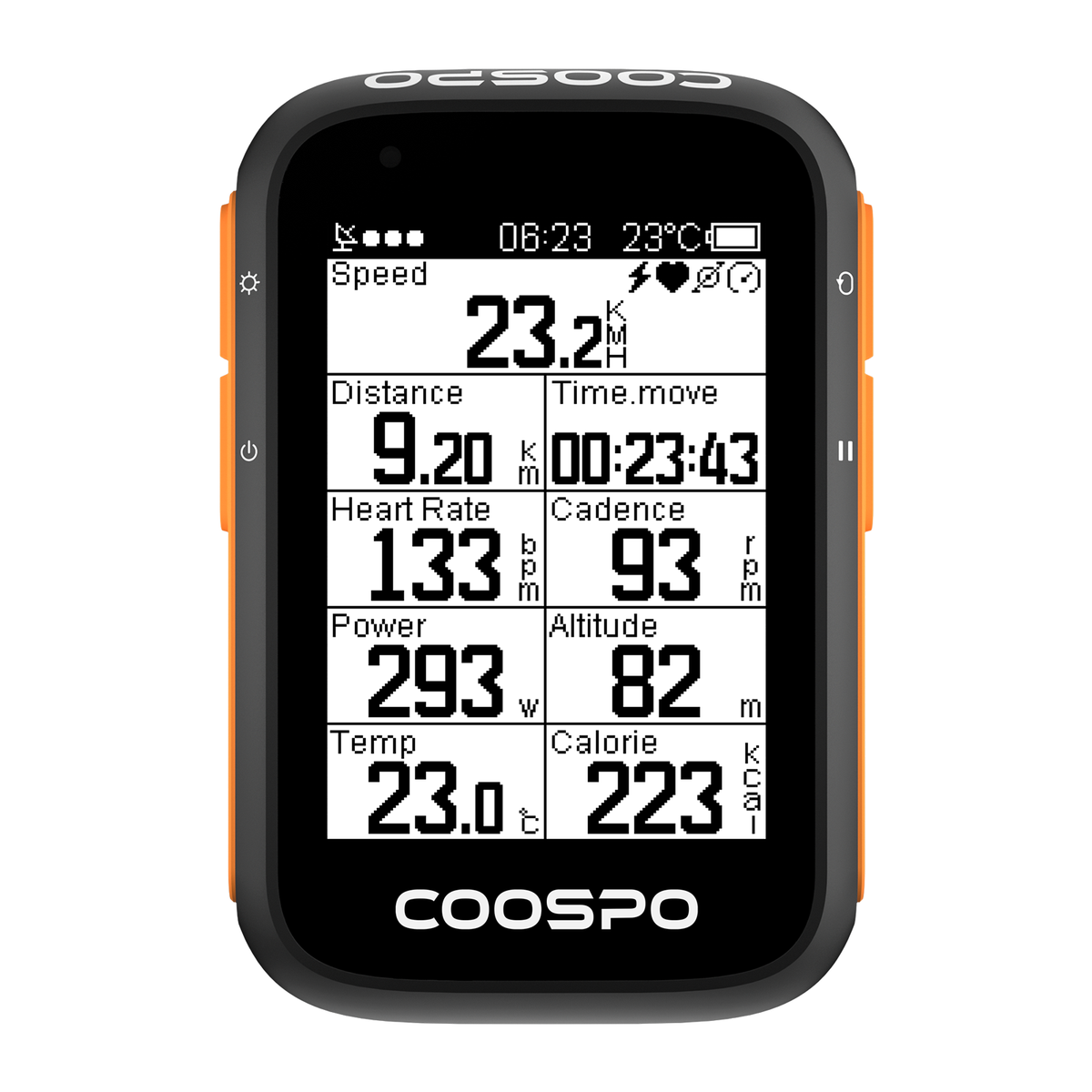
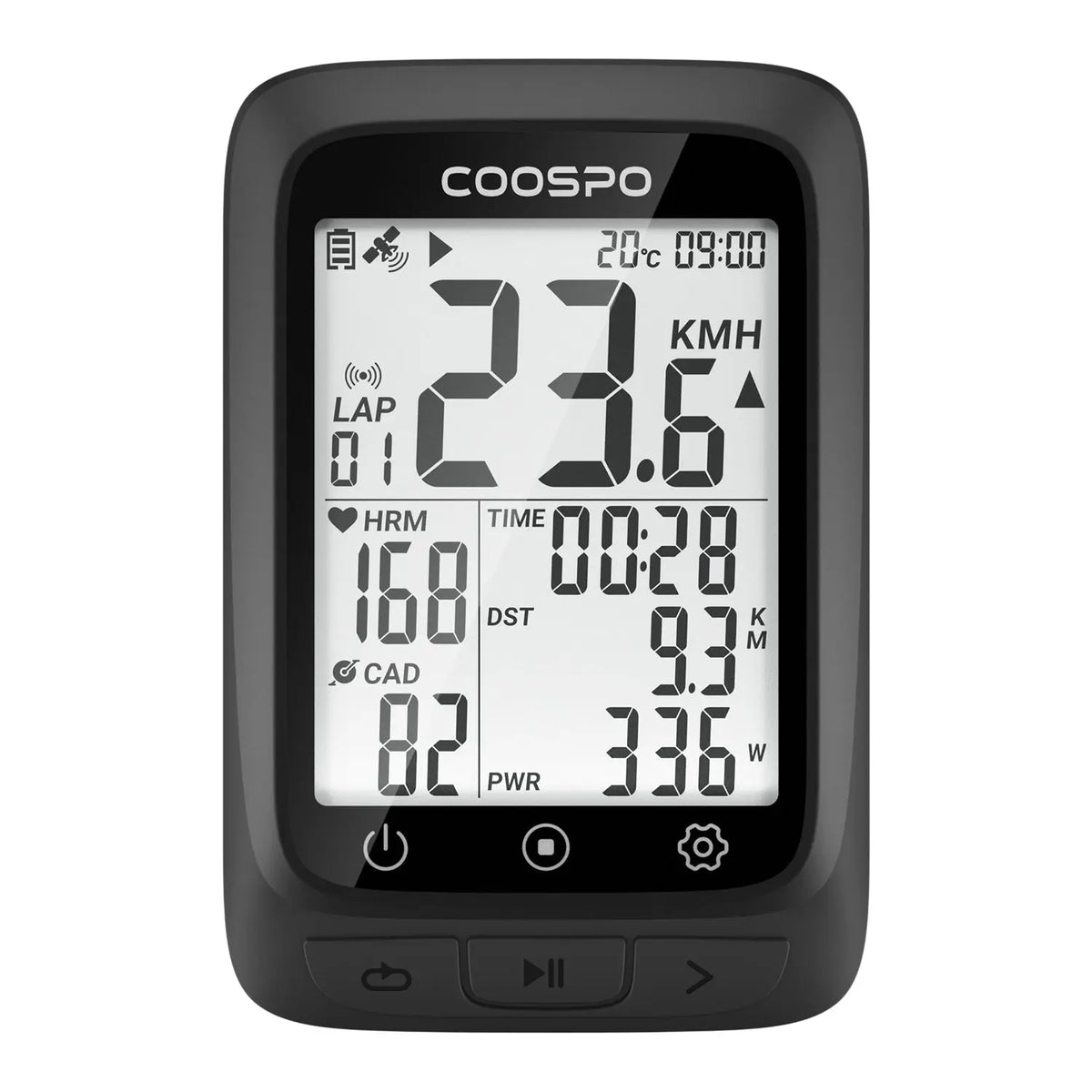
L'allenamento FTP richiede un monitoraggio costante. Un ciclocomputer permette ai ciclisti di monitorare:
potenza attuale
Potenza media
Frequenza cardiaca
Zone di allenamento
Dati di allenamento
Durante gli allenamenti strutturati, i dati in tempo reale ti aiutano a rimanere all'interno del corretto intervallo di intensità.
Per esempio:
Durante un intervallo FTP, un ciclista può vedere immediatamente se:
Potenza inferiore al valore target
Pedalare troppo duramente
Mantenere lo sforzo corretto
Utilizzare un misuratore di potenza per un allenamento più intelligente
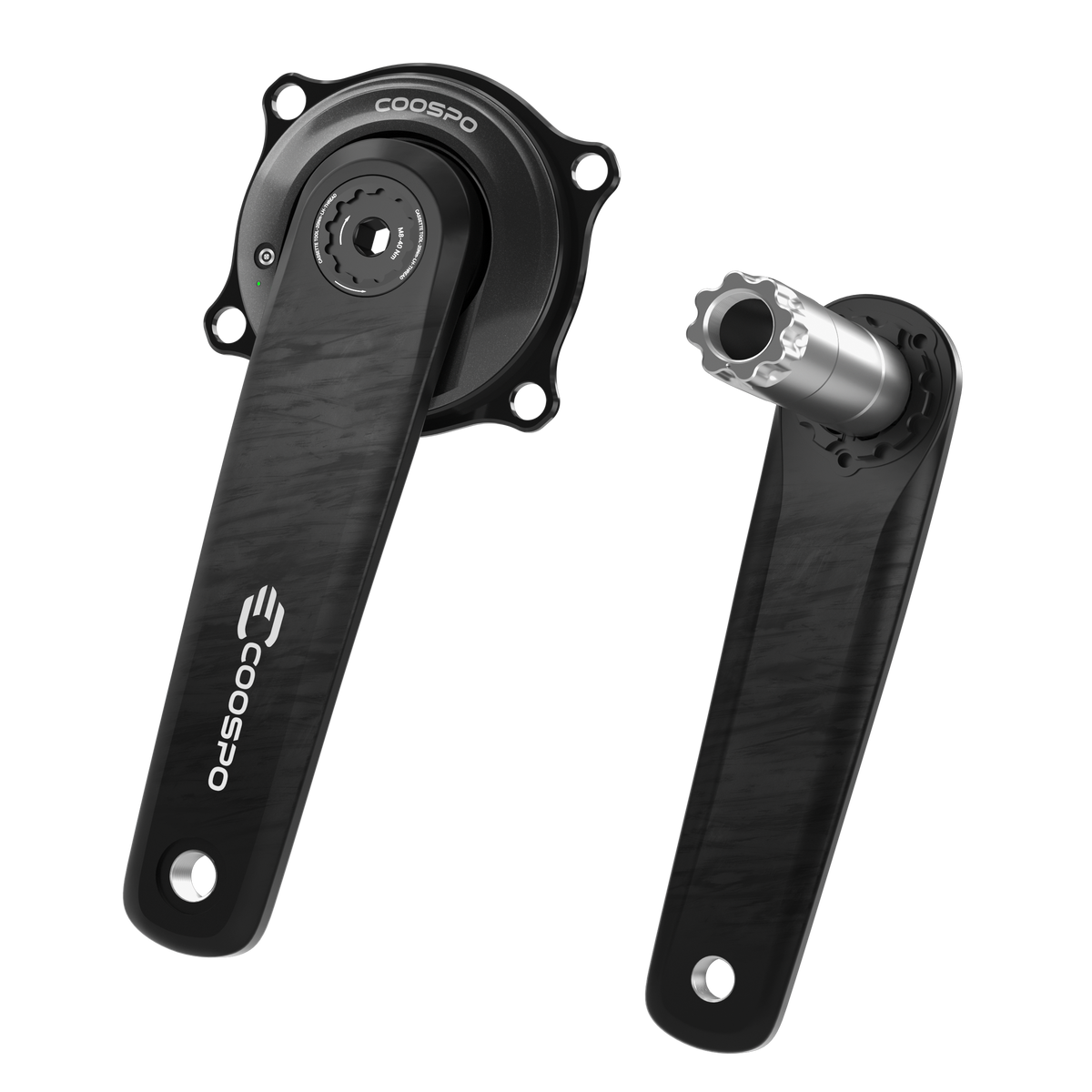
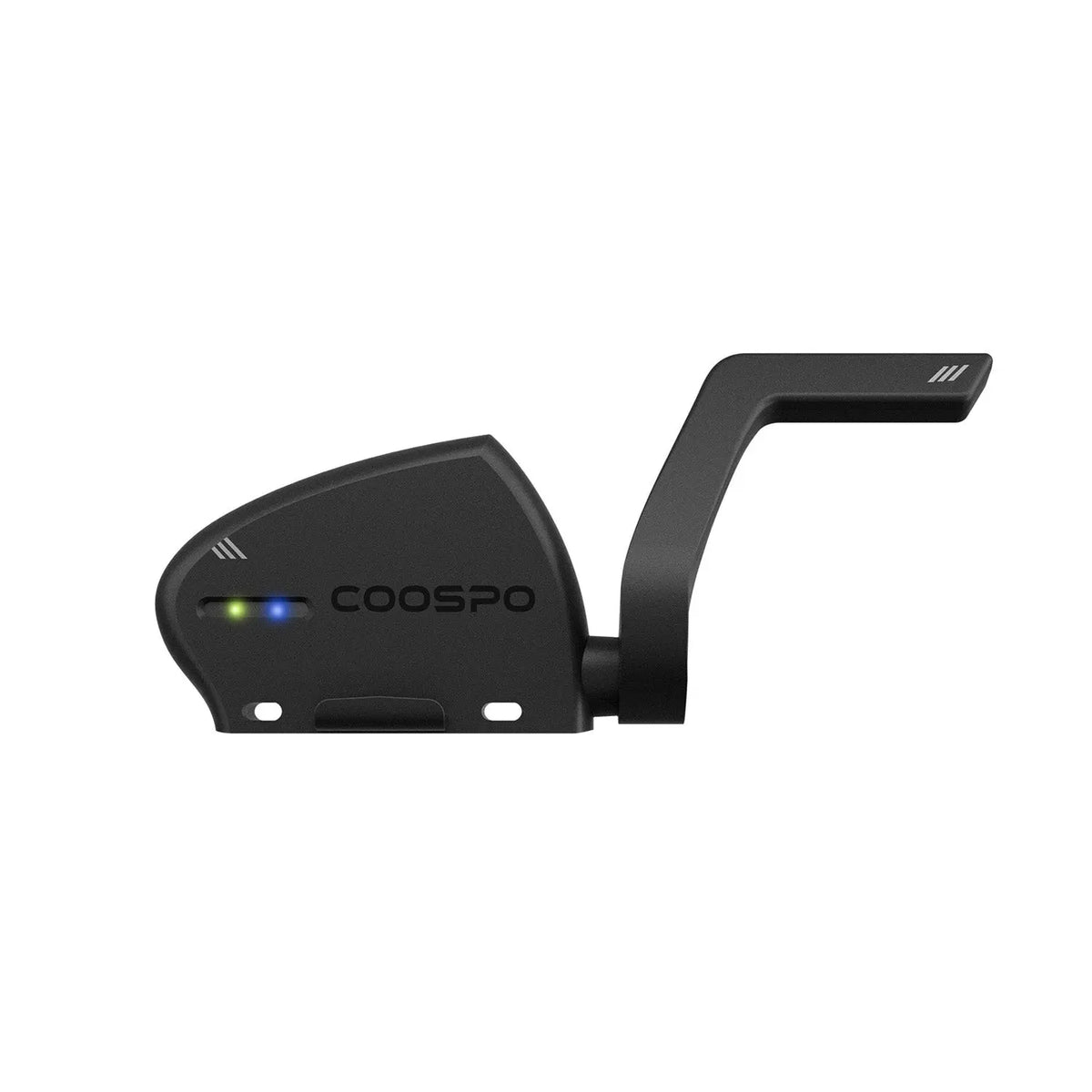
Un misuratore di potenza come
Combinato con un ciclocomputer GPS come
· Potenza in uscita
· Frequenza cardiaca
· Velocità
· Cadenza
· Storia del viaggio
Ciò consente ai ciclisti di spostarsi da: "Penso di essermi allenato duramente oggi." A: "Ho completato la mia sessione di allenamento mirato."
Considerazioni finali
L'FTP è molto più di un semplice numero che i ciclisti confrontano online. È uno strumento che aiuta i ciclisti a comprendere la propria forma fisica, a strutturare l'allenamento e a misurare i progressi.
Che tu ti stia preparando per la tua prima gara, migliorando la tua resistenza o semplicemente cercando di diventare un ciclista più forte, comprendere l'FTP può aiutarti ad allenarti in modo più mirato. Non è necessario inseguire numeri da livello professionale.
Il più importante FTP è il tuo:
Il numero che indica che stai diventando più forte di ieri.
FAQ
Cosa significa FTP nel ciclismo?
FTP sta per Functional Threshold Power (Potenza di Soglia Funzionale). Rappresenta la potenza massima sostenibile che un ciclista può mantenere per circa un'ora.
I principianti devono conoscere il loro FTP?
I principianti non hanno bisogno dell'FTP fin da subito, ma diventa sempre più utile quando si inizia un allenamento strutturato.
Un FTP più elevato è sempre migliore?
Un FTP più elevato generalmente indica una prestazione migliore, ma l'FTP relativo al peso corporeo (W/kg) è spesso più significativo.
Posso migliorare l'FTP senza un misuratore di potenza?
Sì, ma un misuratore di potenza rende l'allenamento più preciso e consente un migliore monitoraggio dei progressi.


Lascia un commento
Questo sito è protetto da hCaptcha e applica le Norme sulla privacy e i Termini di servizio di hCaptcha.