











![[2 Pack] Coospo Breathable Neck Gaiter Face Scarf Mask COOSPO](http://www.coospo.com/cdn/shop/files/106de7b046babc03aa610173af6e31aa_599da3fe-9907-4b1e-8eb0-f08b3032720b.png?v=1720591174&width=1600)

![[4 Pack] Coospo Soft Breathable Chilly Towel, Microfiber Towel COOSPO](http://www.coospo.com/cdn/shop/files/1_904094cc-62ee-40e9-aa21-415effb385b4.png?v=1720527561&width=1600)
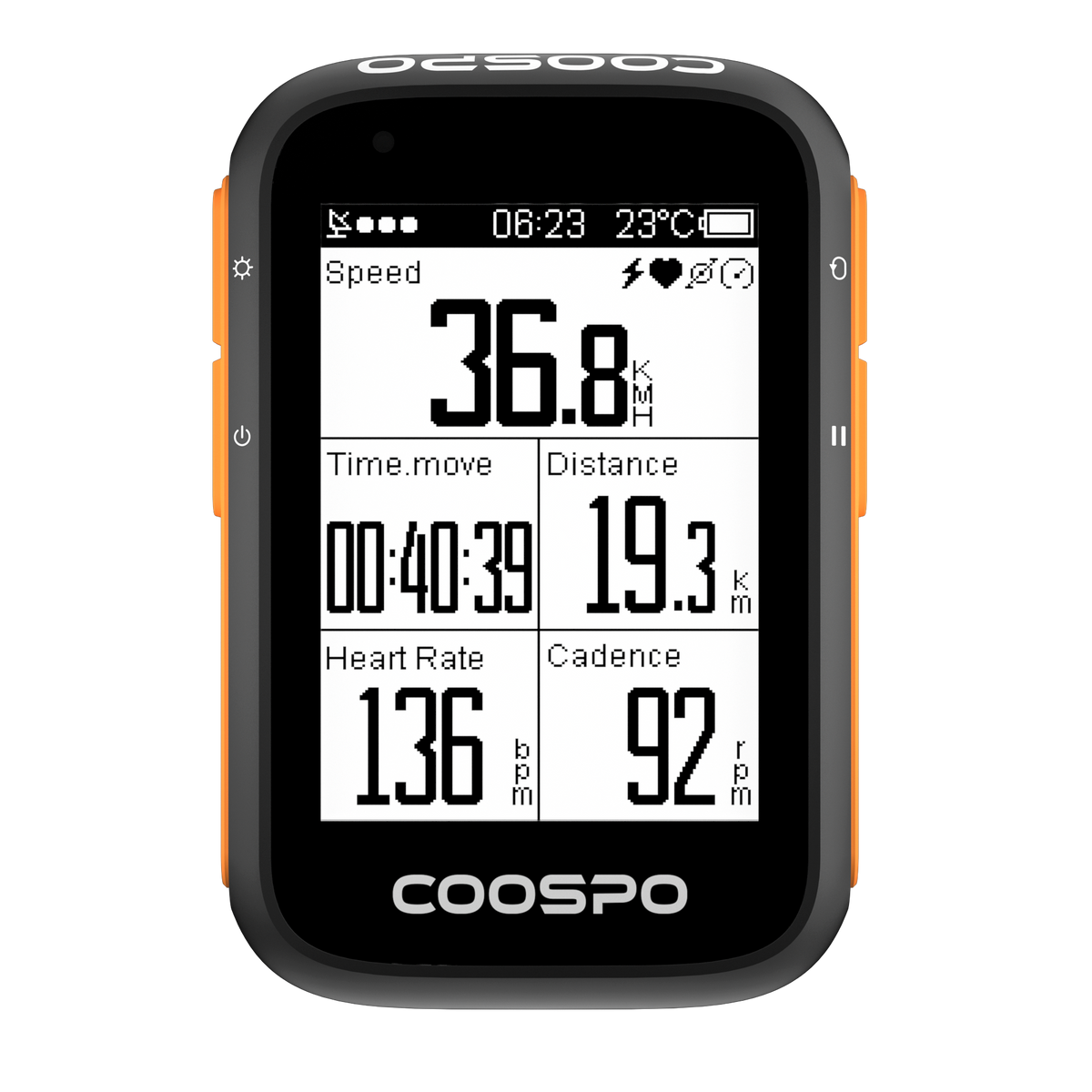
Ordinateur de vélo GPS BC200
Vous souhaitez enregistrer de nombreux moments de votre vie de cycliste ? – Compteur GPS pour vélo BC200

Pour les commandes supérieures à29,9 $ US. Livraison dans 49 pays avec suivi complet. Expédition généralement sous 1 à 2 jours ouvrables.

Couvre les défauts de fabrication. Valable dans les 49 pays où nous livrons. Sans frais supplémentaires.


Positionnement GPS précis
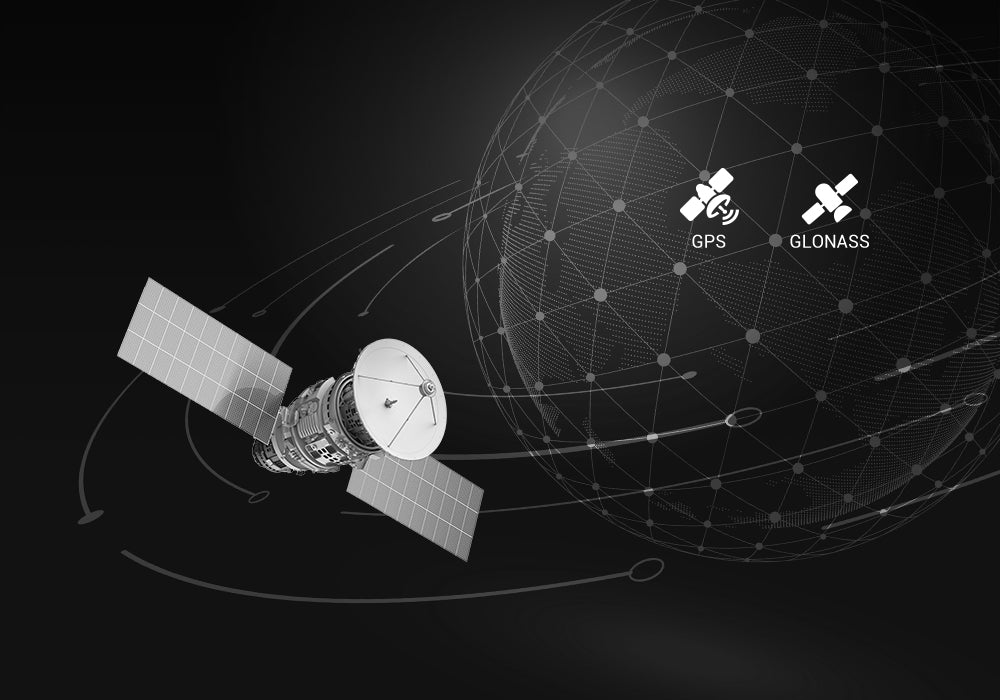
La BC200 dispose de 3 modes de géolocalisation, permettant d'obtenir des données GPS précises partout dans le monde. Il est également possible de désactiver le GPS pour le cyclisme en salle.
Pages d'affichage multidonnées et personnalisées
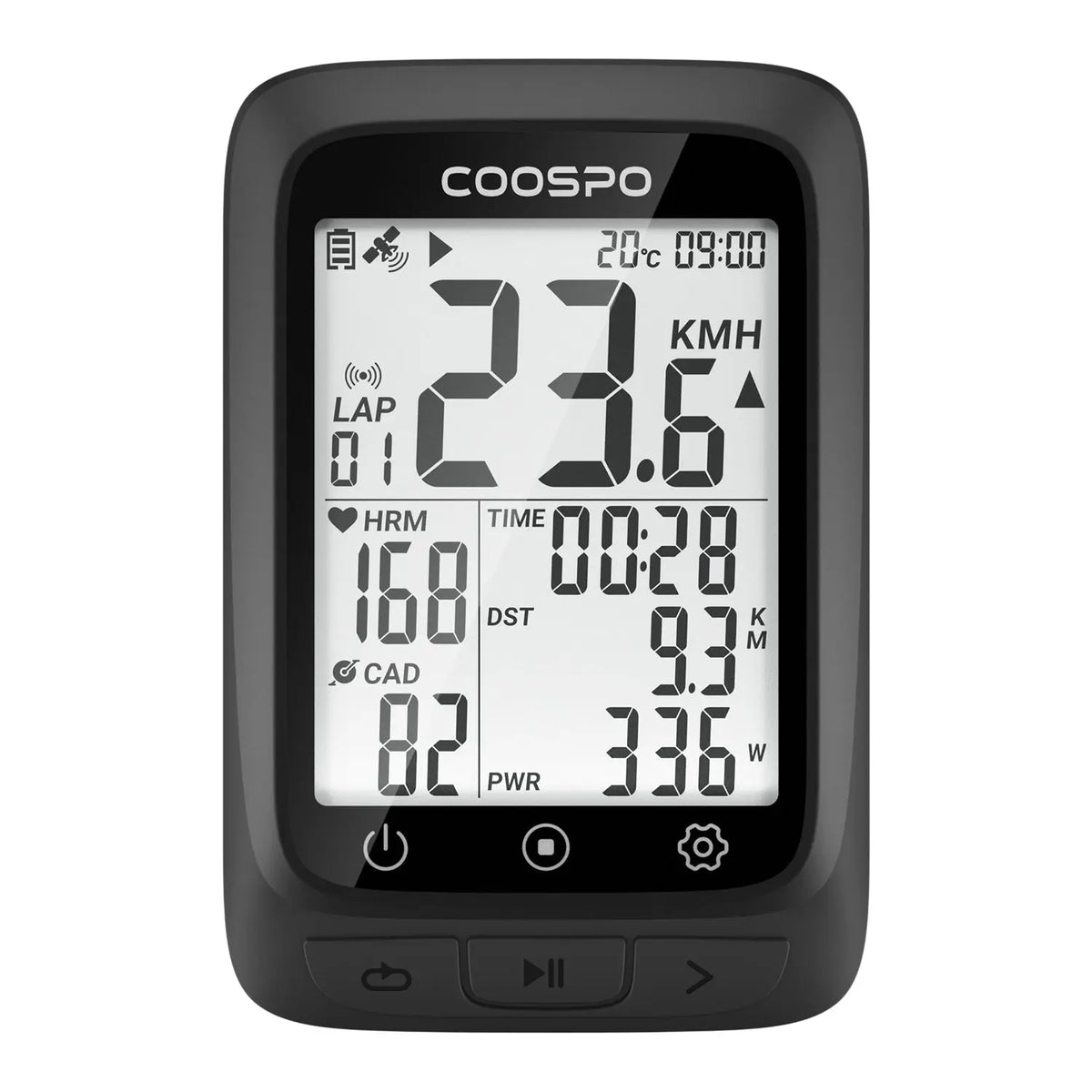
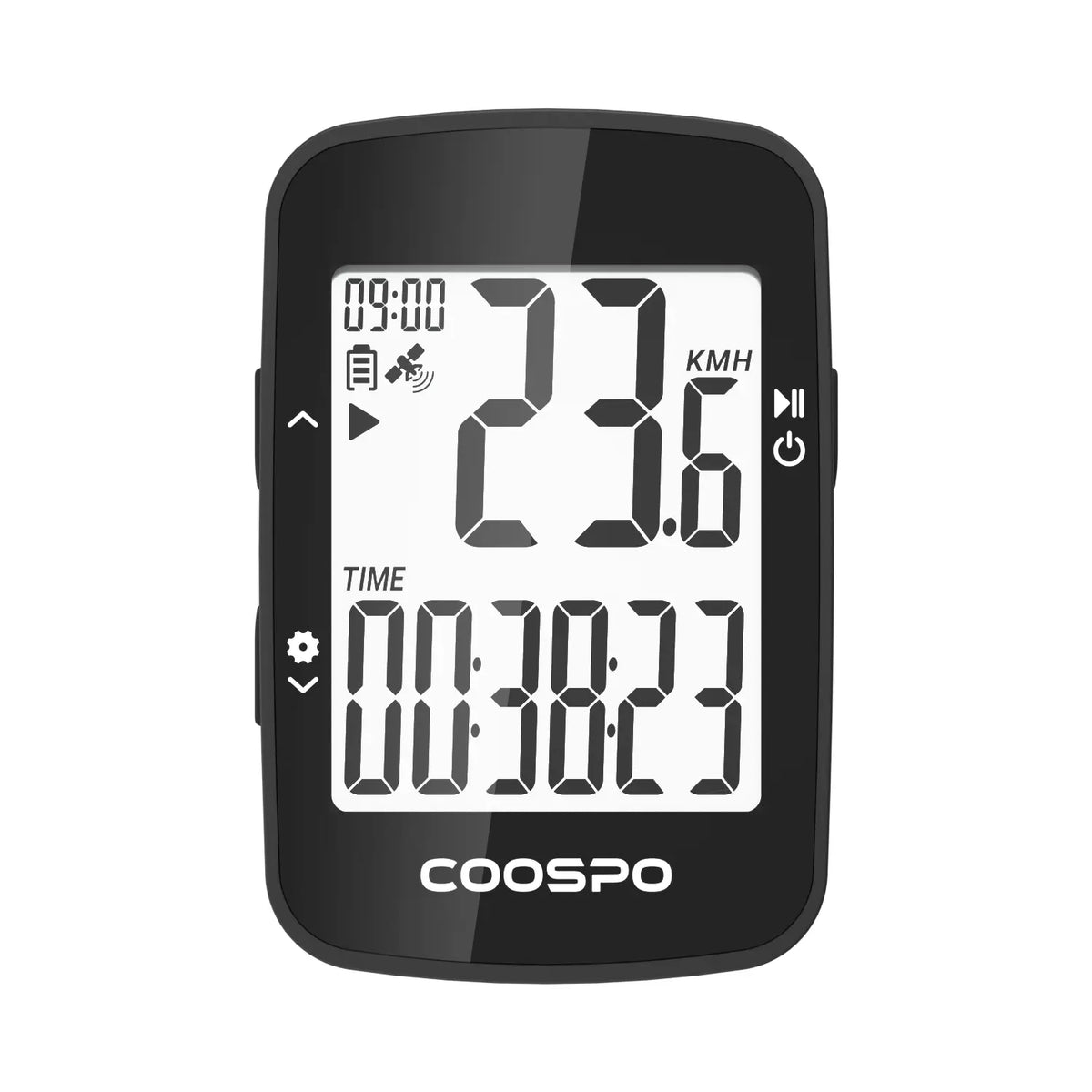
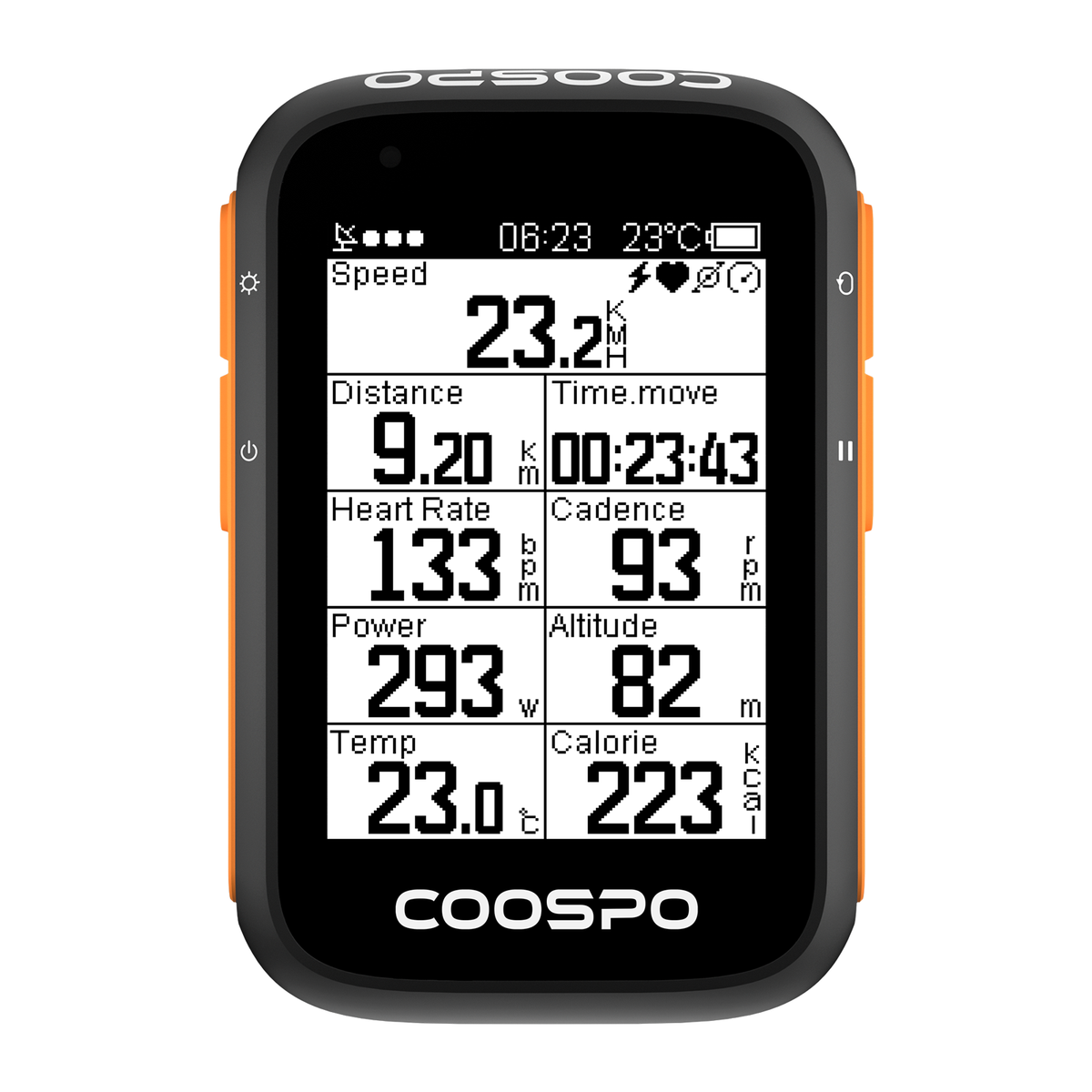
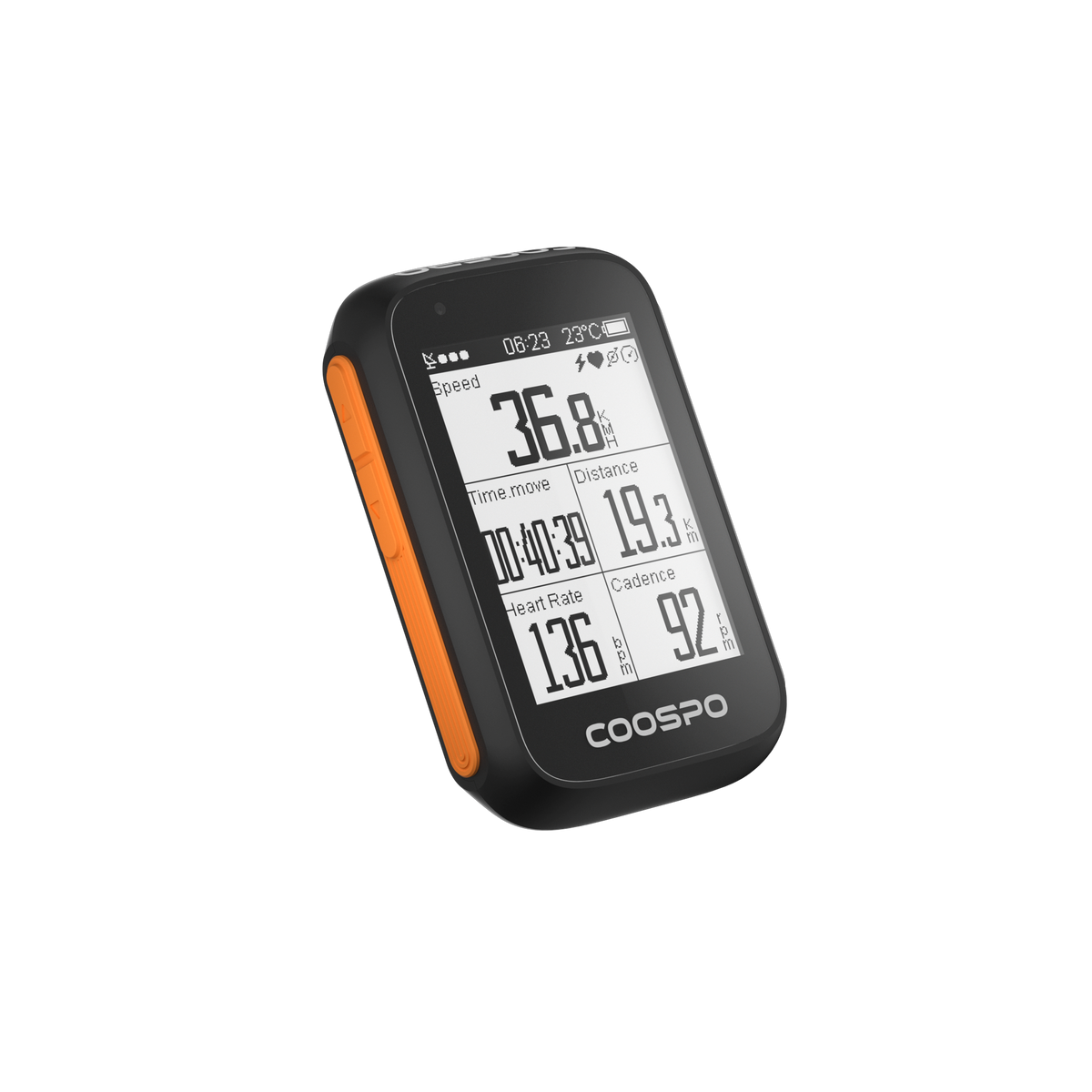
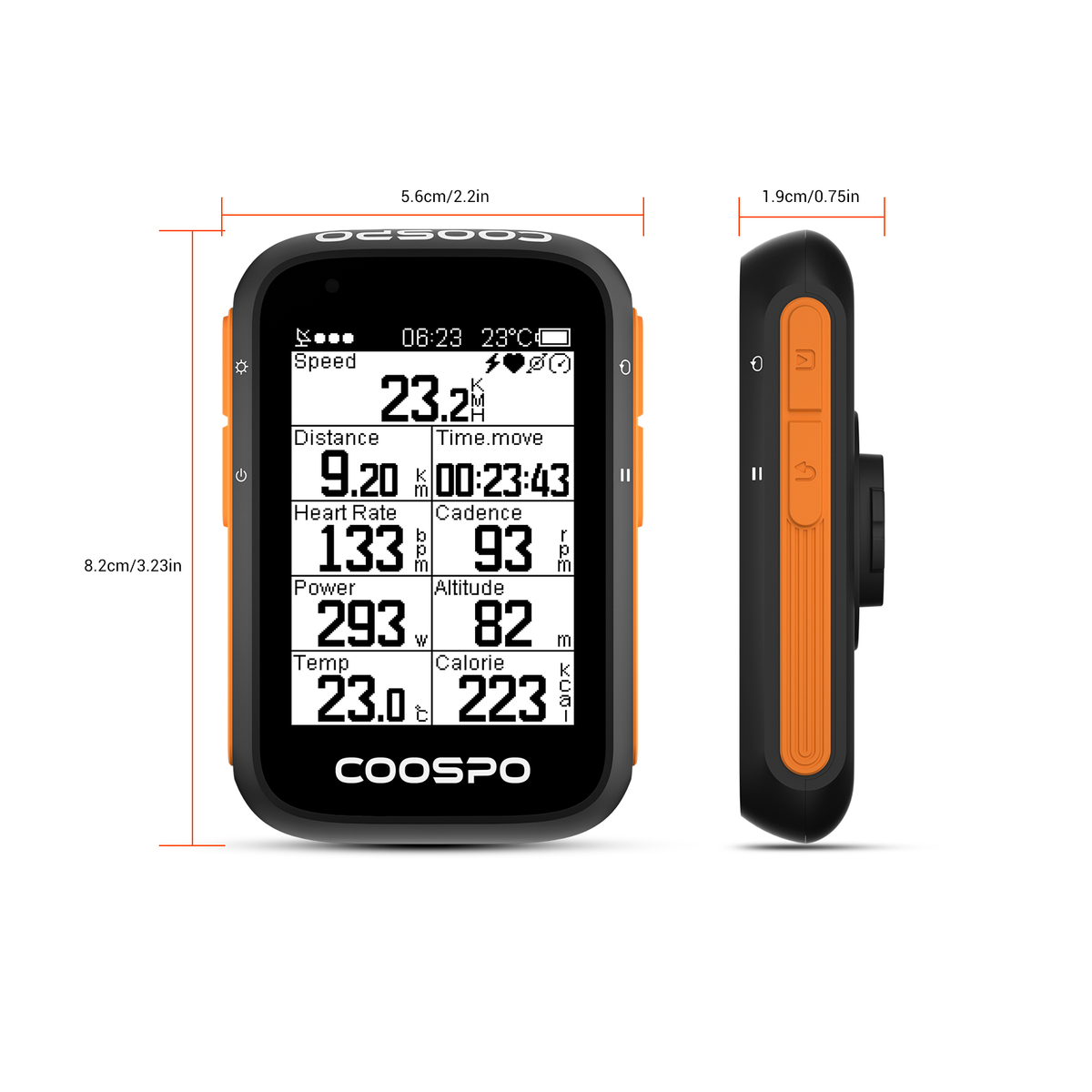
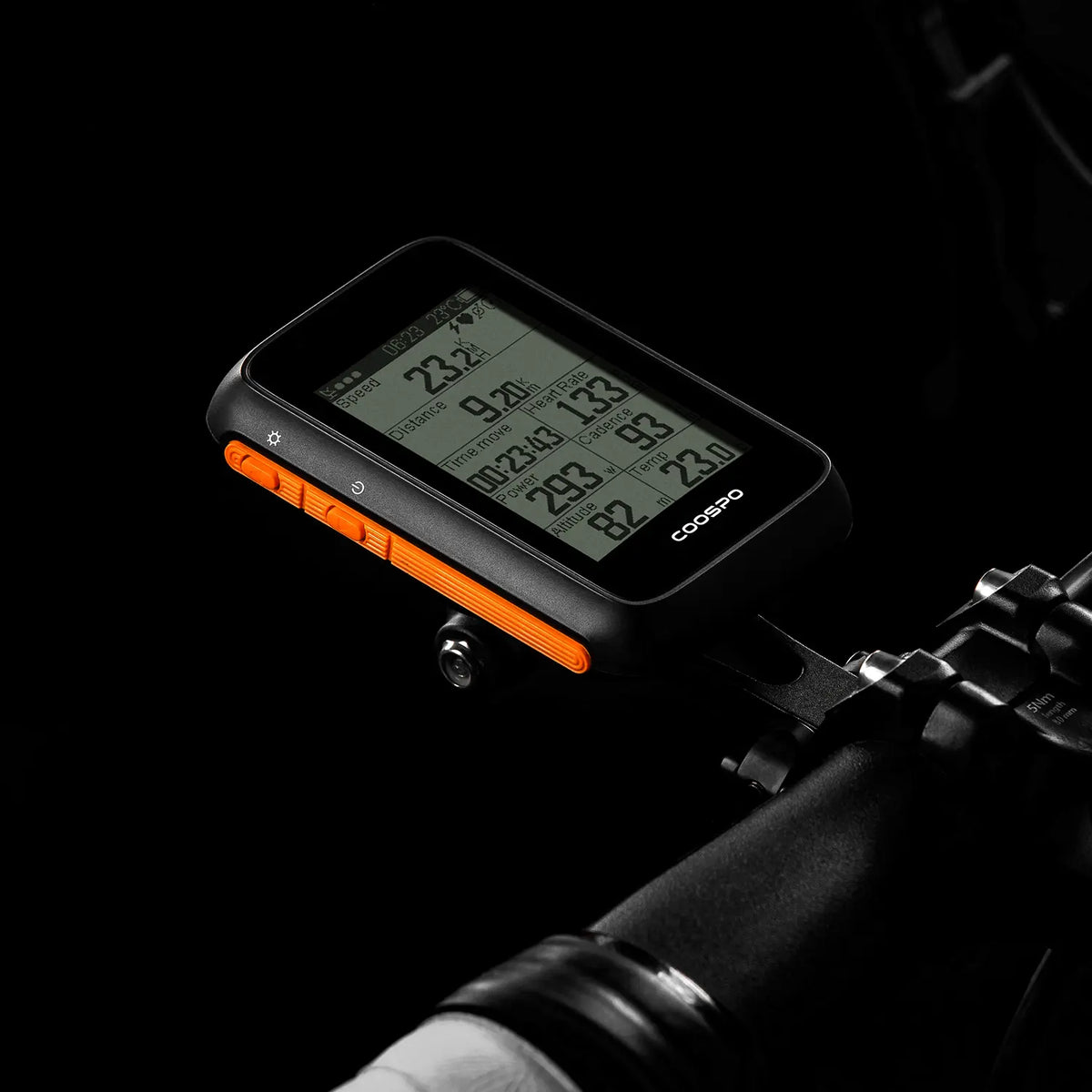
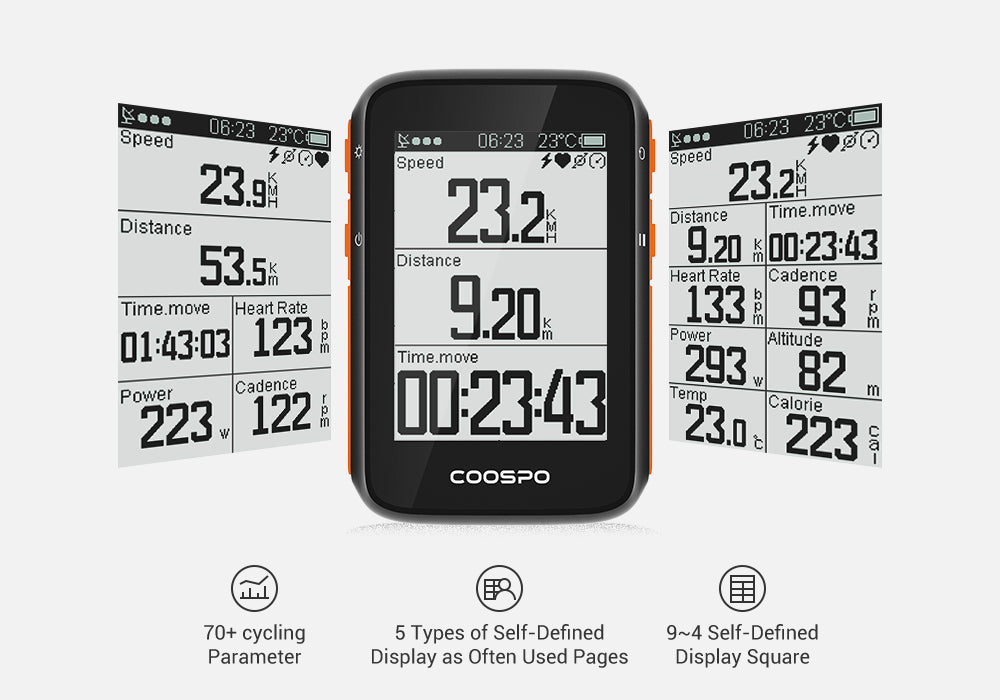
Le BC200 affiche plus de 70 données de cyclisme, dont la fréquence cardiaque et les données d'entraînement liées à la puissance. Par exemple : seuil lactique (LTHR), puissance 3S, FTP, IF, NP, TSS, etc. Cinq pages personnalisables sont disponibles pendant l'entraînement ; chaque page peut afficher de 2 à 9 types de données pour une expérience utilisateur optimale.
Compatibilité avec le capteur BLE ANT+
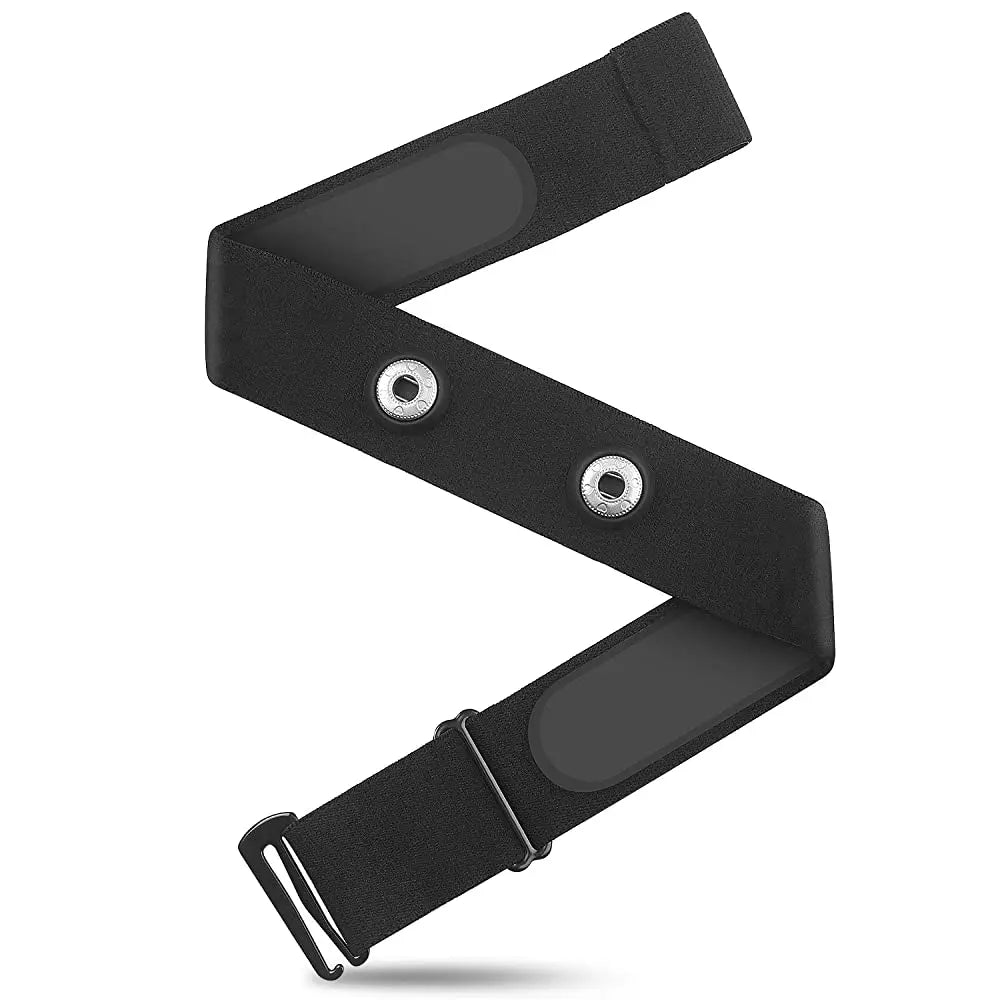
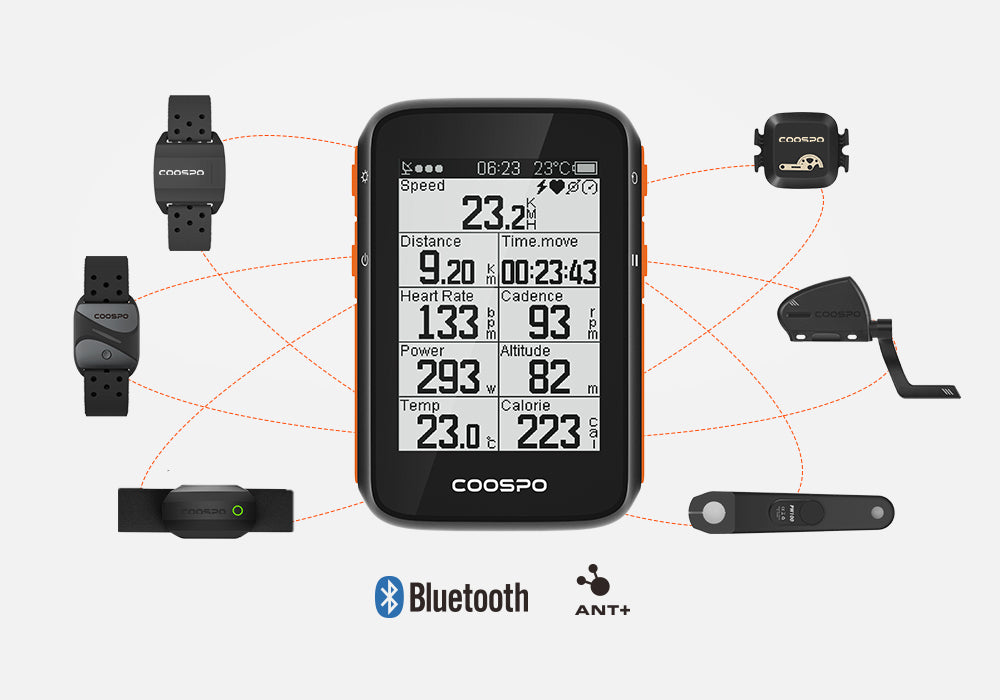
Moniteur de fréquence cardiaque, capteur de cadence/vitesse, alimentation Meter.Not ne prend en charge que les
Remarque : Moniteur de fréquence cardiaque, capteur de vitesse et de cadence,
Le wattmètre doit être acheté séparément.
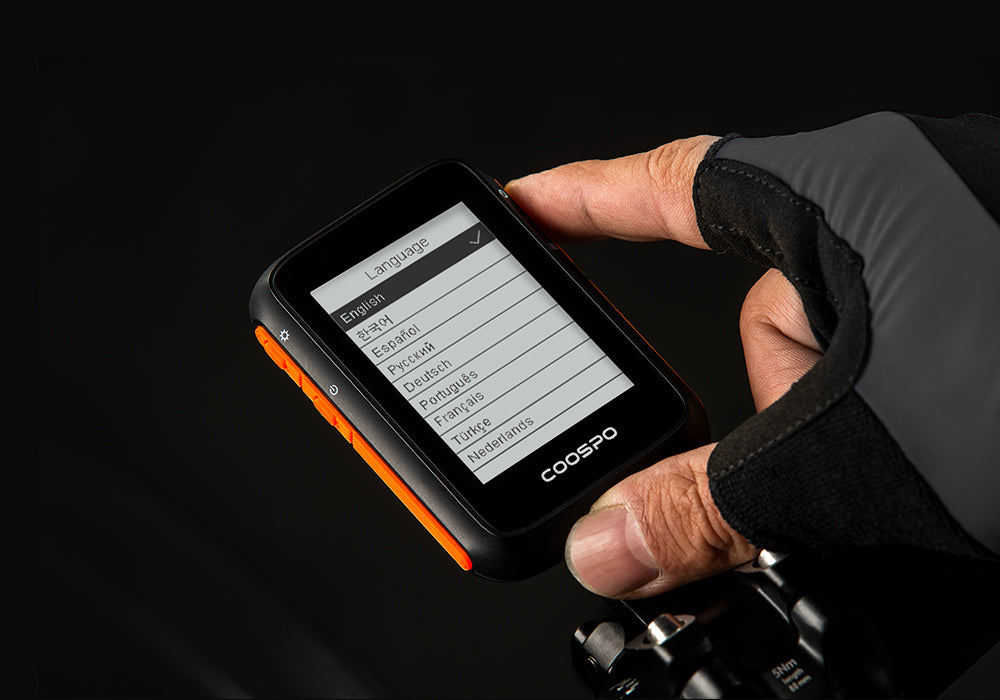
Prise en charge multilingue
Le BC200 prend actuellement en charge plus de 10 langues, dont l'anglais, le russe, le coréen, le néerlandais, l'allemand, l'espagnol, le français, le portugais et le turc. D'autres langues seront bientôt disponibles.
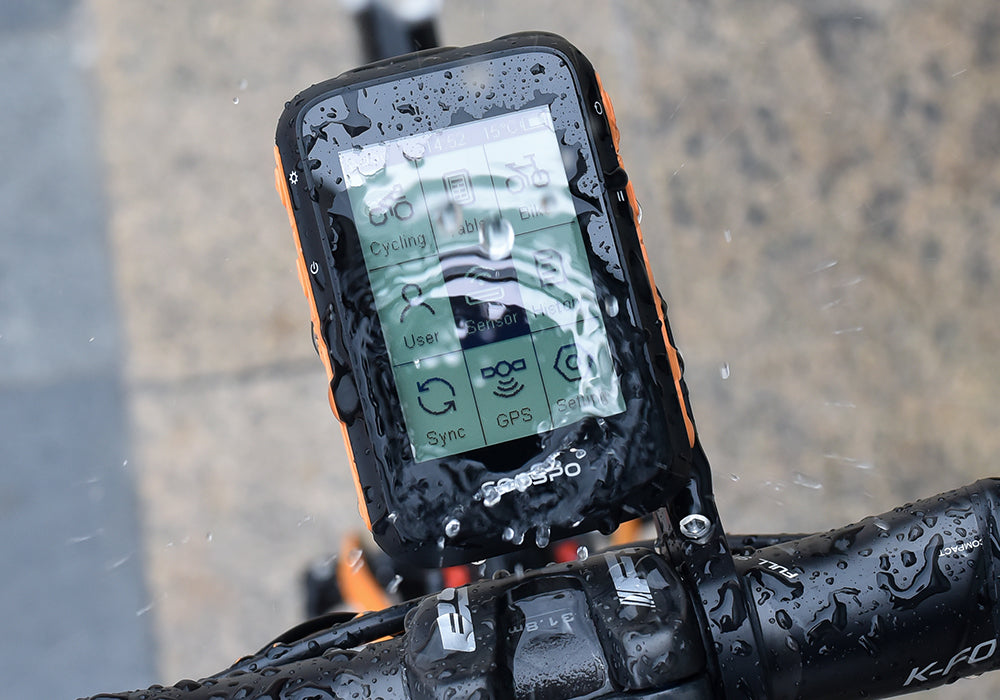
IP67 étanche
Grâce à son indice de protection IP67, vous pouvez rouler sans craindre la pluie.
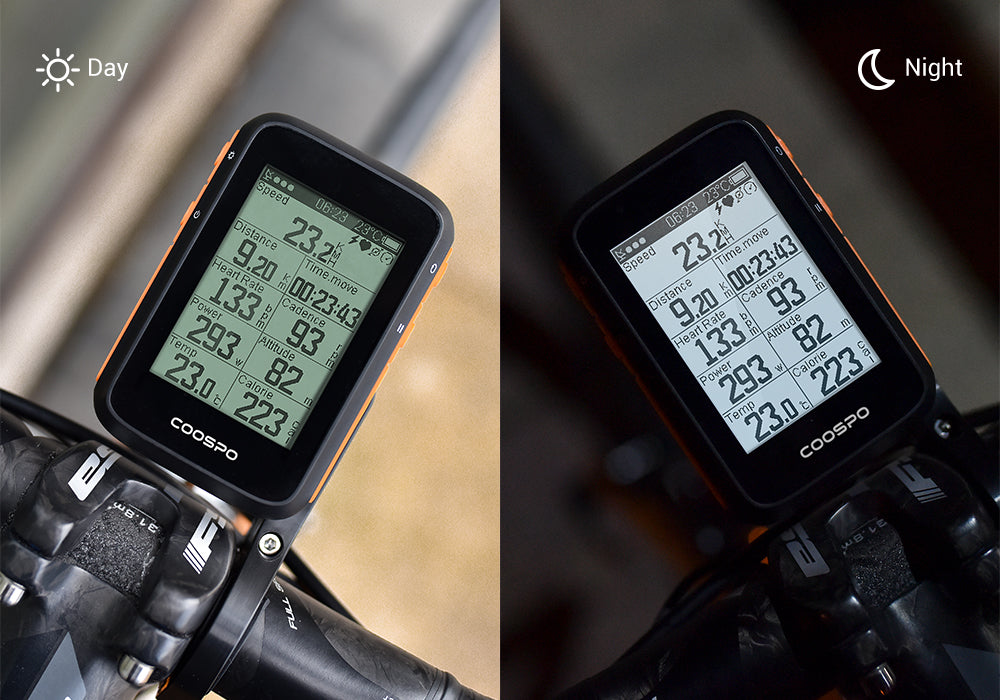
Grand écran de 2,6 pouces et rétroéclairage automatique
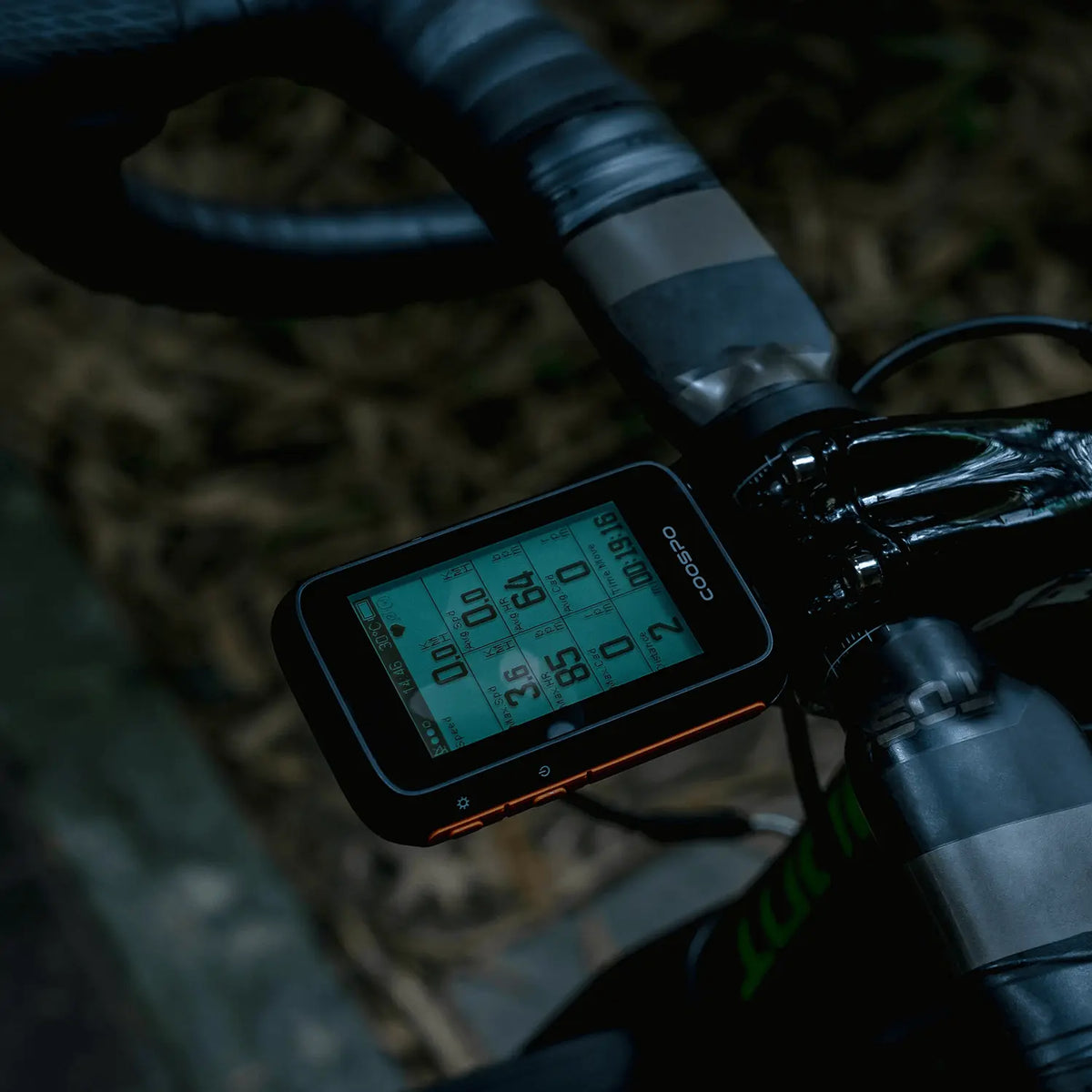
Il est lisible en plein soleil et le rétroéclairage s'active automatiquement dans l'obscurité, ce qui vous offre une vision parfaite de jour comme de nuit.
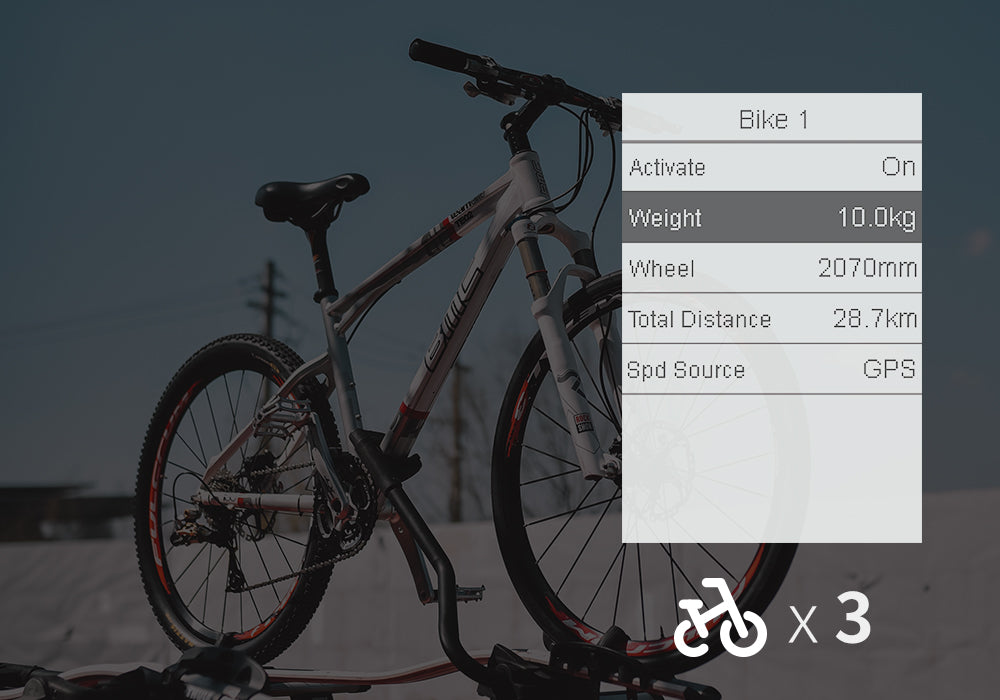
Sauvegarde des données pour 3 vélos
Il n'est pas nécessaire de modifier à nouveau les informations relatives à votre vélo si vous en possédez plusieurs.
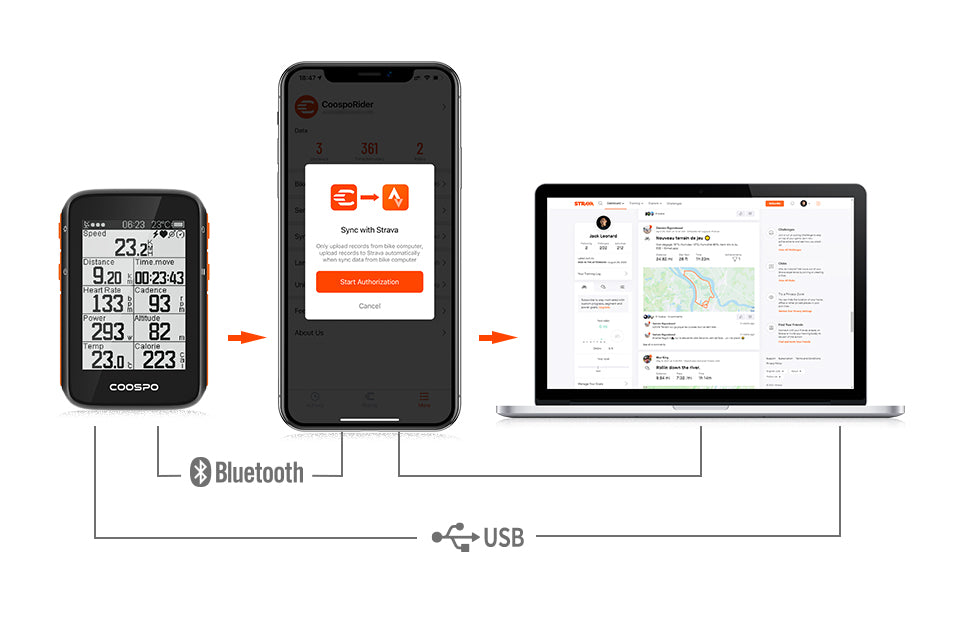
Synchroniser avec Strava
Vous pouvez transférer un fichier FIT vers Strava via USB depuis votre PC, ou synchroniser un fichier FIT avec Strava via
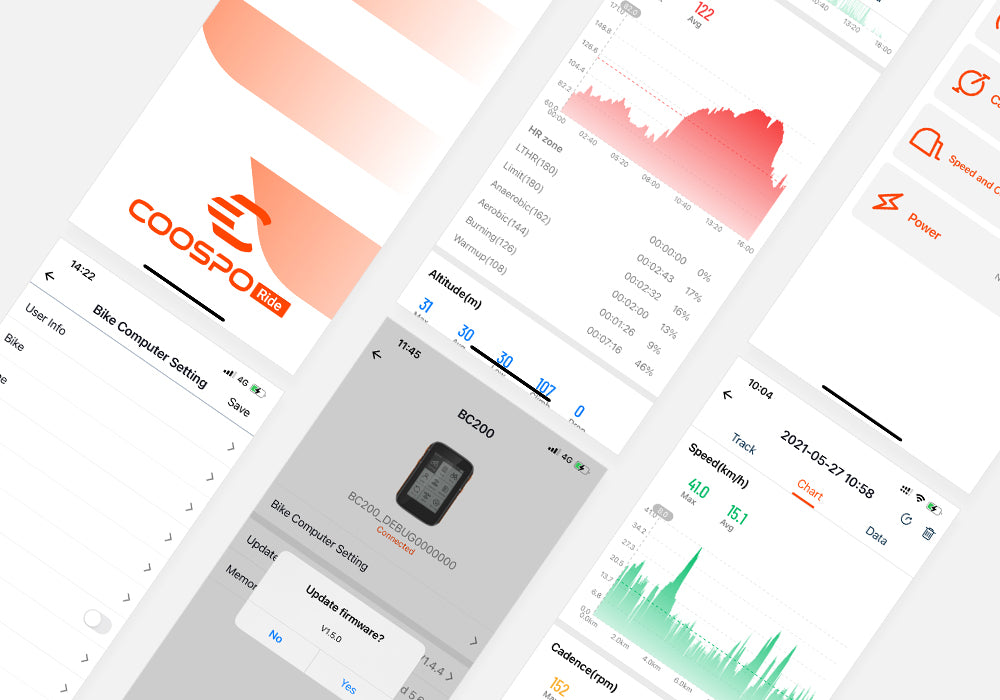
Réglage facile avec <tc>Coospo</tc>application de trajet
Enregistrez et analysez vos données d'activité cycliste, mettez à jour le micrologiciel de votre appareil, le fuseau horaire, les paramètres sonores, etc.
Paramètre
Vous souhaitez enregistrer de nombreux moments de votre vie de cycliste ? – Compteur GPS pour vélo BC200
Apportez votre BC200 pour enregistrer non seulement vos données d'entraînement, mais aussi votre passion, vos efforts et votre persévérance. Et n'oubliez pas de partager avec vos amis !
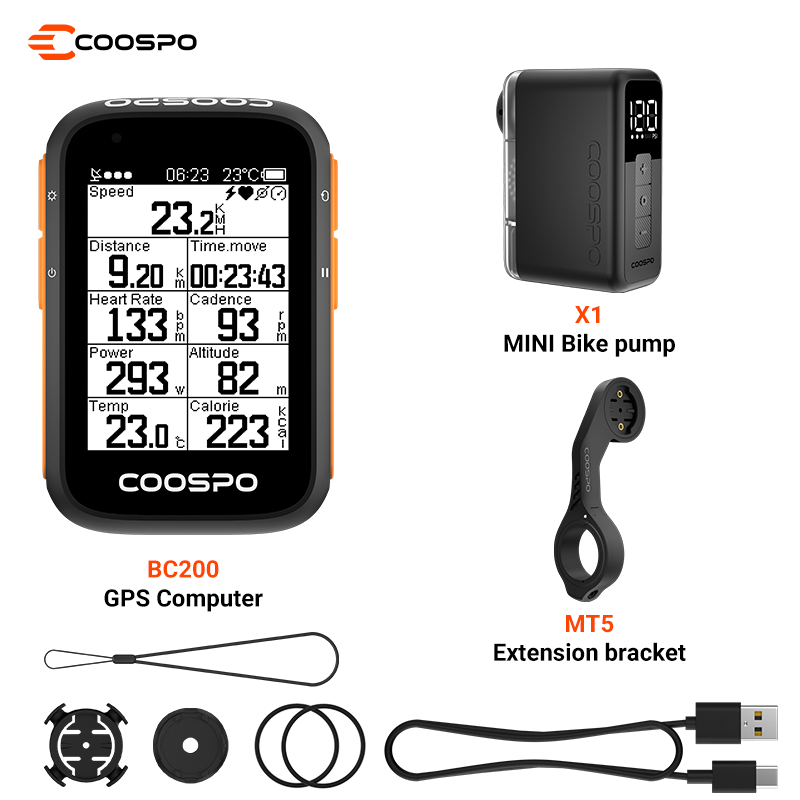
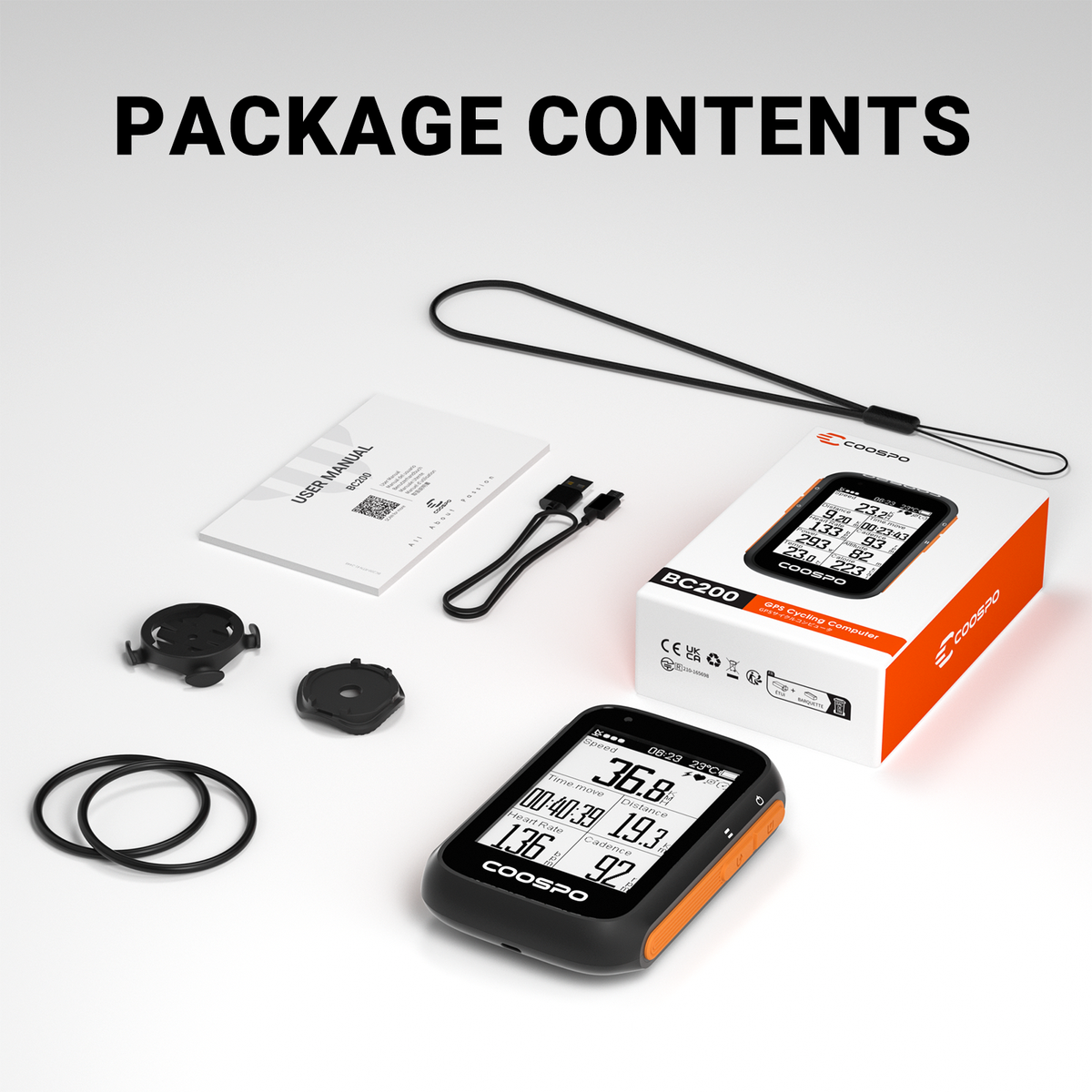
• Unité principale du dispositif BC200
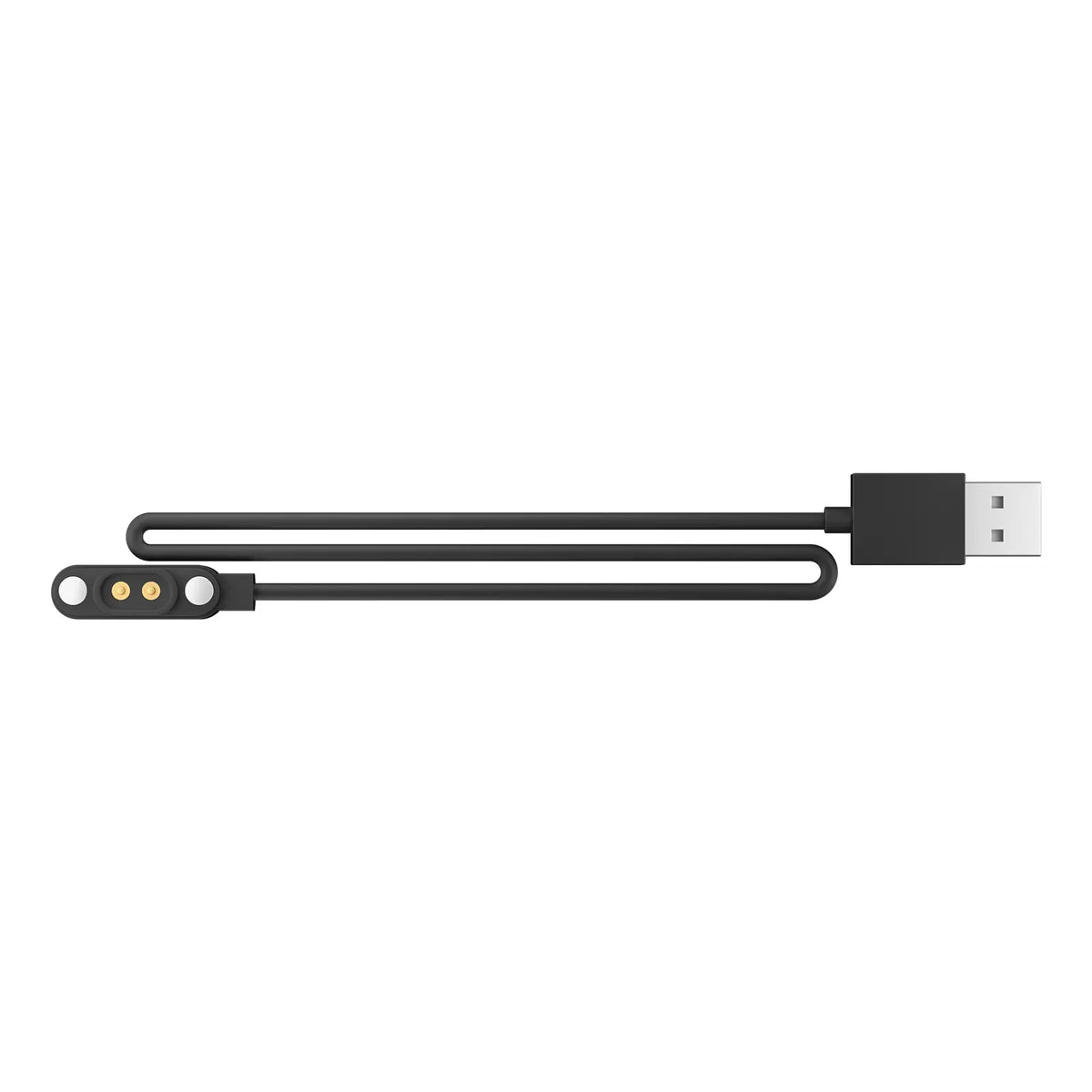
• Câble USB
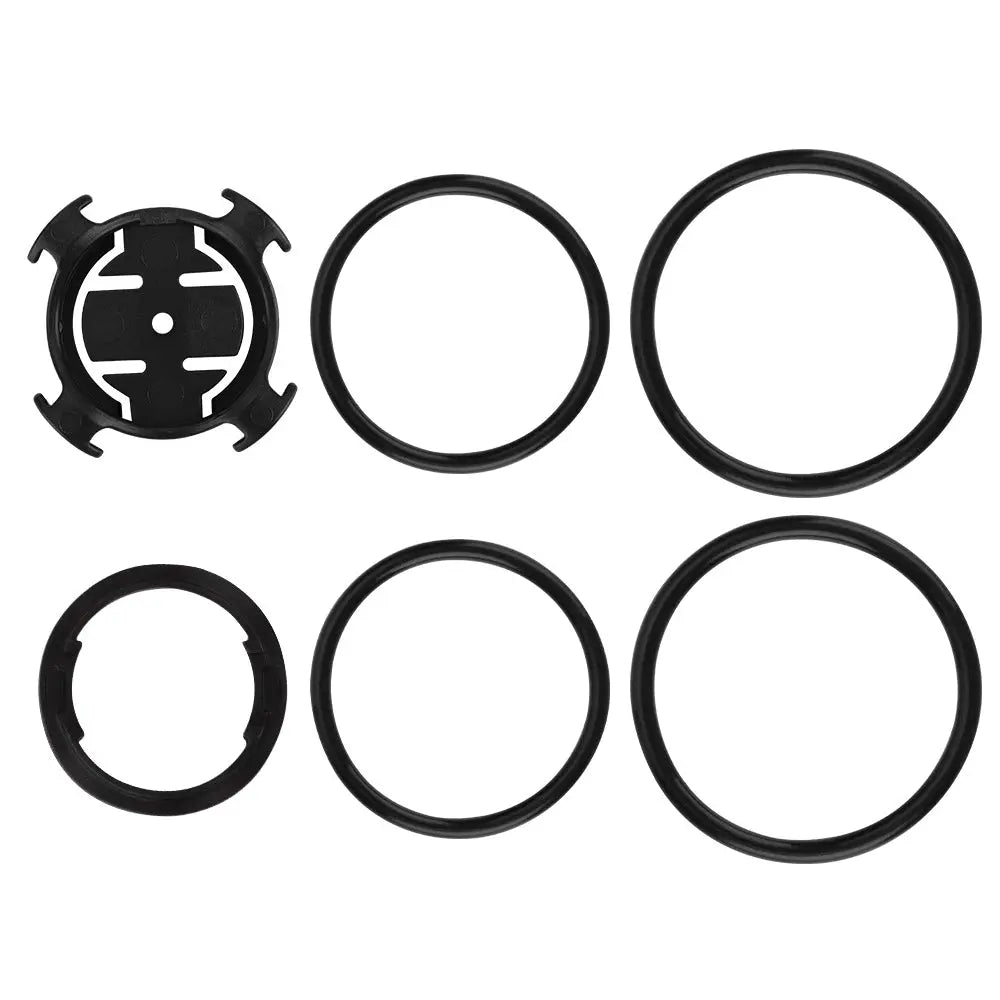
• Support vélo*1
• Manuel d'utilisation
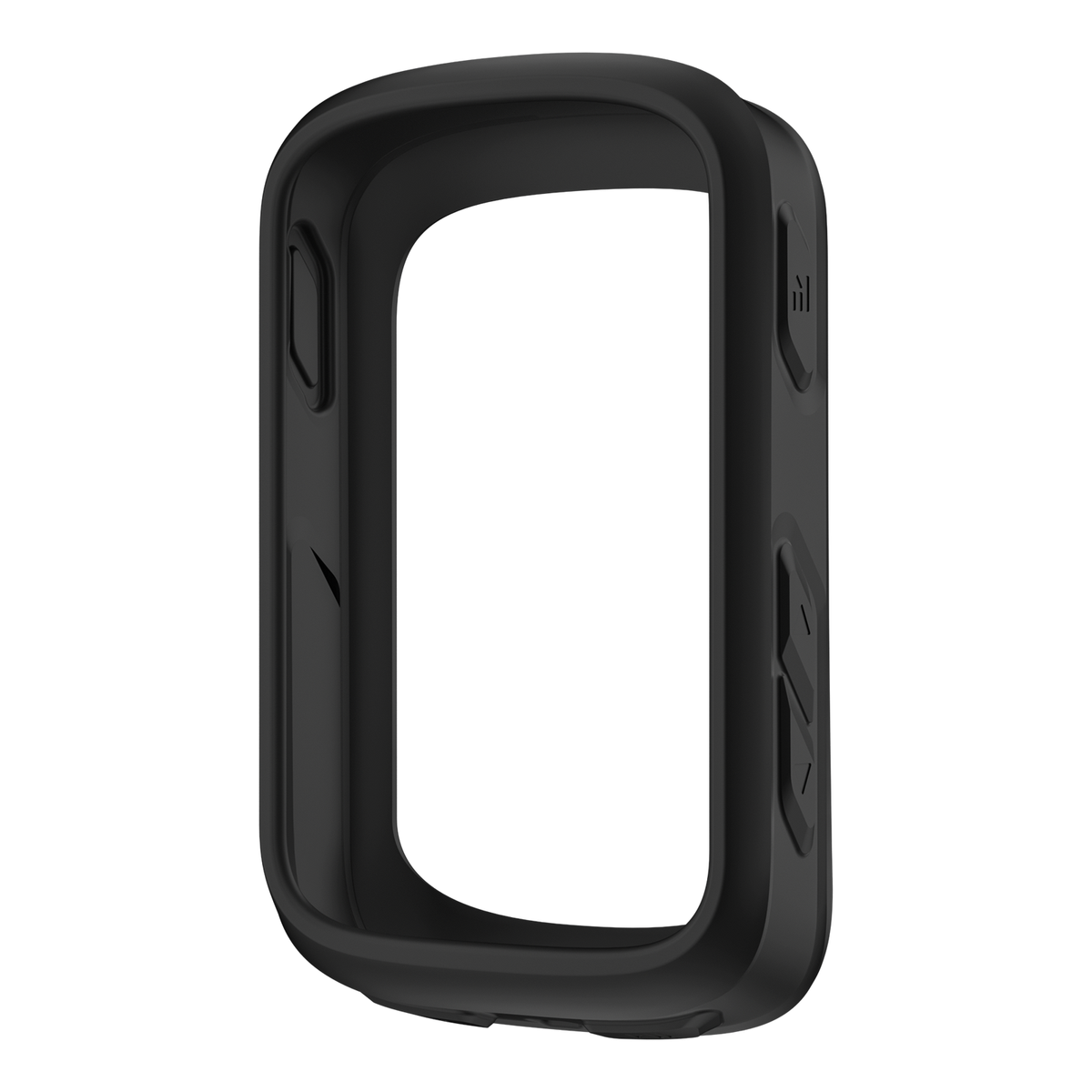
• Protection d'écran
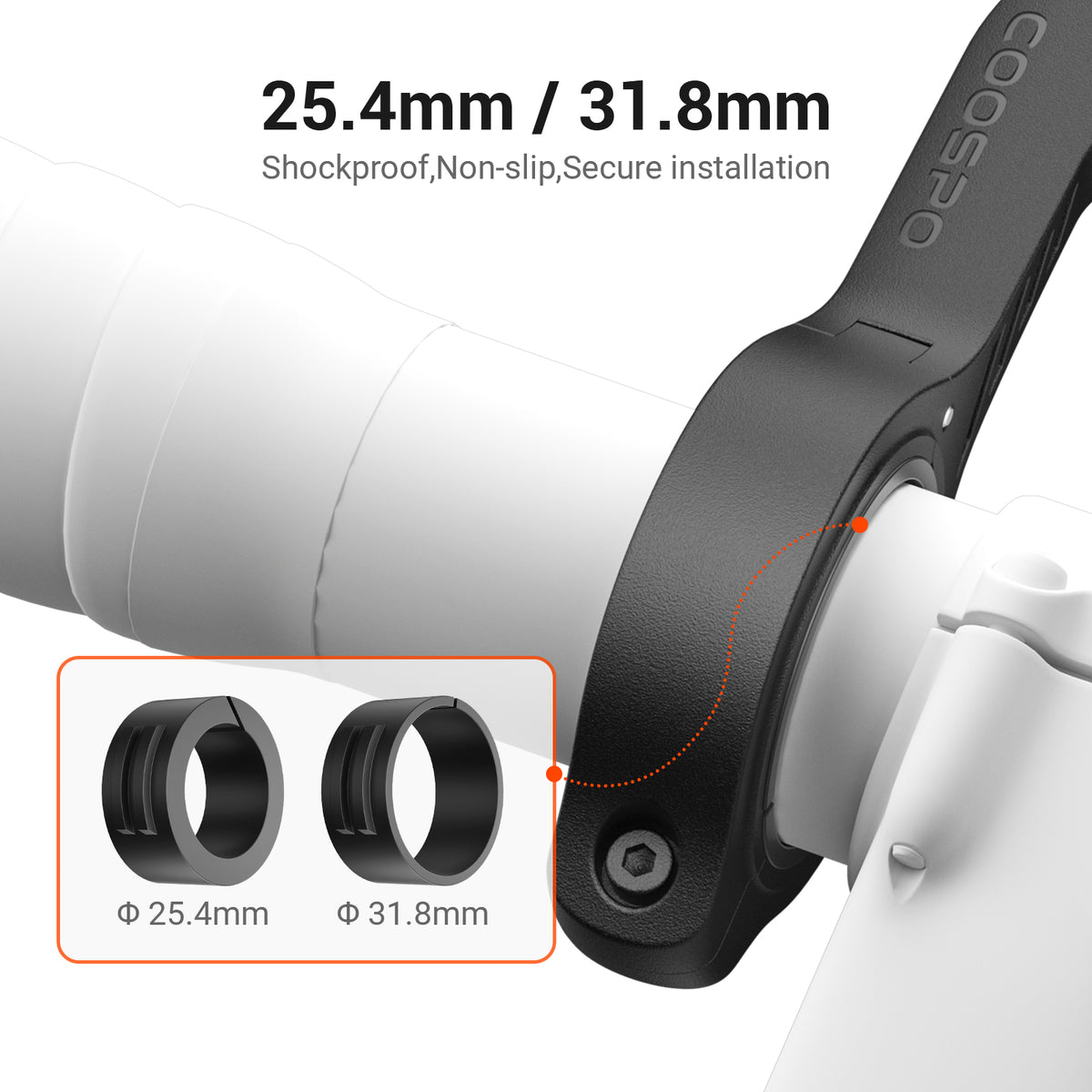
• Anneau en caoutchouc*2
• Tapis en caoutchouc*1
• Corde anti-perte*1
• Dimensions physiques :88*60*20,1 mm
• Taille de l'écran :Écran LCD 2,6 pouces
• Poids:80 g
• Rétroéclairage automatique : Oui
• Autonomie de la batterie :36 heures avec GPS
• Temps de charge :2 heures
• Système de positionnement : GPS, GLONASS, BDS
• Itinéraire et navigation : Non
• Paramètre affiché :70+
Comparez la série PowerCore
Vous aimerez peut-être aussi




Foire aux questions
Comment changer de langue ?
Si vous souhaitez changer la langue sur le BC200, il existe deux méthodes pratiques :
- Allumez directement le compteur de vélo :
Sur le compteur de vélo BC200, accédez à l'option « Paramètres ». Une fois sur la page des paramètres, vous trouverez l'option de réglage de la langue. Accédez à cet écran pour configurer les langues prises en charge par le compteur et sélectionnez celle de votre choix. - Changez de mode de fonctionnement via l'application COOSPO :
Application COOSPO > Moi > Appareil > page de détails de l'appareil > Langue
L'application ne trouve pas l'appareil BC200
- Vérifiez les autorisations de l'application :
Assurez-vous que l'application dispose des autorisations Bluetooth et de localisation requises. Vous pouvez les vérifier et les modifier dans les paramètres de l'application sur votre téléphone. Ces autorisations sont nécessaires pour que l'application puisse rechercher et se connecter aux appareils à proximité. - Vérifiez l'état de liaison du périphérique :
Assurez-vous que la connexion Bluetooth de l'appareil n'est pas utilisée. - Redémarrez le commutateur Bluetooth du téléphone ou redémarrez le téléphone.
Si toutes les étapes ci-dessus ont été correctement effectuées mais que l'appareil reste introuvable, vous pouvez essayer de désinstaller et de réinstaller l'application, puis de redémarrer le téléphone.
Comment régler la distance totale sur le BC200 ?
Méthode 1 : Configurez-le directement sur le BC200
Chemin : BC200 > Vélo > Vélo 1 (activé) > Distance totale
Méthode 2 : Configurez-le en associant le compteur de vélo à l’application.
Chemin d'accès : Application COOSPO > Moi > Appareil > page de détails de l'appareil > Réglages du vélo > Vélo 1 (activé) > Distance totale


